NETGEAR is aware of a growing number of phone and online scams. To learn how to stay safe click here.
Forum Discussion

63GalaxieMan
Oct 26, 2021Follower
Will not update. App installed Mod.# R6900v2
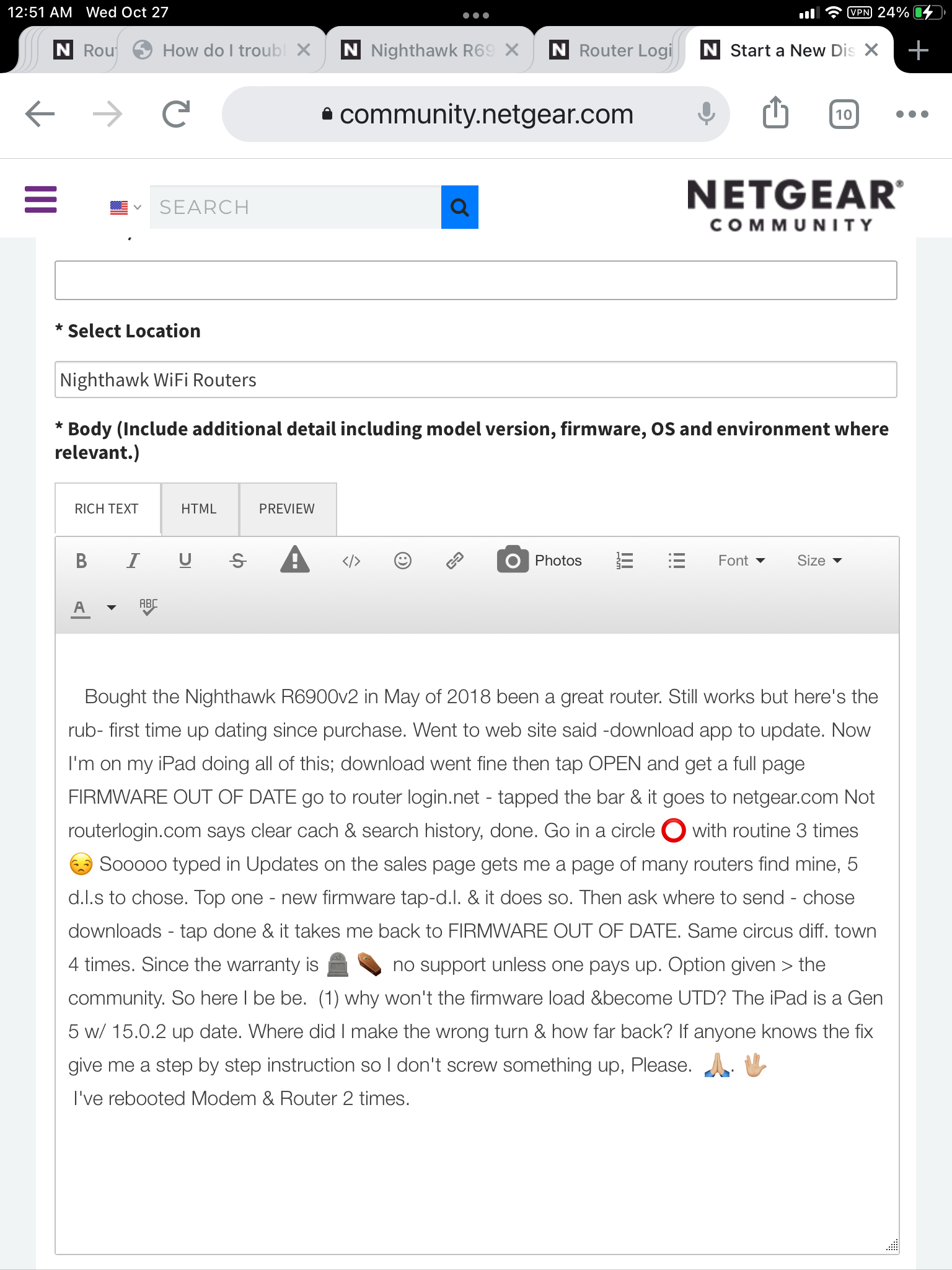
Bought the Nighthawk R6900v2 in May of 2018 been a great router. Still works but here's the rub- first time up dating since purchase. Went to web site said -download app to update. Now I'm on my i...

FURRYe38
Oct 27, 2021Guru - Experienced User
https://kb.netgear.com/23960/How-do-I-manually-update-the-firmware-on-my-NETGEAR-router
63GalaxieMan wrote:
Bought the Nighthawk R6900v2 in May of 2018 been a great router. Still works but here's the rub- first time up dating since purchase. Went to web site said -download app to update. Now I'm on my iPad doing all of this; download went fine then tap OPEN and get a full page FIRMWARE OUT OF DATE go to router login.net - tapped the bar & it goes to netgear.com Not routerlogin.com says clear cach & search history, done. Go in a circle ⭕️ with routine 3 times 😒 Sooooo typed in Updates on the sales page gets me a page of many routers find mine, 5 d.l.s to chose. Top one - new firmware tap-d.l. & it does so. Then ask where to send - chose downloads - tap done & it takes me back to FIRMWARE OUT OF DATE. Same circus diff. town 4 times. Since the warranty is 🪦 ⚰️ no support unless one pays up. Option given > the community. So here I be be. (1) why won't the firmware load &become UTD? The iPad is a Gen 5 w/ 15.0.2 up date. Where did I make the wrong turn & how far back? If anyone knows the fix give me a step by step instruction so I don't screw something up, Please. 🙏🏼. 🖖🏼
I've rebooted Modem & Router 2 times.