NETGEAR is aware of a growing number of phone and online scams. To learn how to stay safe click here.
Forum Discussion

Mook1
Aug 10, 2016Guide
Ultra 6 Memory Upgrade Verification
I want to upgrade the memory on my Ultra 6s. I have two. 8GB seems a little pricey so 4B will have tp do. I've searched the forum and want to verify which memory is correct for the Ultra 6. Can someo...
 Aug 12, 2016
Here you are. It is the ReadyNAS Ultra 6 (Not Ultra 6 Plus), the CPU is the Intel Atom D510. 2x2Gb
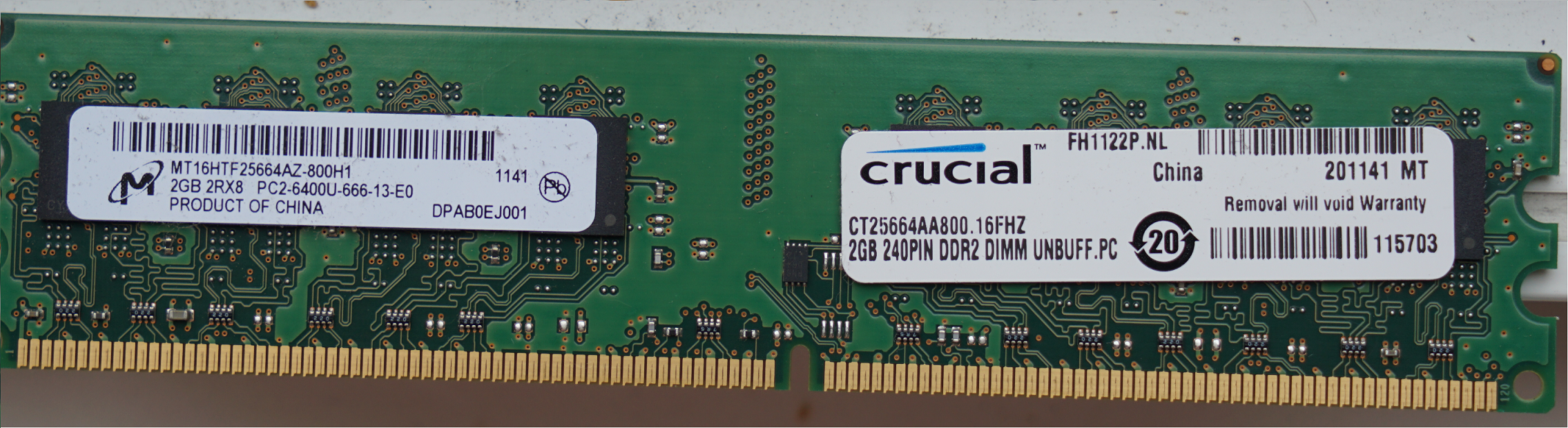
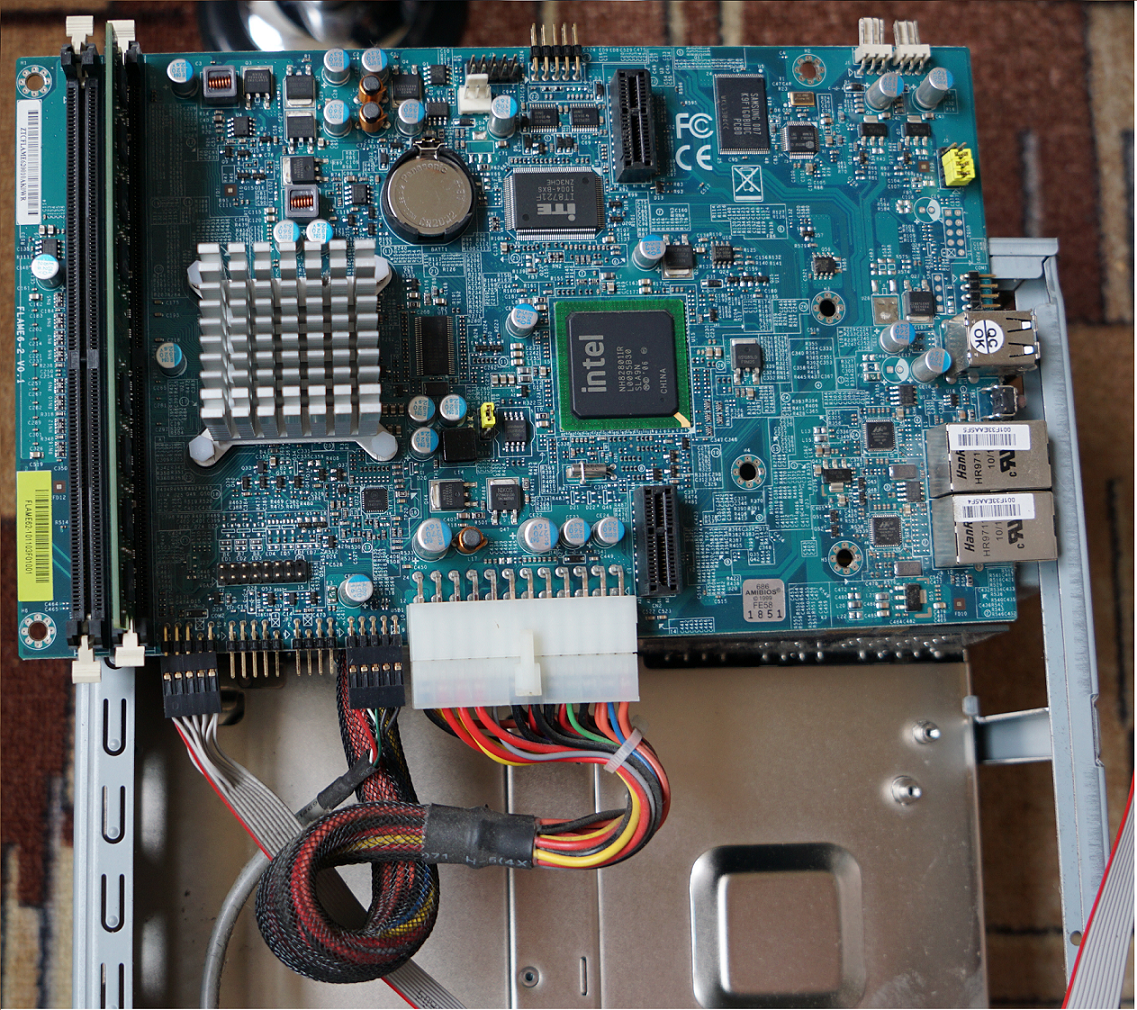
Mook1
Aug 18, 2016Guide
Memory rec'd and memory test running on first unit.
For the life of me I could not remove the motherboard. after taking out the 6 screws I was having to apply too much force.
Thankfully, I have small hands and was able to snap the memory in.
I have one more unit to do assuming things go well with unit 1.
Any tips on removing the mobo?
Will report success or failure. Thanks for all the help esp. sotrack's pic.

JanHussaarts2
Aug 18, 2016Luminary
6 is not enough. I recall removing 1 or 2 screws from the back as well. Near the USB or network connector.
Then you have to gently pull it a bit away from the back (couple of millimeters) before trying to move it up.
Near the spot where you removed 4 screws is a large connector that connects this part of the board to another board.
Related Content
NETGEAR Academy

Boost your skills with the Netgear Academy - Get trained, certified and stay ahead with the latest Netgear technology!
Join Us!
