NETGEAR is aware of a growing number of phone and online scams. To learn how to stay safe click here.
Forum Discussion

KJ_Shanghai
Nov 30, 2019Aspirant
Remove inactive volumes to use the disk. Disk #1,4
The office power supply was switched off this morning by electricians and when it was restarted the RN314 drive rebooted. It is now showing an error, Remove inactive volumes to use the disk. Disk #1,4.
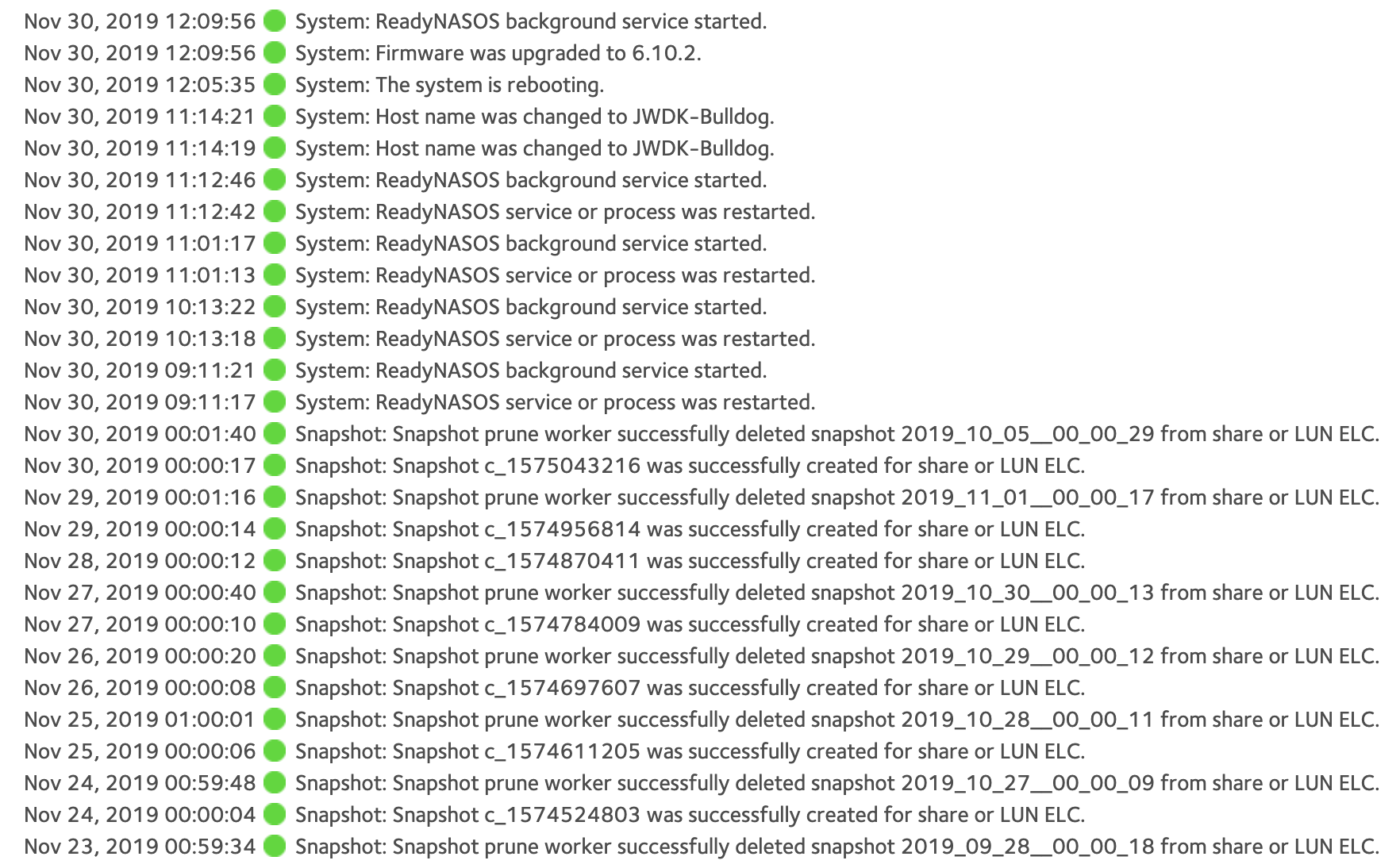
I have upgraded the firmware and rebooted the drives but no luck. How might I repair these disks or retireve the data. Log attached.
2 Replies
Replies have been turned off for this discussion
 StephenBGuru - Experienced User
Your best option is to engage paid Netgear support via my.netgear.com. If you don't have a service contract in place, you can either get one or ask about per-incident support. If your issue is simple, per-incident support might be enough (not sure, I haven't had this problem myself).
If data recovery is needed, then you'd need a separate data recovery contract: https://kb.netgear.com/69/ReadyNAS-Data-Recovery-Diagnostics-Scope-of-Service
If you have a backup, then another option is to do a factory default on the NAS, rebuild it, and then restore everything from the backup.
To prevent this kind of issue in the future, you might consider getting a UPS for the NAS (getting a model that the NAS can monitor). Then it would have shut down cleanly when the UPS battery drained.
- KJ_ShanghaiAspirant
OK thanks for the suggestions. I'll try the factory reset as I have a synced back-up on our Egnyte Cloud. Thanks again.
Related Content
NETGEAR Academy

Boost your skills with the Netgear Academy - Get trained, certified and stay ahead with the latest Netgear technology!
Join Us!