NETGEAR is aware of a growing number of phone and online scams. To learn how to stay safe click here.
Forum Discussion

Rolex
Nov 13, 2021Tutor
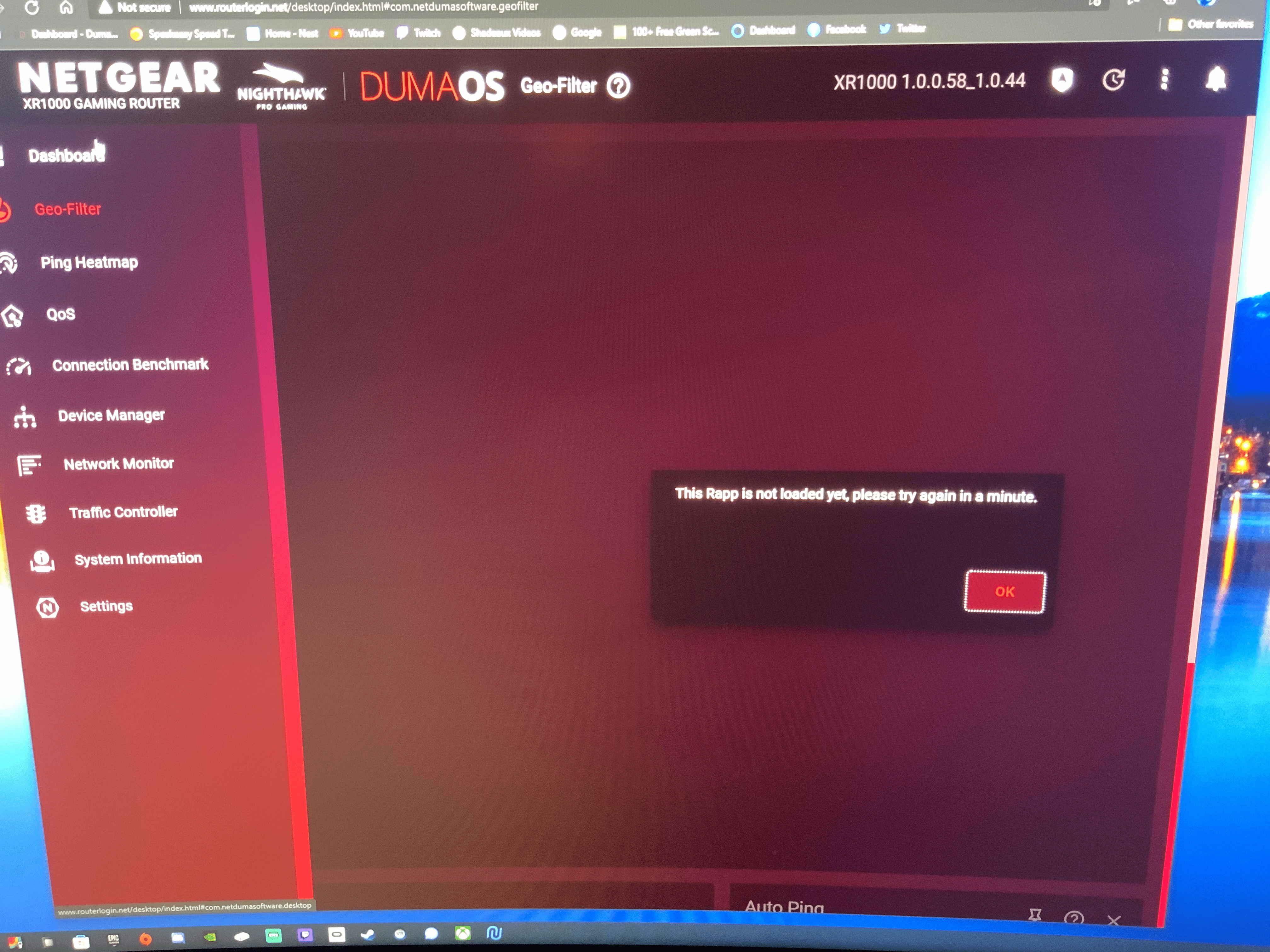
XR1000 GeoFilter "The Rapp is not loaded yet, please try again in a minute" on DumaOS
I have been trying to use GeoFilter on my newly purchased XR1000 router through DumaOS and it will not open. Firmware version 1.0.0.58 Any suggestions would be appreciated.
Shadeaux
Dec 20, 2021Star
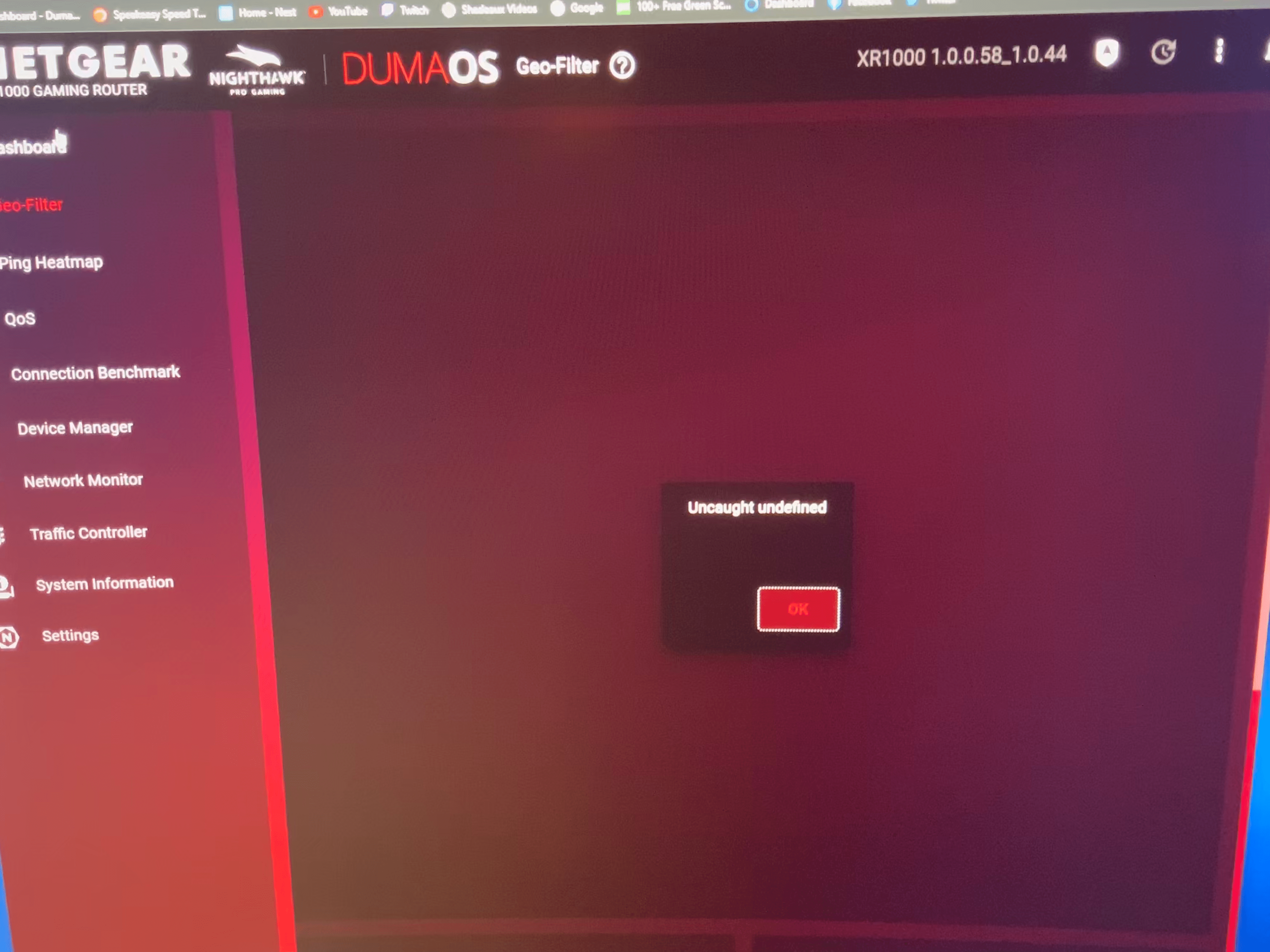
Well, I did factory reset by holding in the pin on the back...went through setup...reset router before logging into UI. Waited 5 minutes. Logged in. Still does same thing. Throws uncaught exception, then says Rapp not loaded on geofilter and ping heatmap. Everything else works fine. Even auto ping on geofilter page works. Not the other 2 boxes, though.
Netduma-Liam
Dec 21, 2021NetDuma Partner
As you're still getting the error, I believe you'll need to downgrade back to the previous firmware, then upgrade back to the new one again. That should resolve the issue for you.
- Brandon2021Dec 21, 2021Tutor
You'd think knowing this is a wide spread issue support would put out another firmware update fixing this. It's bad enough paying $250 plus for a router, but it's a whole other problem installing a router in a house with 50+ devices connected then being told you need to do a factory reboot and start over to correct it.
- PhainoDec 21, 2021Star
Exactly what Brandon said.
Ridiculous - we have to downgrade firmware - just to upgrade it again.
Why has there been no firmware fix?
- Netduma-FraserDec 21, 2021NetDuma PartnerIt's not as easy as throwing a firmware out to fix it, the entire firmware has to get tested, if there is an issue the process starts again. Rest assured we're doing what we can to get it out as fast as possible.
- Brandon2021Dec 21, 2021TutorProbably better to not respond. I’m sure I’m not alone in not giving an F about what is ”easy” on your end. You charge premium pricing for your products and people rightfully expect better. Especially when you market a product to do a particular thing and if fails at the very thing people invested in.
- ShadeauxDec 21, 2021Star
Problem is, there is no error thrown during router installation.
No indication that anything went wrong when firmware is upgraded during that installation.
And the "fix" is to try it again and cross your fingers that THIS time it will work.
I have 2 different routers XR500 (which USED to work) and XR1000 both doing the same thing.
If the firmware upgrade breaks key features of the device, then why not pull the upgrade?
- Netduma-FraserDec 21, 2021NetDuma PartnerShadeaux you wouldn't see an error during installation. If you're using the XR1000 then disable Armor and reboot from the interface, that can sometimes cause an error. If it was a really widespread issue then we would, looking on a support forum gives the impression it is when that's what the forum is there for to help those having issues but it represents a small percentage of users in reality.
- ShadeauxDec 21, 2021StarSo I downgraded to the 50 version firmware that I downloaded from your site. Reset router with pin on back and started all over. I skipped the upgrade during setup. The 50 version throws exact same error.
- Netduma-FraserDec 21, 2021NetDuma PartnerIs that with Armor disabled?
- ShadeauxDec 21, 2021Star
I have never activated armor...it shows as unactivated when I click armor icon in top right.
I went ahead an let firmware upgrade to latest. Waited. Same result.
- Netduma-FraserDec 21, 2021NetDuma PartnerDo you have a web based Adblocker? If so whitelist the interface, also are you forcing a connection to the interface through HTTPS?
- ShadeauxDec 21, 2021Star
No ad blocker. No https. Multiple browsers tried.
- Netduma-FraserDec 21, 2021NetDuma PartnerCan you provide a full screen screenshot when you're getting the error please so I can see if anything is amiss
- ShadeauxDec 21, 2021Star
- ShadeauxDec 21, 2021Star
- ShadeauxDec 21, 2021Star
- Netduma-FraserDec 21, 2021NetDuma PartnerCould you take a full screenshot please so I can see the browser and all the interface https://support.microsoft.com/en-us/windows/use-snipping-tool-to-capture-screenshots-00246869-1843-655f-f220-97299b865f6b
- ShadeauxDec 21, 2021Star
- ShadeauxDec 21, 2021Star
- ShadeauxDec 21, 2021Star
- ShadeauxDec 21, 2021Star
- ShadeauxDec 21, 2021Star
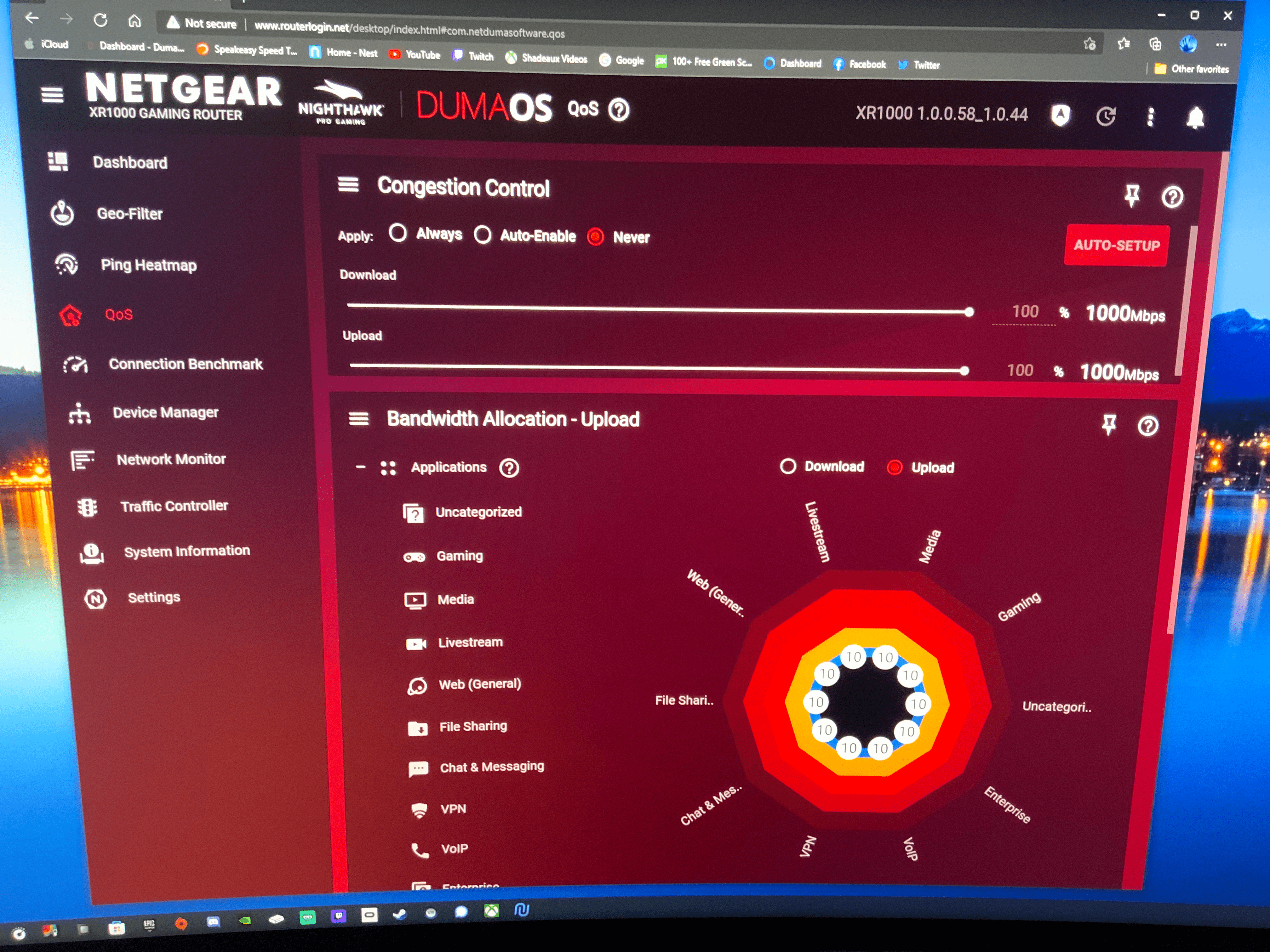
Everything works..except Geofilter and heatmap.
- Netduma-FraserDec 22, 2021NetDuma PartnerI think the best thing to do would be to reinstall using TFTP and follow the method I posted here: https://community.netgear.com/t5/Nighthawk-Pro-Gaming-Routers/XR1000-GeoFilter-quot-The-Rapp-is-not-loaded-yet-please-try/m-p/2165978/highlight/true#M27760
It's something persisting through resets so that is the best chance to resolve the source of the issue - ShadeauxJan 01, 2022Star
So, some more bizarre behavior. After doing the previous reset steps, my router started throwing a config not read error (white page with error) whenever trying to go to router login.net...even after restart.
I had not had a chance to reset again and since the actual internet was working, it wasn't a pressing need.
However, last night, while watching Hulu through the wifi connection, suddenly all wifi devices stopped connecting to internet, and when I looked at network connection options in my iPhone, I saw that my network was broadcasting the default Netgear SSID, instead of the name I had set. Stange indeed...
I could connect to that SSID, with iPhone/iPad, but it said not secured and didn't actually work.
So, I reset router with switch on back of router...AGAIN.
After the setup completed, all the RAPPS were working, and fast, including Geofilter and Heat Map.
I don't know how long it will stay working, and it was very strange for the SSID to change WHILE I WAS USING IT.
Buggy.