NETGEAR is aware of a growing number of phone and online scams. To learn how to stay safe click here.
Forum Discussion

togatoga
May 22, 2018Guide
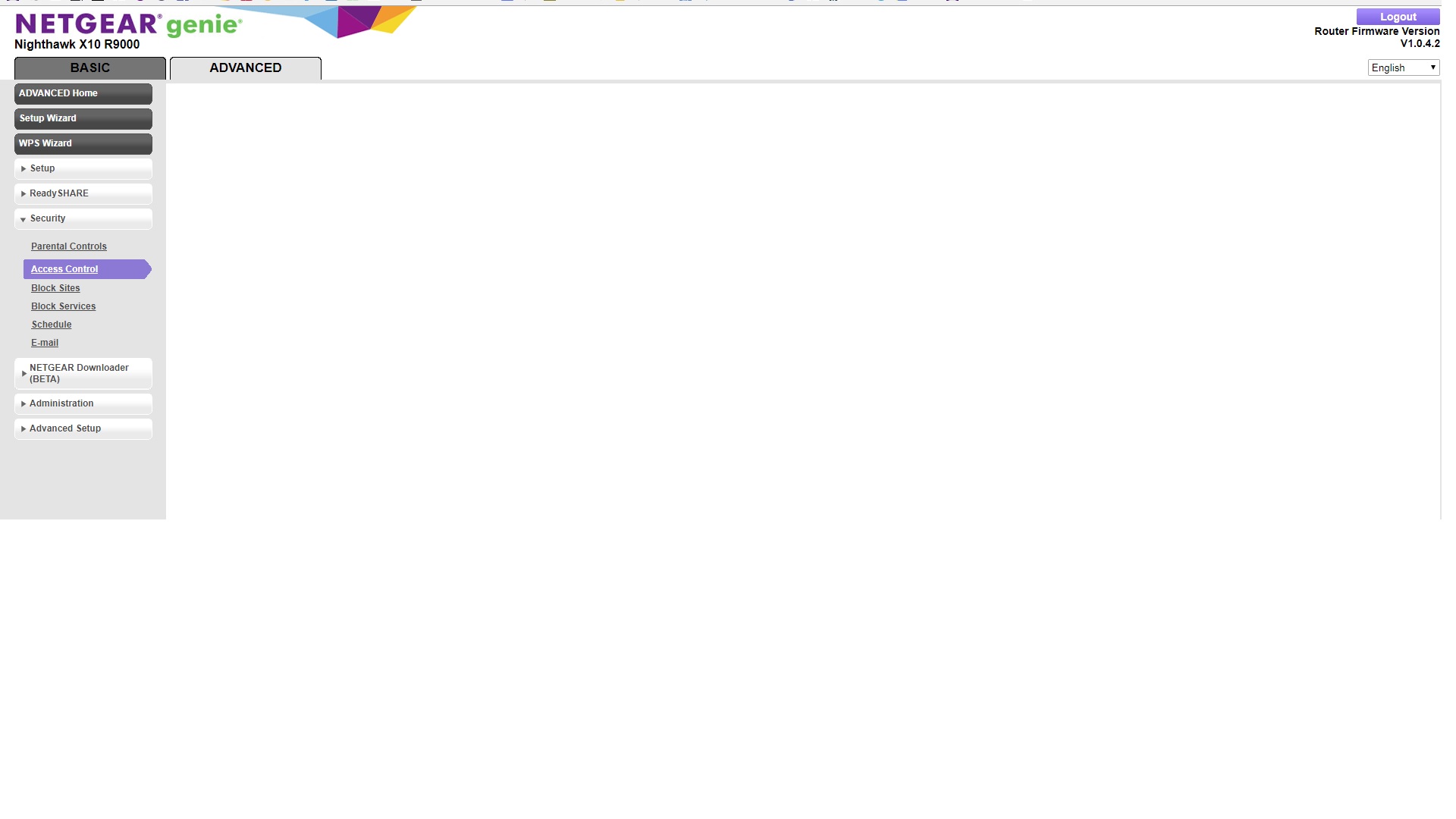
"Attached devices" and "Access Control" not working on Nighthawk X10
Hoping someone can help before I give up and send this router back. Router setup was routine. I do not protect my home network with a password; rather I use a MAC access list, which worked with my ...
 Aug 07, 2018
ChristineT DarrenM I was able to change names and status from allowed to block and remove (null) devices.
Some of the devices had proper description as long as they were offine, as soon as they were connected to router the name was replaced with "n/a". In some cases I was able to fix the name in Access Control. In couple cases the name change was not being saved. In those cases I've used Connected Devices and the name was accepted.
Also changing device type in Connected Devices works. The Genie App still doesn't recognize the proper types of some devices. For example my iPhone type is set to iPhone and in Genie App is shown as Arlo.
That's it basically, both Access Control and Connected Devices are accessible again and working as intendet. Thanks.
W4DRA-Dave
Jun 20, 2018Aspirant
I got the same thing here. I also downloaded the files from Voxel and it didn't help a thing. Same problem after tring to configuer the devices the menus are no longer to be able to display.
:smileymad:
Dave
Davidoo wrote:
I had the same problem with the Access Control list as well. If I manually changed the name of the device the next time I went in I would just get a blank screen when trying to see the list of connected devices. I started using Voxel's firmware and have never had a problem since. This firmware gives me stability, the ability to name my devices and a higher signal strength than the Netgear firmware. Here's a link. He just had an update a couple of days ago.
https://www.voxel-firmware.com/Downloads/Voxel/html/r9000.html
moejoe
Jun 20, 2018Initiate
Same problem here when accessing any page that involves the device name (i.e. Access Cotrol, LAN Setup -> Address Reservation, Attached Devices, ...).
The first time the problem occured was after an upgrade to the firmware version preceding 1.0.4.2, which btw almost bricked my X10 because of the issue of an interrupted WIFI during the update process (this was another error in the Firmware, but which apparently was eliminated in 1.0.4.2).
The Netgear Support was not capable of providing a solution, but at that time a Factory Reset helped (with the current issue at least, not the almost bricked router, that was much trickier).
Unfortunately it happened again after I recently renamed a device. Only that now even after a Factory Reset the problem persists and I am no longer entitled to receive any support from Netgear (although the problem I am having dates back to the period where I was supposed to get support for my (our!) problem but it was obviously not solved)!
I bought the expensive Netgear Nighthawk X10 for the advertised performance and believed that at this price one can expect also good quality. Obviously I was wrong.
If any Netgear support people are reading this: please provide an updated firmware ASAP because this issue also affects the security of our networks!
Thank you !