NETGEAR is aware of a growing number of phone and online scams. To learn how to stay safe click here.
Forum Discussion

Framedtrash
Feb 16, 2019Guide
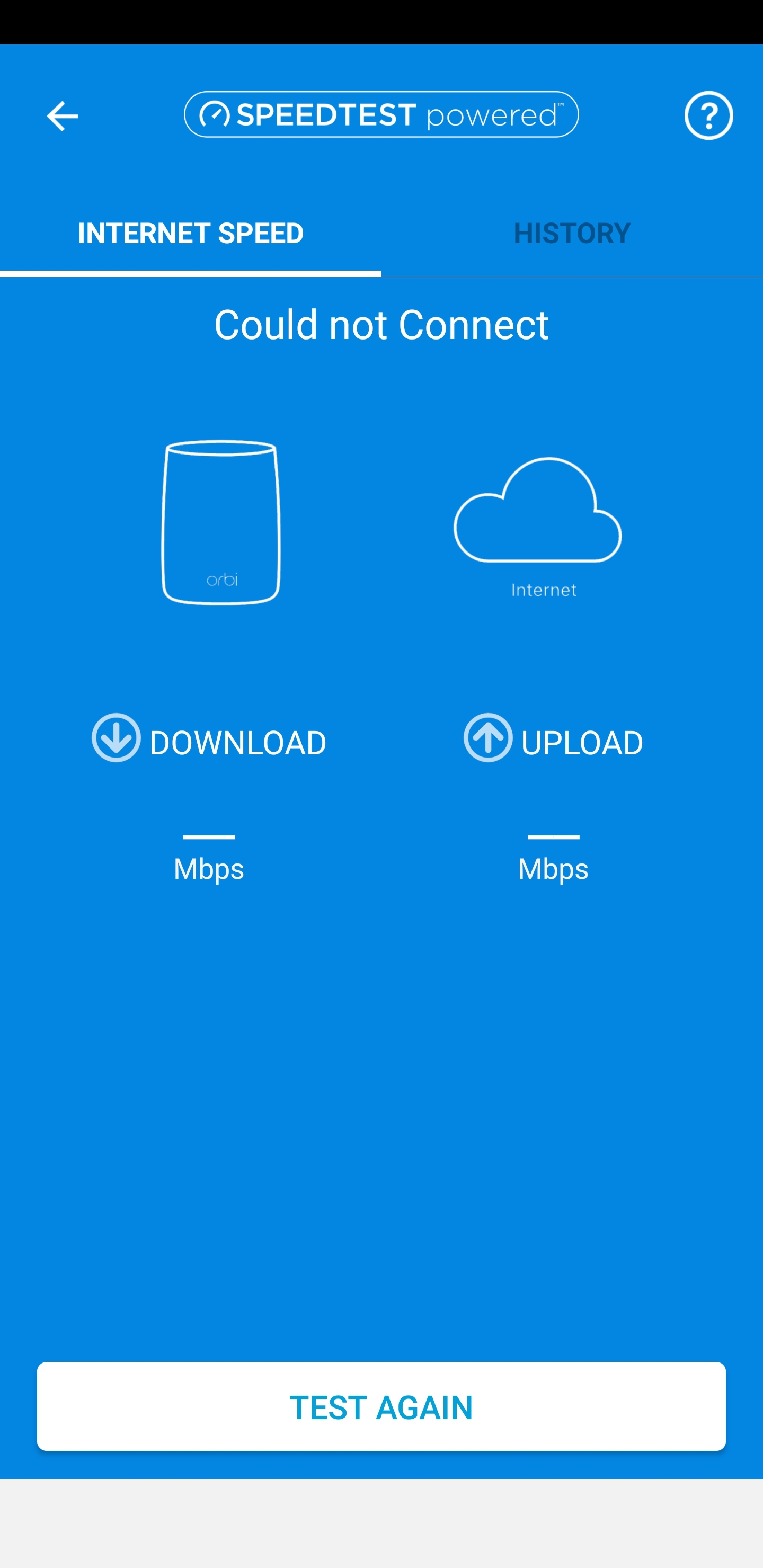
Orbi speed test not working
Hi, Have just purchased and setup my orbi RB550, every thing is working apart from the speed test and the QOS. When ever I try to run a speedtest it fails to run, Have rebooted all devices have t...
Framedtrash
Feb 17, 2019Guide
I have just turned off daisy chain and turned on BEAMFORMING and MU-MIMO and currently I am in bed watching a show on my fire stick that's connected to the router orbi and so far no buffering but it's my main tv downstairs that has been the problem

FURRYe38
Feb 19, 2019Guru - Experienced User
Hows this working. Still working good? Sounds like you probably found your fix.
Some of these features are not enabled by default. You can enabled them to see weather they help out or not. Beamforming is good to have enabled all the time. MIMO is kind of dependent upon you having MIMO supporting devices. If you don't then you can leave this disabled.
Framedtrash wrote:
I have just turned off daisy chain and turned on BEAMFORMING and MU-MIMO and currently I am in bed watching a show on my fire stick that's connected to the router orbi and so far no buffering but it's my main tv downstairs that has been the problem
- FramedtrashFeb 19, 2019GuideStill unable to get the speed test working so unable to use the QOS stuff.
Tried to speak to live chat but they ain't much help and just told me to factory reset the modem.
To be honest haven't been very happy with the device and might end up returning it and getting some thing that just works like the Google wifi - FramedtrashFeb 19, 2019GuideI ran some tests and worked out the MTU size for the modem and then switch it to router mode instead of AP but still unable to do a simple speed test
Then thought it could be some thing to do with my ISP modem so I added the orbi to the DMZ but that failed to fix the problem.
I just want to be able to run the speed test function and check out the QOS feature.
Luckily Netgear Australia have a 30 day trial so if I am not happy with it I can return it. - FURRYe38Feb 19, 2019Guru - Experienced User
Sounds like your modem is causing the problem and how it's configured with the Orbi isn't a good match. Having a modem with a built in router seems to be having issues with external routers. The Orbi if connected to a stand alone modem does work. We have been able to get some systems working better on modems with routers, the use of DMZ, true DMZ does work with Orbi. Seen some modem router combos were some DMZs just don't work as they should. Any chance your ISP supports a modem only unit? If they do, then Orbi would work better. Something to ask your ISP about.
Good Luck.
Framedtrash wrote:
I ran some tests and worked out the MTU size for the modem and then switch it to router mode instead of AP but still unable to do a simple speed test
Then thought it could be some thing to do with my ISP modem so I added the orbi to the DMZ but that failed to fix the problem.
I just want to be able to run the speed test function and check out the QOS feature.
Luckily Netgear Australia have a 30 day trial so if I am not happy with it I can return it. - ekhalilFeb 19, 2019Master
Framedtrash wrote:
.......
Then thought it could be some thing to do with my ISP modem so I added the orbi to the DMZ but that failed to fix the problem.
.......What is the model of your ISP router please? Does it support bridge or passthrough modes?
- FramedtrashFeb 19, 2019GuideIt's a Huawei B525
And the ISP has removed bridge support from the FW - FURRYe38Feb 19, 2019Guru - Experienced User
Can you ask your ISP about using a stand alone modem with out a built in router?
Framedtrash wrote:
It's a Huawei B525
And the ISP has removed bridge support from the FW - FramedtrashFeb 20, 2019GuideOk after some fiddling around tonight it appears the issue is with my ISP and its private ips.
I connected my router to a VPN and strait away the speed test starts working .
Still annoying it doesn't work as it should but at least I'm aware of the cause. - FURRYe38Feb 20, 2019Guru - Experienced User
Glad you were able to find out where the problem is.
Good Luck.
Framedtrash wrote:
Ok after some fiddling around tonight it appears the issue is with my ISP and its private ips.
I connected my router to a VPN and strait away the speed test starts working .
Still annoying it doesn't work as it should but at least I'm aware of the cause.