NETGEAR is aware of a growing number of phone and online scams. To learn how to stay safe click here.
Forum Discussion

LoboTommy
Dec 25, 2018Luminary
Orbi wired and wireless backhaul
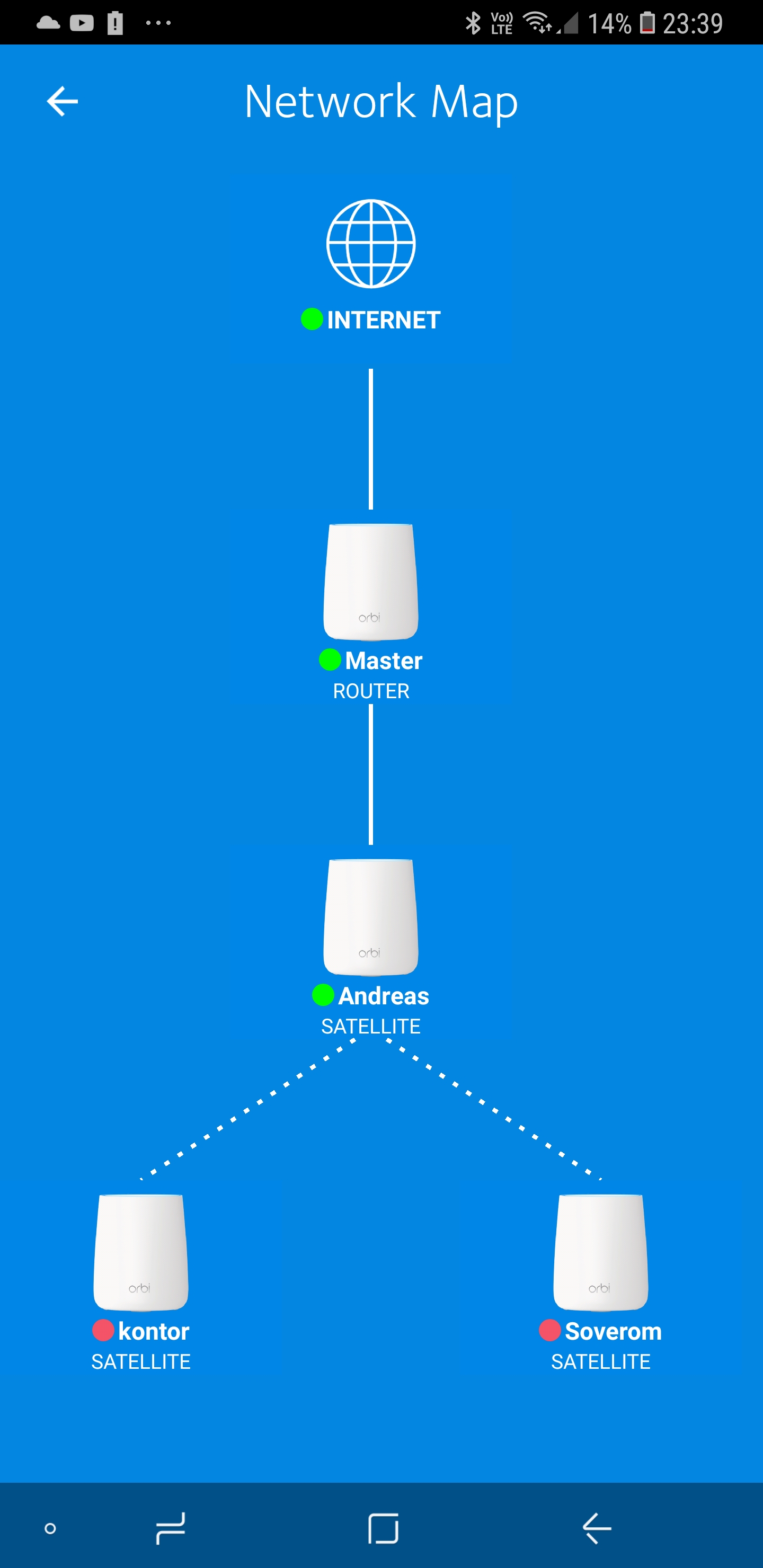
Actually RBK20 with 3x RBS20. So, today i wired up one satellite. Since then, the two wireless satelites has gone offline. I tried to sync, tried to set it up from scratch, but nothing I can not...
- Dec 25, 2018
LoboTommy wrote:
What the heck is daisy chain, and how do I disable it?Daisy Chain allows a Satellite to connect to another Satellite in a “Daisy Chain” topology instead of a “Star” topology where all Satellites can only connect to the Router (your RBR20).
You can find this setting when connected to Orbi’s GUI with a browser. Browse to orbilogin.com.
The setting is found under >> ADVANCED >> Advansed Setup >> Wireless Settings.
The choice to enable or disable Daisy Chain depends on your setup and how close your Satellites to your Router or other Satellites.


FURRYe38
Dec 25, 2018Guru - Experienced User
What FW is currently loaded?
What is the Mfr and model# of the ISP modem the NG router is connected too?
What is the size of your home? Sq Ft?
What is the distance between the router and satellite(s)? 30 feet is recommended in between them to begin with depending upon building materials.
Try disabling the following and see:
MIMO, Daisy Chain, Fast Roaming, IPv6 and Set 20/40Mhz Coexistence to 40Mhz only. Save settings and reboot the router and satellite(s).
Disney Circle: https://community.netgear.com/t5/Orbi/WARNING-Firmware-2-2-1-210-is-junk/m-p/1667485/highlight/true#M45926
If you updated to recent FW v.210, try enabling Daisy Chain. Some have mentioned that this seems to be working in reverse order, enabling means disabled actually.
Does the other satellites connect via wired back haul if you try using that connection method?

LoboTommy
Dec 25, 2018Luminary
Here's the router
