NETGEAR is aware of a growing number of phone and online scams. To learn how to stay safe click here.
Forum Discussion

bkcarter
Sep 16, 2019Aspirant
RBR20 & PS4 issues
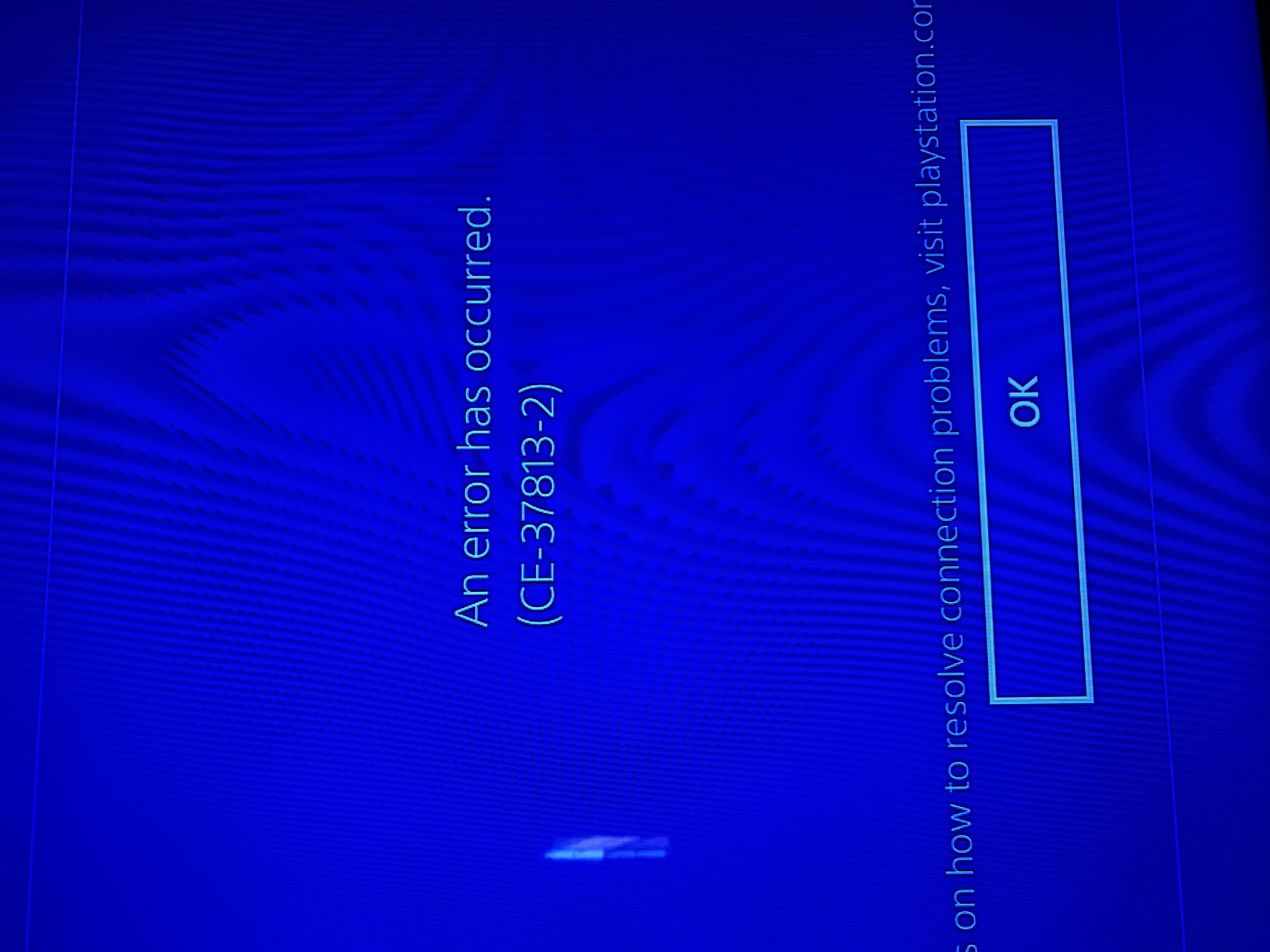
Let me preface this with I am somewhat tech illiterate so I’d LOVE for someone to please explain to me like a small child how to resolve this issue. I recently purchased the Orbi RBR20 with 2 satel...
bkcarter
Sep 16, 2019Aspirant
The Orbi firmware is V2.3.5.26. The ATT modem is an Arris BGW210 and that is what I have the Orbi connected to with the Ethernet cable. The other part is a DIRECTV wireless video bridge WVB2R0-34...

FURRYe38
Sep 16, 2019Guru - Experienced User
Ya your iSP modem has a built in router already.
- bkcarterSep 16, 2019AspirantSo I need to call ATT & get them to disable their router & then the Orbi can connect to the PS4?
- michaelkenwardSep 17, 2019Guru - Experienced User
bkcarter wrote:
So I need to call ATT & get them to disable their router & then the Orbi can connect to the PS4?You can also investigate the possibility of putting the Arris BGW210 into bridge (modem only) mode.
How To: Properly Configure The Arris BGW-210 For "Bridge Mode" (Walkthrough) : Ubiquiti
You can do this yourself without divine intervention from your ISP.
An alternative is to put the Orbi into wireless access point mode. (See the Orbi manual.) A lot of us do this. It does disable some features, such as Parental Controls, but they may not be important to you, or you existing router may provide them.
- bkcarterSep 17, 2019AspirantGreat. Thank you so much!
- FURRYe38Sep 17, 2019Guru - Experienced User
If you don't know how to disable the router, I recommend contacting the ISP and asking for there help. Once the modem is bridge, then you can use the Orbi in router mode and the PS4 will connect to the Orbi thru the modem.
bkcarter wrote:
So I need to call ATT & get them to disable their router & then the Orbi can connect to the PS4?