NETGEAR is aware of a growing number of phone and online scams. To learn how to stay safe click here.
Forum Discussion

JeriD
Aug 01, 2022Star
RBR40 with RBW30 satellites - Can't update firmware
Hi - I have a RBR40 router and two connected RBW30 satellites which work fine. Today, I checked to see if they need firmware updates. I did this by logging directly into the router and going to firmware page. I pressed Check Firmware and it said I currently have version: V2.7.3.22. It said newer version was available: V2.7.4.24. For the satellites, it said I had VV2.6.2.6 in both of them. It said update failed for both satellites. However, I checked and according to Netgear site, the satellites are using the latest firmware. It seems that there is no way for me to use the automated system to do the update of even the router. I get no option to actually install it. Only check again. Should I manually update the firmware by downloading it to my laptop and manually installing the router firmware and call it a day? Or could there be another reason the tool isn't letting install the newer router firmware? And is it possible the satellite messages about updated failed are related to the problem? Thanks.
You can manually update.
when you're on the firmware update page, there's a tab at the top thats gray that says manual update, click that.
From that screen you can manually update. I recommend doing the satellites first if you're needing updates and then the router.

9 Replies
- plemansGuru - Experienced User
You can manually update.
when you're on the firmware update page, there's a tab at the top thats gray that says manual update, click that.
From that screen you can manually update. I recommend doing the satellites first if you're needing updates and then the router.
Just thought I'd confirm to close this out that rather than updating manually, I went into the Orbi Iphone app and it also noted the firmware update for the router was available and it offered to allow the update. I was able to kick it off from there and all was well after it. What's interesting to me is after I got the router updated, I tried from the web to kick off a firmware update again just to see if it properly detected the satellites up to date. It properly said the router was up to date but then tried to download firmware for each of the satellites but ultimately failed with the same message (Update failed). So, my guess is that somehow it thinks there is an update it should do but actually there is not? And according to the Netgear site, the satellites have been on the most current version already.
- CrimpOnGuru - Experienced User
The Orbi web function for Firmware Update behaves strangely (in my opinion)
Rather than display, "Looking to see if there is new firmware", the moron who programmed the function displays "Downloading new firmware", which is (of course) not taking place. There is nothing new to download. (Maybe firmware was downloaded first, then compared with the existing firmware to see if is newer? Nah.)
Then, after a bit, the screen displays either "Download Failed" or "No new Firmware." DUH.
(oops, did I type, "moron"? Substitute "highly paid software engineering professional")
- manavbankaAspirantMy Device RBK 40 was working fine til last month. But recently I have started facing issue in my browsing. When I read this might be as issue with firmware. I check my device
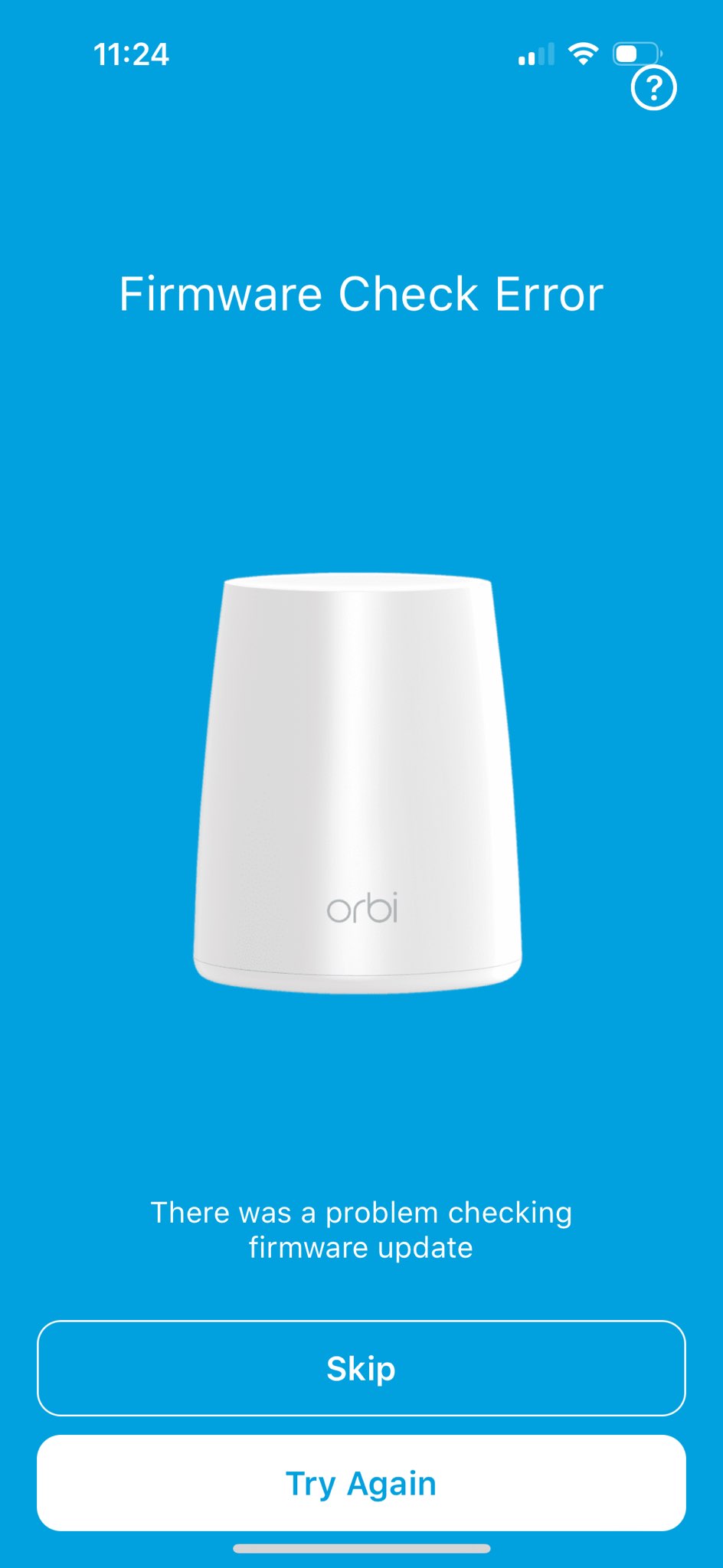
current firware version is : v2.7.3.22Latest firmware version is : RBR 40 2.7.4.24I need to know how I can upgrade the firmware of my device. When I am trying to update via mobile app there is an error message. Screenshot attached for that also.I have downloaded updated firmware in my PC via link https://www.netgear.com/support/product/rbk40When I try to login router via laptop it gives message as below:The webpage at https://www.orbilogin.com/ might be temporarily down or it may have moved permanently to a new web address.
How can I finally update firmware ?- CrimpOnGuru - Experienced User
Yes, the RBK33 package support site shows that is the current firmware for the RBR40. There is a good chance that a manual firmware update is the only practical way to update the firmware version. Check this web page for instructions:
It is also correct that the Netgear router is supposed to intercept a web browser connection to http://orbilogin.net and direct it to the router itself. Often the IP address of the router is 192.168.1.1 if the URL method does not work.
Good Luck