NETGEAR is aware of a growing number of phone and online scams. To learn how to stay safe click here.
Forum Discussion

Byren
Jul 07, 2016Aspirant
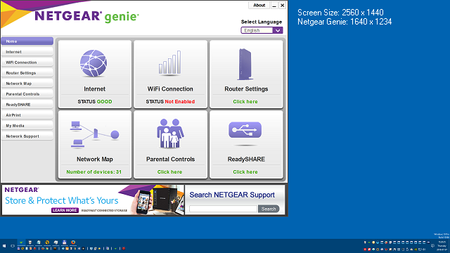
Netgear Genie App loads excessively large
Netgear Genie used for ProSafe Gigabit Dual WAN SSL VPN Firewall (FVS336Gv3) and the Nighthawk AC3200 Tri-Band WiFi Router (R8000) Back story: I did a clean reset of my PC for Windows 10 last Apr...
- Feb 12, 2017
Hi Jantlotus,
The program has not been updated to be DPI-aware yet. However there is a workaround provided on another thread that may work. The steps are indicated below.
1. Exited Netgear Genie (by rightclicking the tray icon and choosing exit)
2. Went to my "C:\Users\%USERNAME%\Appdata\Local\NETGEARGenie\" folder
2. Opened the config.ini file in this folder with Notepad
3. Changed the third line so that it reads:
screen_resolution=1920*1080
4. Saved and closed the file.
5. Right-clicked the config.ini file, opened the properties and made it read-only
6. Opened Genie and it's looking normal!
The link is indicated below.
Regards,
Dexter
Community Team

Jantlotus
Feb 08, 2017Guide
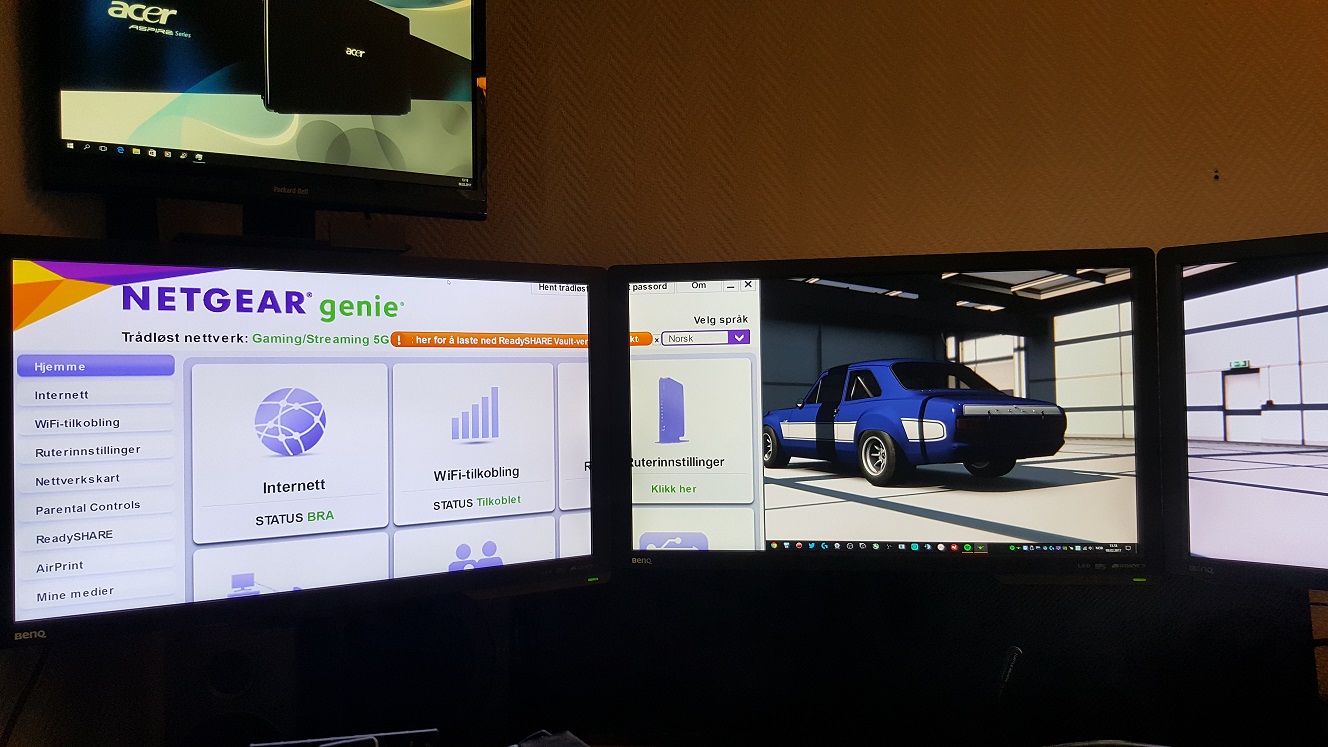
Is it possible to download a version of Netgear Genie for those people who still have their eyesight intact? Have read everything about this problem and tried every mentioned solutions, but still no help. Monitor setup is 5760x1080 on Windows 10

DexterJB
Feb 12, 2017NETGEAR Moderator
Hi Jantlotus,
The program has not been updated to be DPI-aware yet. However there is a workaround provided on another thread that may work. The steps are indicated below.
1. Exited Netgear Genie (by rightclicking the tray icon and choosing exit)
2. Went to my "C:\Users\%USERNAME%\Appdata\Local\NETGEARGenie\" folder
2. Opened the config.ini file in this folder with Notepad
3. Changed the third line so that it reads:
screen_resolution=1920*1080
4. Saved and closed the file.
5. Right-clicked the config.ini file, opened the properties and made it read-only
6. Opened Genie and it's looking normal!
The link is indicated below.
Regards,
Dexter
Community Team