NETGEAR is aware of a growing number of phone and online scams. To learn how to stay safe click here.
Forum Discussion

usermac
Sep 04, 2018Luminary
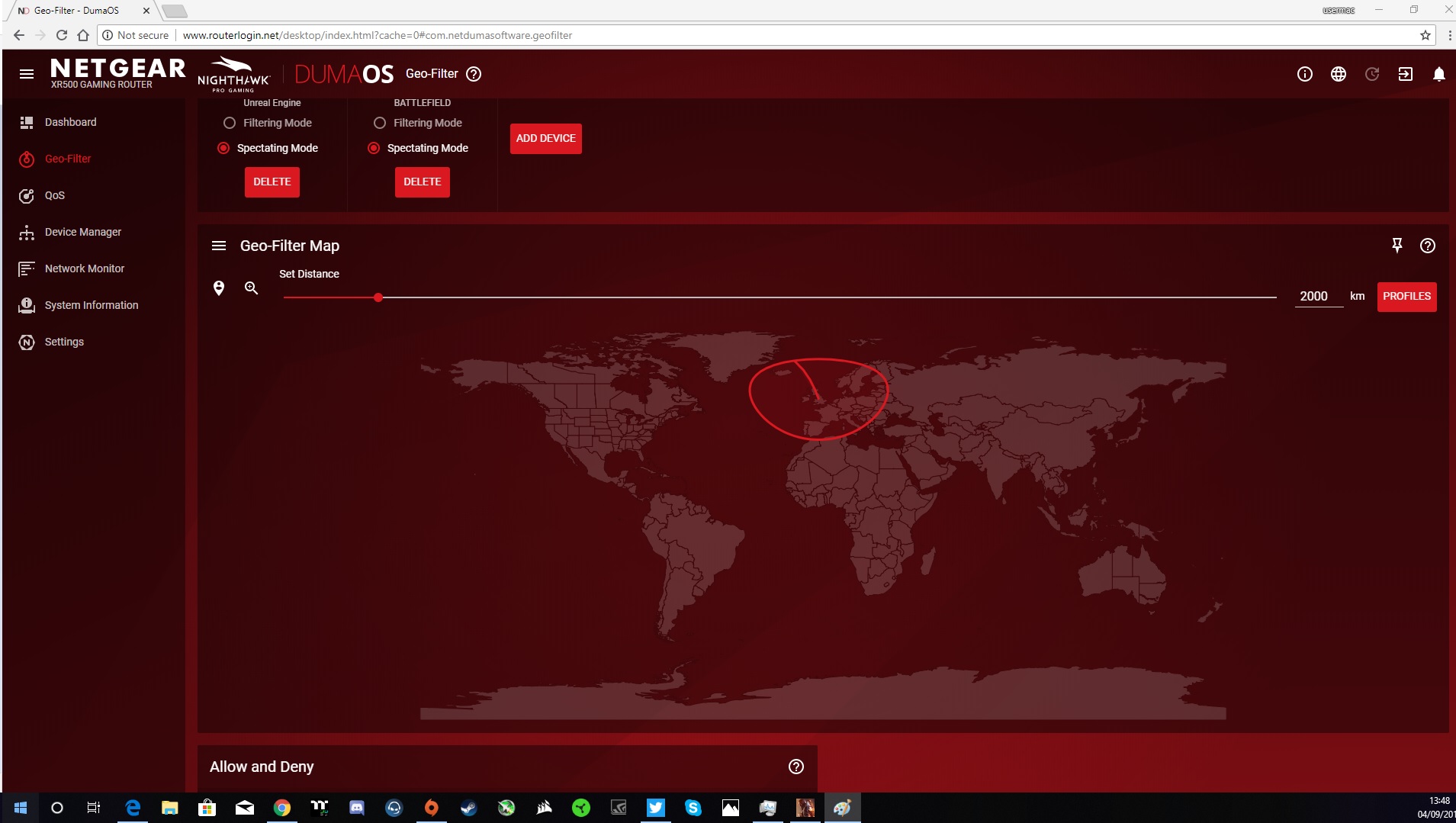
Battlefield V Spectating mode not working for me
I know it is a new game etc but should the xr500 still be able to detect ping and server location when in Spectating mode.
I also have this problem on battlefied 1 aswell.
5 Replies
- Netduma_JackNetDuma Partner
Hi Mac - are you on PC? If so, then switch the PC's device type in the Device Manager to a console and then re-add to the Geo-Filter. It should then appear.
This is just a temporary workaround though. Because it's a new game, we will need to test it and add the classification to our PC so we detect it. Are you playing the beta?
- usermacLuminary
This is what I am leading too, You see when I got the XR500 and used it for the 1st time and added my pc the dumaos would default to spectating mode.
However if I change the device to Console Mode now filtering works and spectating too which is not a problem as such. What I find ODD is that once you have added the PC as a Games Console and then change it back to PC it still keeps those settings as if it was set to a Console mode..
Why is it that if I do a factory reset the routor still keeps these settings as if it was never fully reset.
If I do a factory reset am I right to expect the device to reset all settings back to what it was like when I very first used it.
- Netduma_JackNetDuma PartnerHi Mac - that’s right, after a factory reset the Device Manager should empty and the Geo-Filter settings will all clear as well. Are you not seeing this? If not, how are you factory resetting?