NETGEAR is aware of a growing number of phone and online scams. To learn how to stay safe click here.
Forum Discussion

LoreeSelmer
May 05, 2021Guide
DumaOS Admin Screen with Nighthawk XR500 in AP Mode
I just set up my Nighthawk XR500 in AP mode with dynamic address. The Internet (WAN) RJ45 port is connected to my Frontier FiOS router, and the XR500 is running firmware version V2.3.2.114. WiFi SSID...
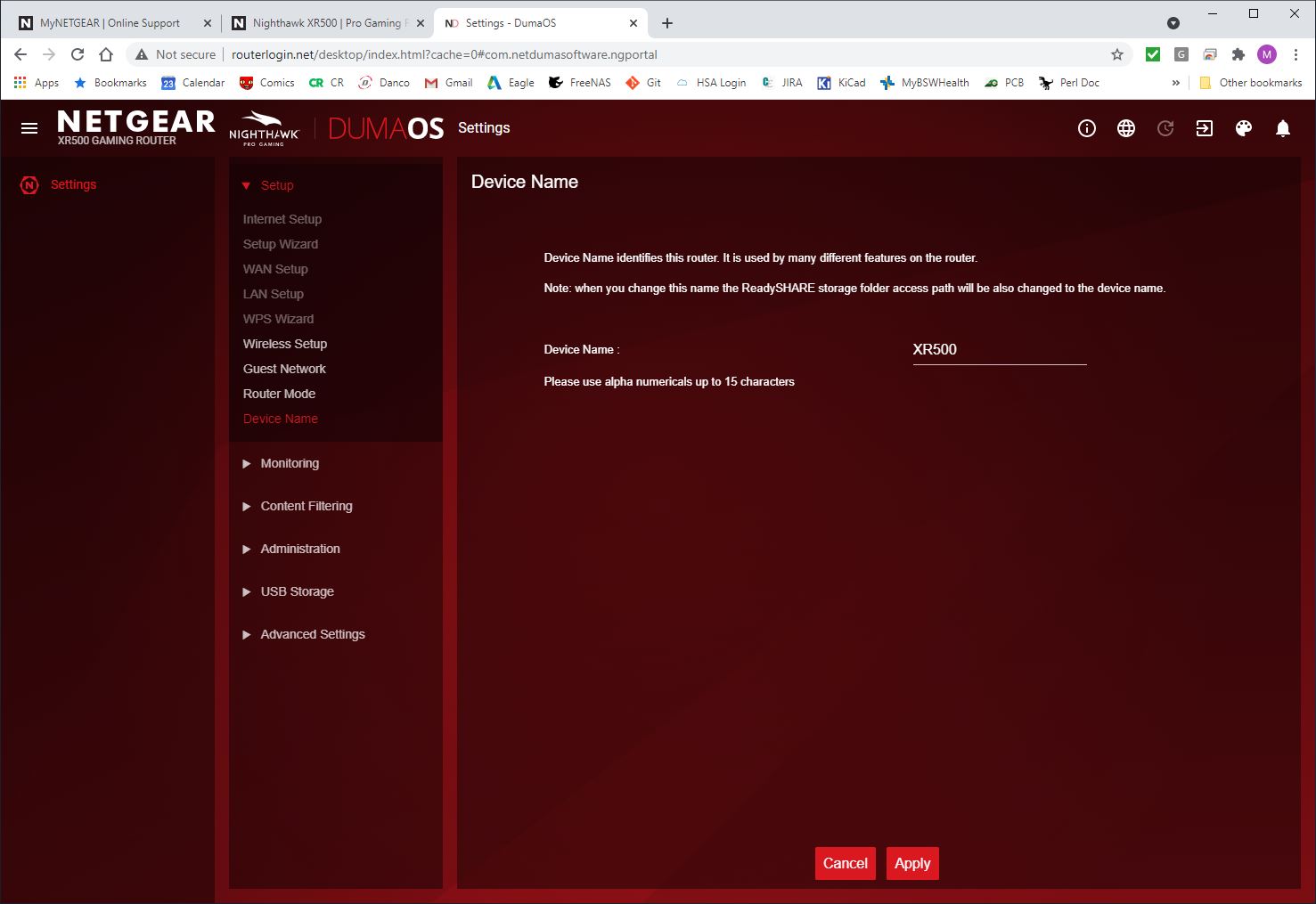
- May 05, 2021Yes that is normal for AP mode, if you want to use any of the DumaOS features then it has to be in router mode

Netduma-Fraser
May 05, 2021NetDuma Partner
Yes that is normal for AP mode, if you want to use any of the DumaOS features then it has to be in router mode
LoreeSelmer
May 05, 2021Guide
Thank you very much! I was pretty sure this was the case, and if it is clearly noted anywhere I was unable to find it. I understand that AP mode is a very limited subset of router functionality, but was surprised to see things like internet connection status, CPU utilization and traffic monitoring become completely unavailable in the management UI.
I've moved back to router mode, still connected to Internet through my FiOS router, each managing it's own subnet. Addresses are served as 10.0.0.X from the XR500 and 192.168.1.X from the FiOS G1100.
Best to you and many thanks once again.
- Netduma-FraserMay 05, 2021NetDuma PartnerAP mode essentially turns off DumaOS so to allow select parts of DumaOS to run would be more difficult and I think if you're putting a router in AP mode most will just want the WiFi to work. Put the XR WAN IP from the System Information page in the FiOS DMZ and you'll prevent a double NAT.