NETGEAR is aware of a growing number of phone and online scams. To learn how to stay safe click here.
Forum Discussion

Dannytype1
Apr 09, 2024Aspirant
Cannot Get Support
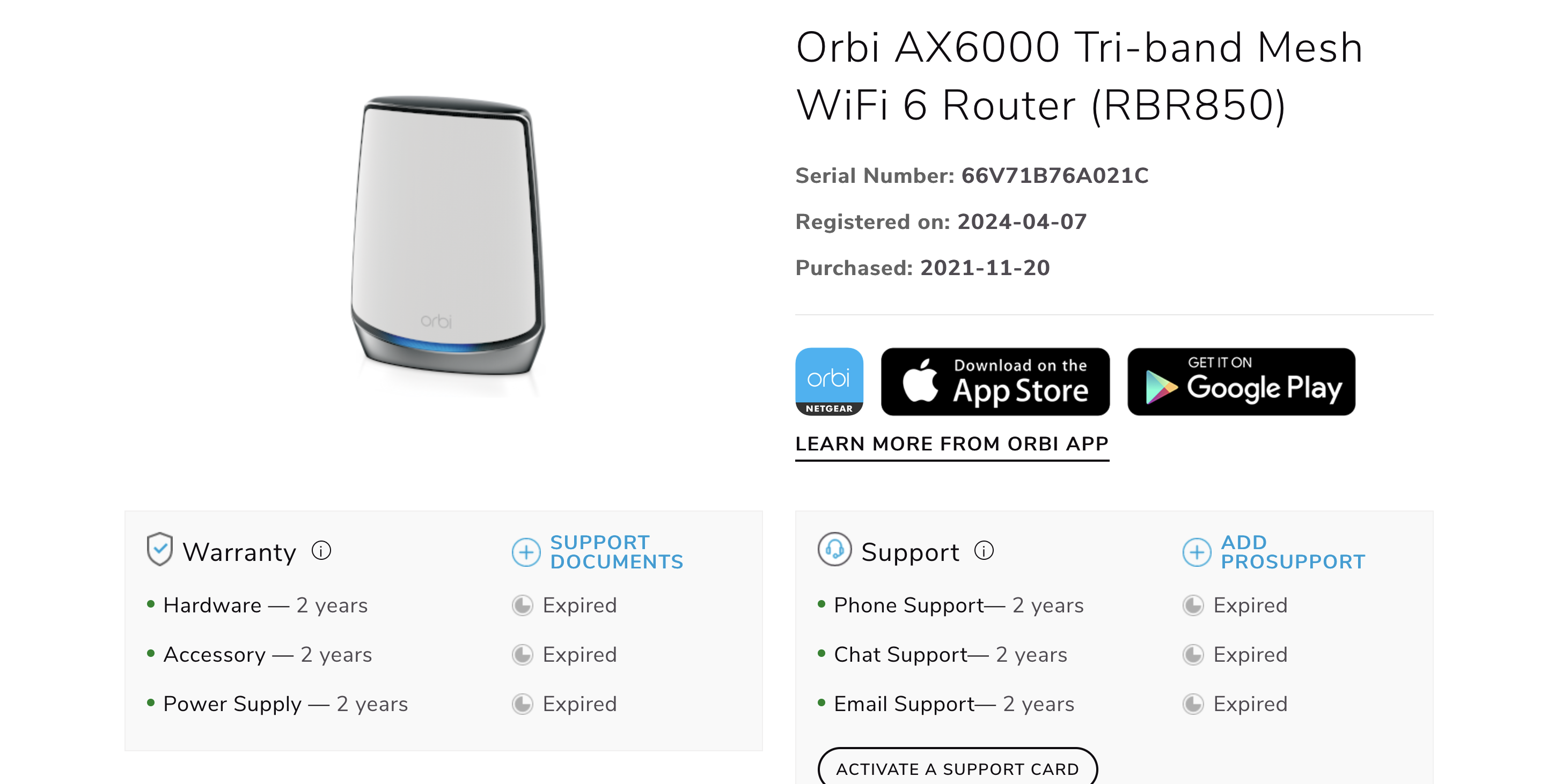
Hi I have been having lots of issues with updating firmware but before that. I purchased the product on the 7th of April and Netgears systems say it was purchased in 2020 which is completely inco...

CrimpOn
Apr 09, 2024Guru - Experienced User
What a strange situation. Netgear provides 90 days of "complimentary support" when a product is purchased new from an authorized seller. https://www.netgear.com/home/where-to-buy/
My sense is that Netgear's records show this serial number as having been purchased in 2020 and it will take a pretty convincing receipt to convince them that it has been sitting unopened in a box for four years.
There is nothing anyone on the community forum can do about this sort of thing. (Most of us came to the forum because our "90 days" had long expired and we did not want to fork over hard cash to have Netgear talk to us.
Meanwhile......... Updating firmware is a common topic on the forum, and a lot of users have found solutions here.
What specifically is the issue?
- Dannytype1Apr 10, 2024Aspirant
Hi
I cannot update the firmware on my satellites either manually or automatically. The manual doesnt open the page to choose the correct firmware and i get service unreachable / update failed. There isnt a firmware number for the satellites either so i have no idea where they are are. I have tried everything from the forums that i could find no joy. I have out of sync and they have never synced. Surley its not that difficult to update firmwares but from everthying i have read it is.
Thanks
Danny- Dannytype1Apr 10, 2024Aspirant
I have added a automatic screenshot as well.
Thanks
Danny- FURRYe38Apr 10, 2024Guru - Experienced User
What is the Mfr and model# of the Internet Service Providers modem/ONT the NG router is connected too?
Be sure your using a good quality LAN cable between the modem and router. CAT6A STP is recommended.The RBS wouldn't have been already updated to v7 FW first would they?
Can try this to see if you can get the RBS and RBR updated manually -
Have the RBS and RBR FW files already downloaded to your wired PC:
I recommend that you factory reset the RBS and RBR and let the RBS auto connect to the RBR soon after the RBR is waiting at the setup wizard screen as seen here:
Bring them to the same room as the RBR or near the RBR. 20 feet is good. If they auto sync to the RBR which they should, after you press the reset button on the RBS then on the RBR, or user the ERASE button, give about 5 minutes for them to sync to the RBR. The front LED should turn BLUE in front. When that happens, being to walk thru the setup routine as detailed in the PDF. Skip the portion of where it checks for FW updates. And don't change the WiFi SSID name or password, we'll do this later. Just get to the home screen.
Follow this process to update the FW on the RBS using the RBS web pages by accessing them with the IP address given to them by the RBR:
Follow this process to get each RBS updated first, then update the RBR lastly.