NETGEAR is aware of a growing number of phone and online scams. To learn how to stay safe click here.
Forum Discussion

Drew2
Mar 07, 2016Star
c7000-100nas Internet sync problems
Purchased a C7000 about a month and a half ago. Occasionally the Internet will go out but I can usually reconnect by disconnecting power to the modem and rebooting. However on two occasions the mo...
JMS28411
Aug 08, 2016Aspirant
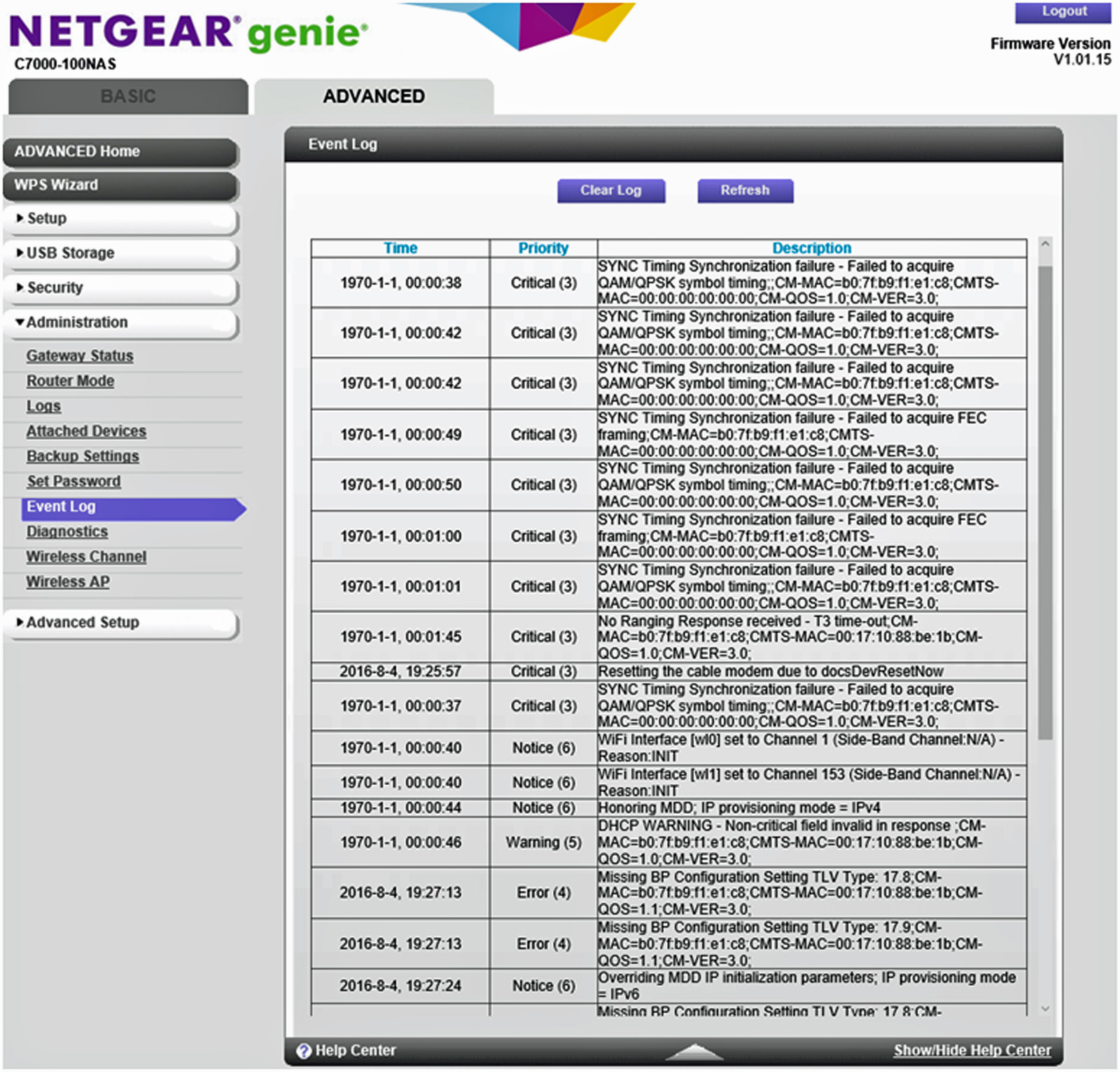
My internet service provider is Time warner, I purchased my C7000 combo unit August 4, 2016, my firmware is version 1.01.15 todays event log listed below.
These coversations make me worried about this unit and I don't like being at the mercy of my ISP for router firmware updates.
I am considering sending the unit back and buying a separate modem and router like I had before.
My old modem was a motorola SB6120 and it worked just fine and so did my Netgear WDNR3700 WIFI router, but now I am having doubts about Netgear at least with the combo units.
I will probably go with the latest Motorola/Arris cable modem, not sure about the WIFI router?
JMS28411
Aug 08, 2016Aspirant
Also my 2.4G, 5G & WIFI lights keep blinkin on and off, I thought they are supposed to be steady or solid green
- DataggAug 08, 2016Star
No, they blink when there is activity. With that being said, I had horrible issues with the combo setup, tried 2 of them and sent them both back. Now i have seperate units. CM600 and the Nighthawk AC1900. Now I control the firmware for the Modem and Router and all is great.
- MooseMan347Aug 08, 2016Guide
I agree with datagg, the lights blink. The performance is good on either WIFI band, I use the router software to insure that I am the only person on my Channel on both 2.4 and 5ghz. It's easy to modify and secure.