NETGEAR is aware of a growing number of phone and online scams. To learn how to stay safe click here.
Forum Discussion

CJinVA
May 11, 2020Guide
C7000v2 WIFI on/off Button is Blinking Green
All of a sudden yesterday I was getting very poor download speeds. Then in the evening it was fine again. It was fine this morning, but is now very slow again, IE 5MB/S. It is usually about 140. ...
CJinVA
May 11, 2020Guide
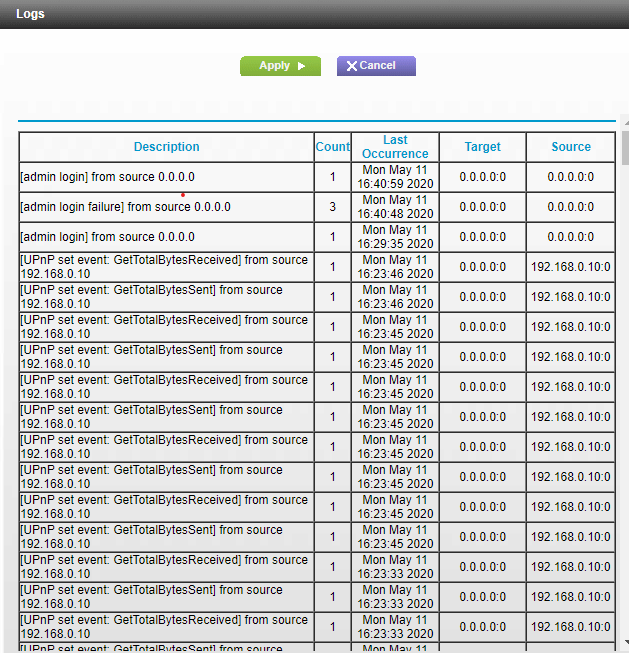
The log is attached.
CJinVA
May 11, 2020Guide
Ignore this one.
- CJinVAMay 11, 2020Guide
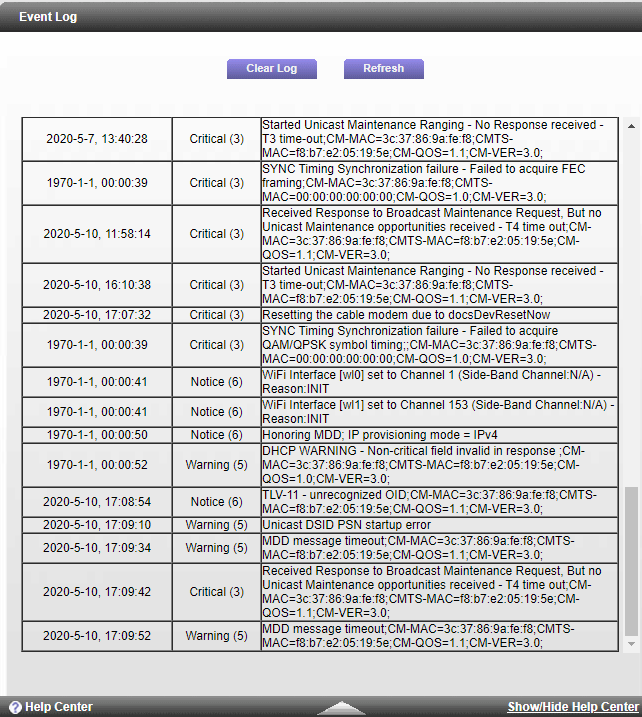
This are the most recent events from the event log.
- plemansMay 12, 2020Guru - Experienced User
You need to check your line. your power it all over the place, channels aren't locked properly, and you have a ton of errors.
Remove all splitters, attenuators, amplifiers from your line and directly connect the modem right where it enters the home. take a screen snip after doing that and repost it here. If its the same, then the isp needs to check your lines.
- CJinVAMay 12, 2020Guide
Guru,
OK, I will give that a shot. Based on you knowledge, is it clear that it is not the modem/router, but that all the problems you mentioned are the lines? I do have one splitter, but I will try and get a line that can go straight from the wall to the modem/router and see how things work after that. I also don't know why it would see to work for months, and then not work all of a sudden. In the past we have had problems with the box outside, and they "fixed" it about a year ago, but maybe it is faulty again. Although don't know what it means when Cox say they have good signal and no packet drops.