NETGEAR is aware of a growing number of phone and online scams. To learn how to stay safe click here.
Forum Discussion

Mjv432
Oct 11, 2021Aspirant
C7000v2
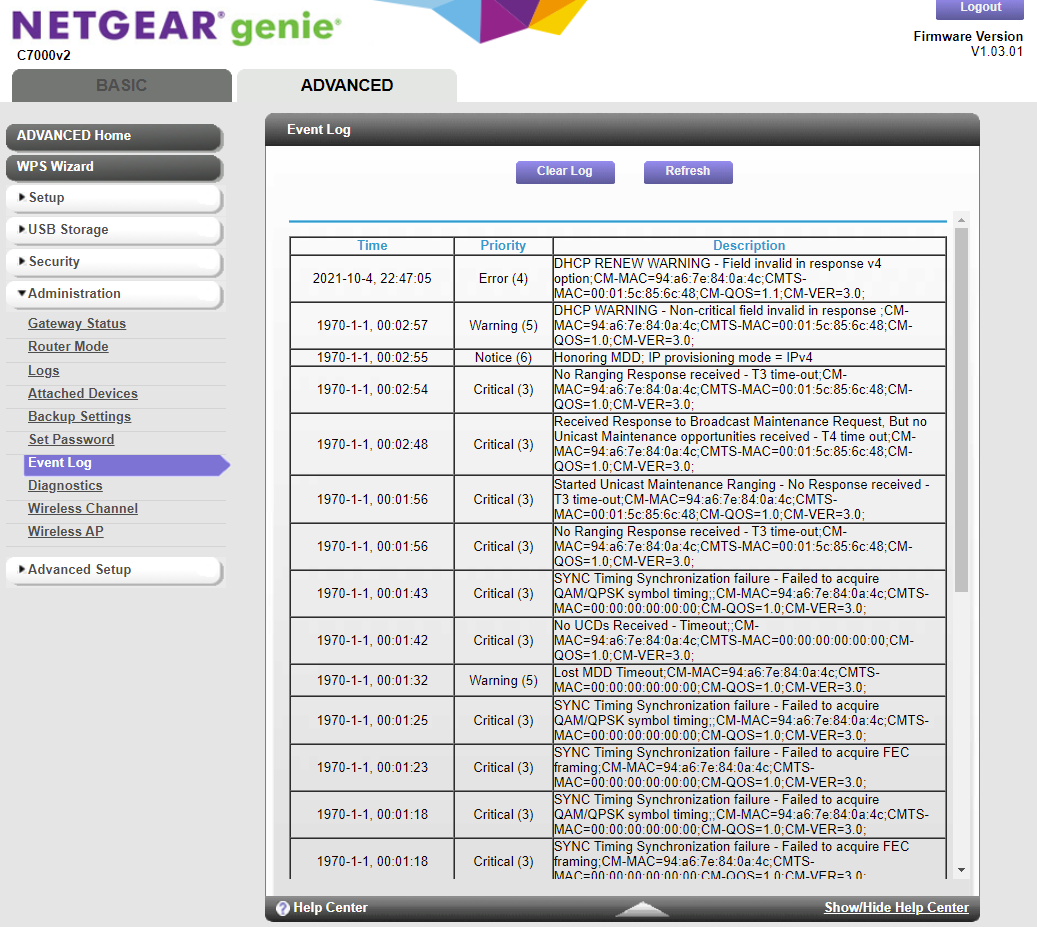
Been having issues since I purchased the modem router combo. Constantly losing connection with multiple devices (tv, cellphone, smart lights, etc) issues is normally resolved by rebooting but this is ...

FURRYe38
Oct 11, 2021Guru - Experienced User
What Firmware version is currently loaded?
What is the size of your home? Sq Ft?
What channels are you using? Auto? Try setting manual channel 1, 6 or 11 on 2.4Ghz and 40 to 48 channel on 5Ghz.
Any Wifi Neighbors near by? If so, how many?
Mjv432
Oct 11, 2021Aspirant
Firmware V1.03.01
Square footage 1600
2.4 - auto (1)
5 - 149 + 153 (p) + 157 + 161
18 others (2.4ghz)
9 on channel 1 including me
2 on channel 4
2 on channel 5
1 on channel 6
1 on channel 8
1 on channel 10
2 on channel 11
5ghz
8 - 5 on channel 36 and 3 on channel 44
Square footage 1600
2.4 - auto (1)
5 - 149 + 153 (p) + 157 + 161
18 others (2.4ghz)
9 on channel 1 including me
2 on channel 4
2 on channel 5
1 on channel 6
1 on channel 8
1 on channel 10
2 on channel 11
5ghz
8 - 5 on channel 36 and 3 on channel 44
- FURRYe38Oct 11, 2021Guru - Experienced User
What happens if you change 2.4Ghz to channel 6?
Please post a copy and paste of the modems connection status page.
Have the ISP check the signal and line quality UP to the modem. Be sure the ISP provisions the modem correctly.
Be sure there are no coax cable line splitters in the between the modem and ISP service box.
Be sure your using good quality RG6 coax cable up to the modem.
Be sure to power OFF the modem for 1 minute then back ON.
https://community.netgear.com/t5/Cable-Modems-Routers/General-info-and-Troubleshooting-for-Cable-Modems/m-p/1530376#M12853