NETGEAR is aware of a growing number of phone and online scams. To learn how to stay safe click here.
Forum Discussion

luko0014
Oct 07, 2022Aspirant
CAX80 - Suddenly Won't Connect
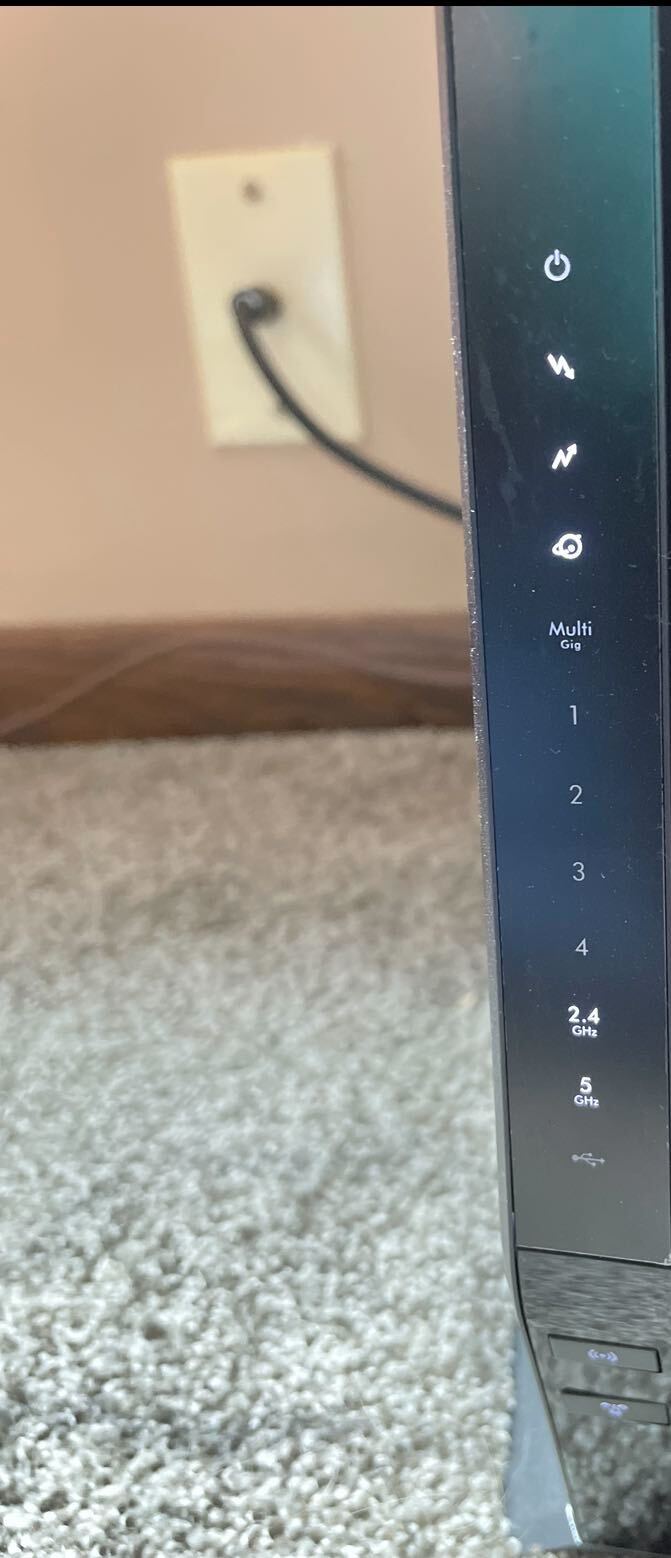
Yesterday at 3AM we randomly lost wifi to all devices. I have tried multiple hard resets. When you reset, you gain wifi for about a minute, and then it quits again. It's not even long enough to login...
luko0014
Oct 09, 2022Aspirant
I just kept restarting and it finally works again. When I would reboot, the 2.4 and 5 lights stay lit (don’t blink) which is when I know my reset attempt didn’t work. So something is blocking the WiFi signal from going out which makes me not able to connect to routerlogin. Now I’m back up and running (for no logical reason) and I was able to pull the event logs so I’ll post those as well. Also, firmware has been up to date since the problem began. Any thoughts?


FURRYe38
Oct 09, 2022Guru - Experienced User
Cna you post a capture of the cable connections page?
When the wifi is down for unknown reason, try connecting to the modem using a wired PC.
- luko0014Oct 09, 2022Aspirant
Yeah I only have a laptop without an Ethernet jack, and don’t have the USB adapter right now 🙂
- luko0014Oct 09, 2022Aspirant
Cable connection 2
- luko0014Oct 09, 2022Aspirant
Cable Connection 3
- FURRYe38Oct 09, 2022Guru - Experienced User
Power levels are a bit low:
https://kb.netgear.com/24311/Power-level-guidelines-for-a-NETGEAR-cable-modem-router
Might ask the ISP about this. Check and remove any line splitters or any coax line attenuators.
Does the rest of the channels seen below this capture look the same?
Correct and Uncorrectables should be zeros down the channels.
- luko0014Oct 09, 2022Aspirant
Sorry, I had to post the other screenshots separately so they should be in the thread right now. But it does show a couple of more correctables further down the line. Channels 24, 29, and 32
.jpg)
.jpg)
.jpg)