NETGEAR is aware of a growing number of phone and online scams. To learn how to stay safe click here.
Forum Discussion

dunsy22
Apr 07, 2020Aspirant
CM1200 on Mediacom 1GB pan - high jitter/latency variation and packet loss
I'm experiencing consistent/severe latency variation and packet loss. Ping/tracert/pingplotter tests indicate this is occurring at the modem. I'm going through my modem logs and signal data, and need...


plemans
Apr 07, 2020Guru - Experienced User
Try and get a screen snip of all the downstream/upstream channels including the errors/etc.
if there's any splitters, amplifiers, attenuators inline, remove them. They can add interference.
Also, prefereably look to hook up the modem right where the coax enters the home. this prevents wiring within the home from adding interference. and then see how it performs.
- dunsy22Apr 07, 2020Aspirant
Here is a series of snips from my modem, including the event logs.
- plemansApr 07, 2020Guru - Experienced User
your right in that you have a bunch of errors. Way to many. If you move the cm1200 to where recommended and remove anything in line and still get that many, your ISP needs to check your line.
- dunsy22Apr 07, 2020Aspirant
I have a Mediacom technician scheduled for Friday.
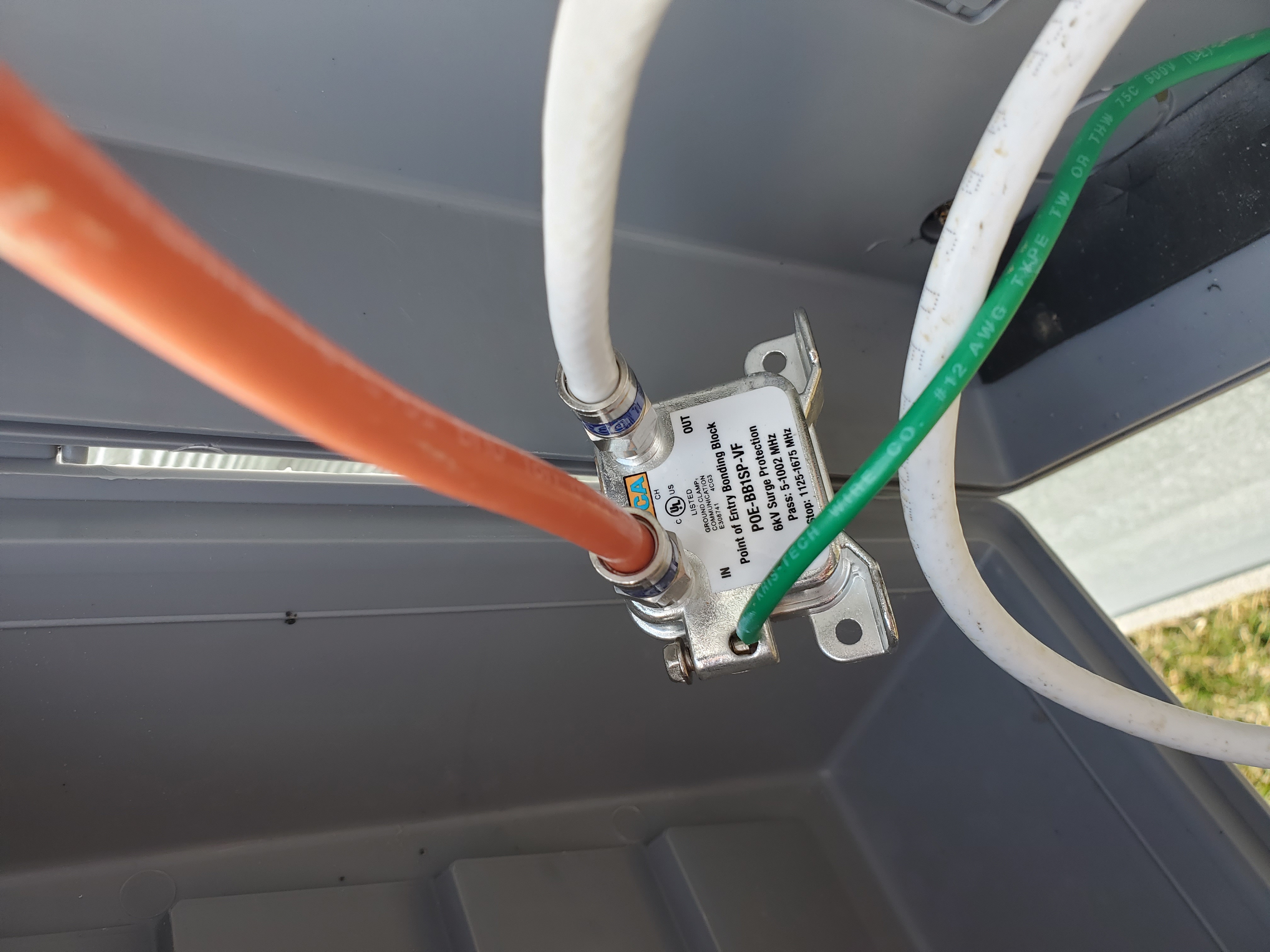
In the meantime, I'd like to test the modem as you suggested, but I'm not sure if I can. The box cable line runs outside my house to this - I believe this is a filter? From here the coax runs into my basement to my modem. Should I bypass that filter(?) and test the modem?