NETGEAR is aware of a growing number of phone and online scams. To learn how to stay safe click here.
Forum Discussion

jay_w
Mar 15, 2024Apprentice
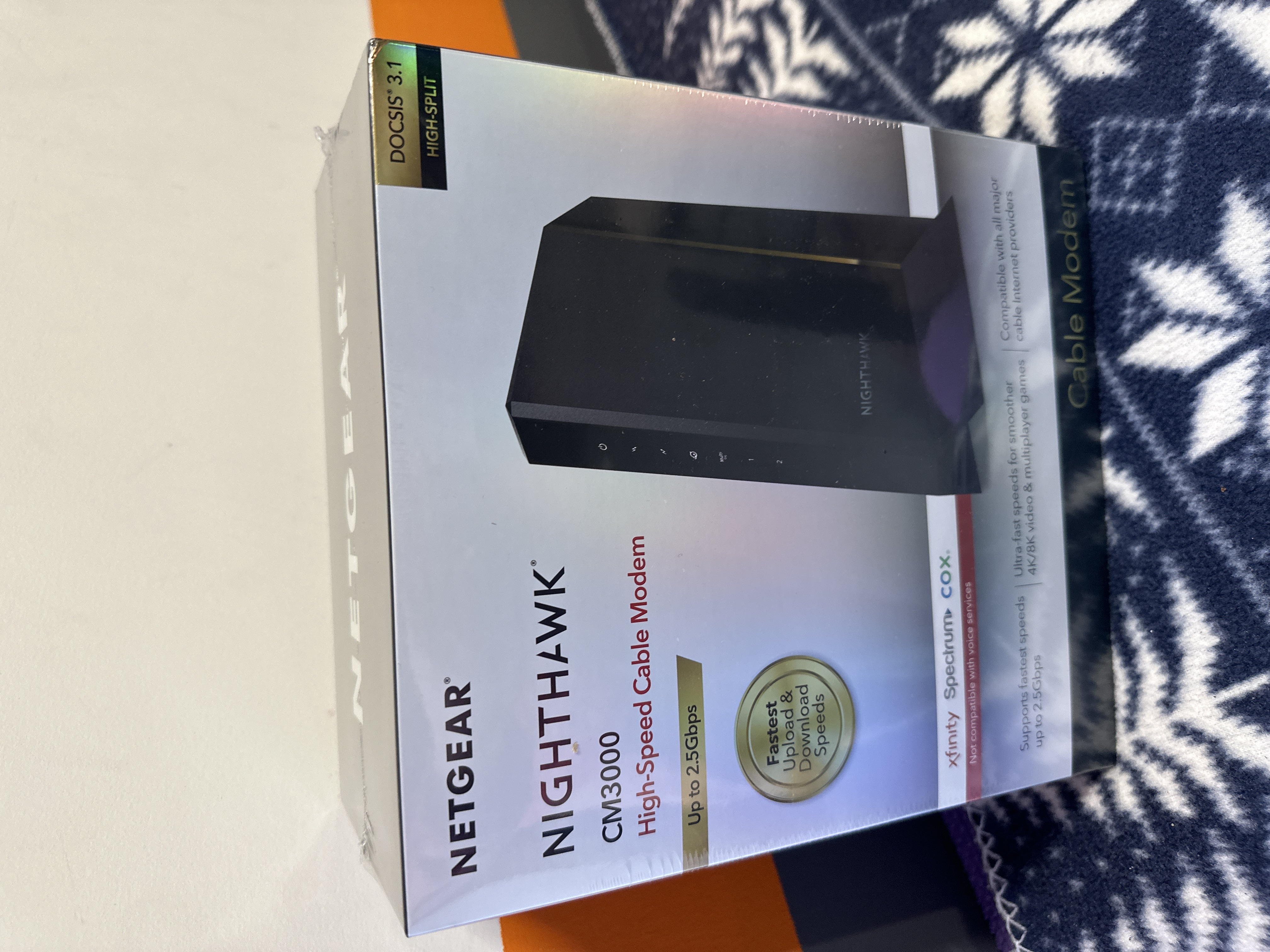
CM3000 Delivered Today
I’ve got one in hand. Going to try it out in a few hours.

plemans
Mar 15, 2024Guru - Experienced User
Nice!
what router are you using?
I know my speed will hit 1.4 but it'll bounce between the 1.2-1.4g based more off the server I'm testing on.
jay_w
Mar 15, 2024Apprentice
I have the original RAX120. When I used WAN aggregation on the CM1200, I had 1.4gbs showing up as total download. But the WAN aggregation stopped working after 22-24 hours and the speed dropped down… It needed to be rebooted every day, so that didn’t work out. CM3000 doesn’t seem to have WAN aggregation which is fine for me. I just wanted to use my full service on the multi-gig ports with my ridiculous CAT8 shielded cable
I’m happy now and I’ll try to retest when the kids go to sleep.
I’m happy now and I’ll try to retest when the kids go to sleep.
- plemansMar 15, 2024Guru - Experienced User
Hopefully it lasts long than the 22-24 hours you were having!
- jay_wMar 15, 2024ApprenticeNow that the kiddos aren’t streaming, yes. I’m getting 1367mbps. 👍🏻
- jay_wMar 15, 2024ApprenticeIt does have LAN port aggregation. If you want to connect it to network drive, you can get 1+1gbps … or you want to connect a high end network switch. But it doesn’t let you aggregate on your WAN connection to the router, like the CM1200 did. But honestly… when you have 2.5gb going to your router… and only 1.2-1,4 internet service, then you don’t need it for WAN ports. It was only helpful when the modem only had a 1gb WAN port.
- jay_wMar 16, 2024ApprenticeI always get my WAN and LAN aggregation terminology mixed up. Sorry. I meant to say something else.
Yes CM3000 has LAG.
WAN aggregation is a quasi phrase. It is LAG, but it applies to a router’s specific ability to accept LAG for its upstream gateway connection. WAN LAG vs Ethernet LAG.
A router or switch can also (and more commonly) have LAG Ethernet for connected devices such as a SAN. It can support both or none. So when I say WAN aggregation, I really mean does the router support LAG for the internet connection to the modem.
The CM3000 has three ports 2.5gbps, 1gbps, 1gbps. Using just the default 2.5 port will give you max of 2.5 overall, and a max of 2.5gb for a single connection, for example downloading a file.
Instead of using the default port, you can use one of the other 1gb ports. or you can bond the two 1gb ports using LAG. This gives you a max of 2gb overall, but any single connection is capped at 1gb.
Then if your router only has 1gb ports and supports WAN LAG you can connect to the modem via LAG.
Then the rest is just basic.
Upstream, if your ISP is capped at 1gb then you are effectively bottlenecked there.
Downstream such as WiFi will be bottlenecked by your wifi connection type and signal strength. LAN connections from your router to your PC, or TV will be capped based on the port.
Hope that makes sense.