NETGEAR is aware of a growing number of phone and online scams. To learn how to stay safe click here.
Forum Discussion

gjlcreative
Mar 14, 2023Aspirant
Gigablast sounded like a good idea...:/ (CM 2000)
I have a problem. I bought a Netgear Nighthawk CM 2000 modem from Amazon. I already had an AC1750 R6700 router. I'm currently trying to get online with Cox with minimal success. It only h...
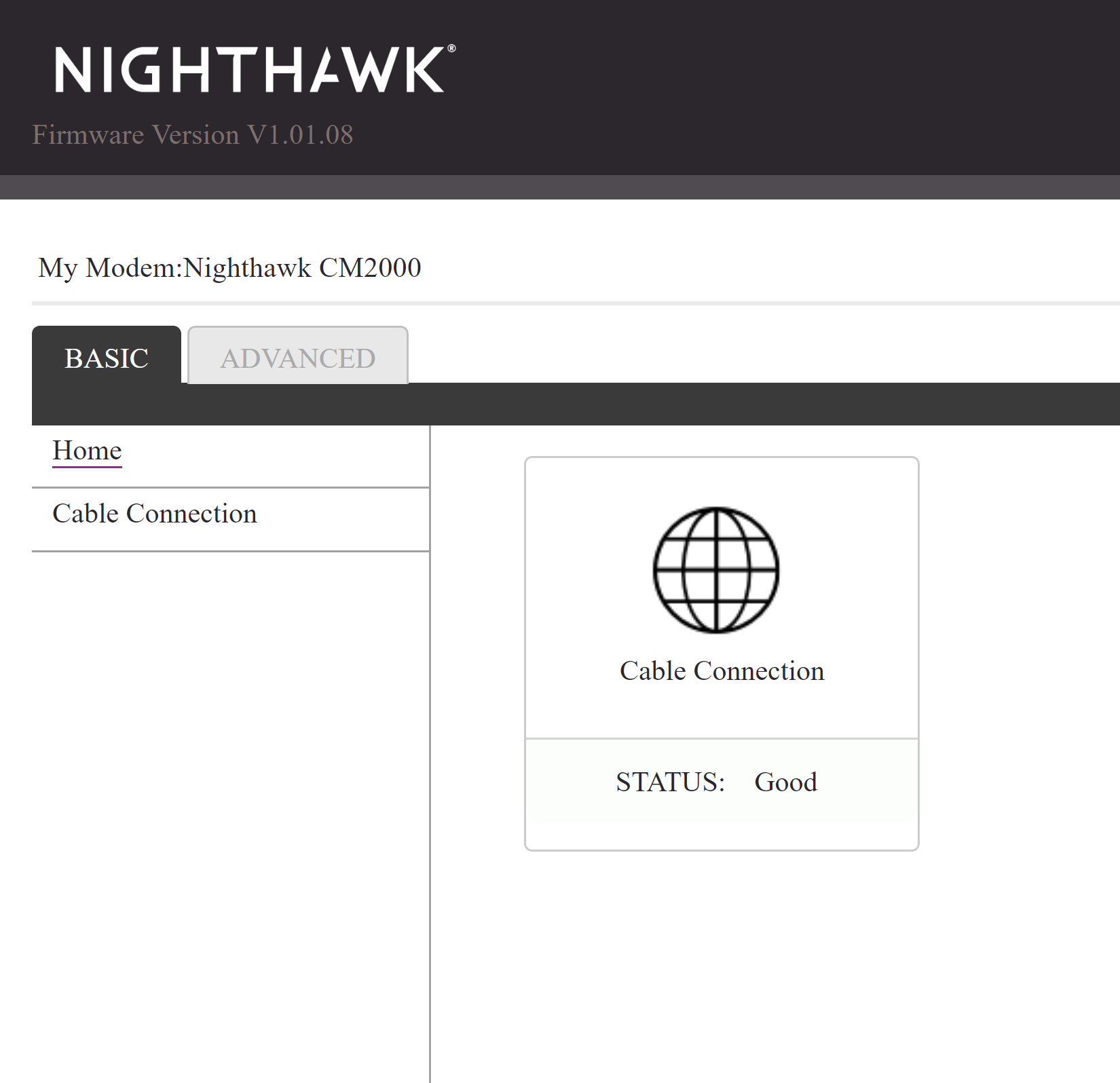
- Mar 14, 2023
gjlcreative wrote:I have a problem.I bought a Netgear Nighthawk CM 2000 modem from Amazon. I already had an AC1750 R6700 router. I'm currently trying to get online with Cox with minimal success. It only has one port on the back so I have an 8-port gigabit switch Netgear MODEL # GS308Initially, it would boot up and establish a connection with the server according to the front panel lights but I couldn't connect to any of my devices. I was able to view the modem's IP on my local network and it said the connection to the modem was ok in terms of hardware.
No luck last night. I get home from work today and suddenly my mini PC was able to go online with a gigabit signal but still no other device on the network is able to connect.Everything on the hub was working with the ISP's rental modem/router before. Why on earth is only my mini PC able to connect?
No connection to my router or my gaming PC in the office. All ethernet connections.A Cox tech came by this afternoon but he wasn't able to get it working. He was a nice kid but didn't know much outside of their own rental units. Go figure.Everything has been reset, unplugged, and rebooted a dozen times.Sorry for the long post. Any thoughts on where I might go from here? Thanks so much for taking the time. I'm excited to get it to workYour Ethernet connection path needs to go Modem -> Router -> Switch.
Power down all of your LAN parts and pull the power cords. Hook it up like above and then power your network on sequentially. Modem first, then the router, and then the switch. Give each device in turn ample time to boot and stabilize before powering up the next device.

Kitsap
Mar 14, 2023Master
gjlcreative wrote:I have a problem.I bought a Netgear Nighthawk CM 2000 modem from Amazon. I already had an AC1750 R6700 router. I'm currently trying to get online with Cox with minimal success. It only has one port on the back so I have an 8-port gigabit switch Netgear MODEL # GS308Initially, it would boot up and establish a connection with the server according to the front panel lights but I couldn't connect to any of my devices. I was able to view the modem's IP on my local network and it said the connection to the modem was ok in terms of hardware.
No luck last night. I get home from work today and suddenly my mini PC was able to go online with a gigabit signal but still no other device on the network is able to connect.Everything on the hub was working with the ISP's rental modem/router before. Why on earth is only my mini PC able to connect?
No connection to my router or my gaming PC in the office. All ethernet connections.A Cox tech came by this afternoon but he wasn't able to get it working. He was a nice kid but didn't know much outside of their own rental units. Go figure.Everything has been reset, unplugged, and rebooted a dozen times.Sorry for the long post. Any thoughts on where I might go from here? Thanks so much for taking the time. I'm excited to get it to work
Your Ethernet connection path needs to go Modem -> Router -> Switch.
Power down all of your LAN parts and pull the power cords. Hook it up like above and then power your network on sequentially. Modem first, then the router, and then the switch. Give each device in turn ample time to boot and stabilize before powering up the next device.
- gjlcreativeMar 16, 2023Aspirant
YOU ARE AWESOME. You were 100% correct.
I did what you said and it fired right up the first shot. My flight sim is up and running and the maps load faster than ever before.
Thank you!