NETGEAR is aware of a growing number of phone and online scams. To learn how to stay safe click here.
Forum Discussion

dscleveland
Sep 10, 2023Aspirant
Unable to view event log page
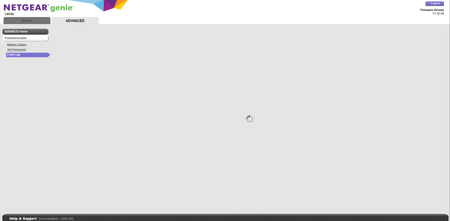
I am unable to view the event log page for a CM700. I was able to view it previously. There have been no changes. Now when I try to pull up the event log page I get a page with only the standby icon ...

FURRYe38
Sep 10, 2023Guru - Experienced User
What browser are you using? Try a different browser? MS Edge, Firefox or Opera?
Factory reset the modem?
- dsclevelandSep 10, 2023Aspirant
Good thought. I'm using Firefox. I tried Chrome, but it won't even get me to the modem logon page. I get a Chrome message that the modem IP address uses an unsupported protocol. The modem uses the standard IP address it's always used, which returned the event log in the past.
I tried Edge. I can log on, but the event log page returns a message that the modem IP address did not send any data.
I tried resetting the winsock. No help. I believe I tried a factory reset, but I'll try it again.
David
- dsclevelandSep 10, 2023Aspirant
Thanks. That may have fixed it. I did a factory reset. I was then able to log onto the event log page. I logged off and back onto the modem a couple of times and was able to pull up the event log page each time.
David
- FURRYe38Sep 10, 2023Guru - Experienced User
Please post a copy and paste of the modems connection status and event log page.
https://kb.netgear.com/30007/How-do-I-obtain-the-cable-connection-information-from-a-NETGEAR-cable-modem-modem-router
https://kb.netgear.com/30008/How-do-I-view-or-clear-the-event-logs-on-my-NETGEAR-cable-modem-or-modem-router