NETGEAR is aware of a growing number of phone and online scams. To learn how to stay safe click here.
Forum Discussion

JimmyW
Feb 04, 2019Luminary
Error when navigating from a link
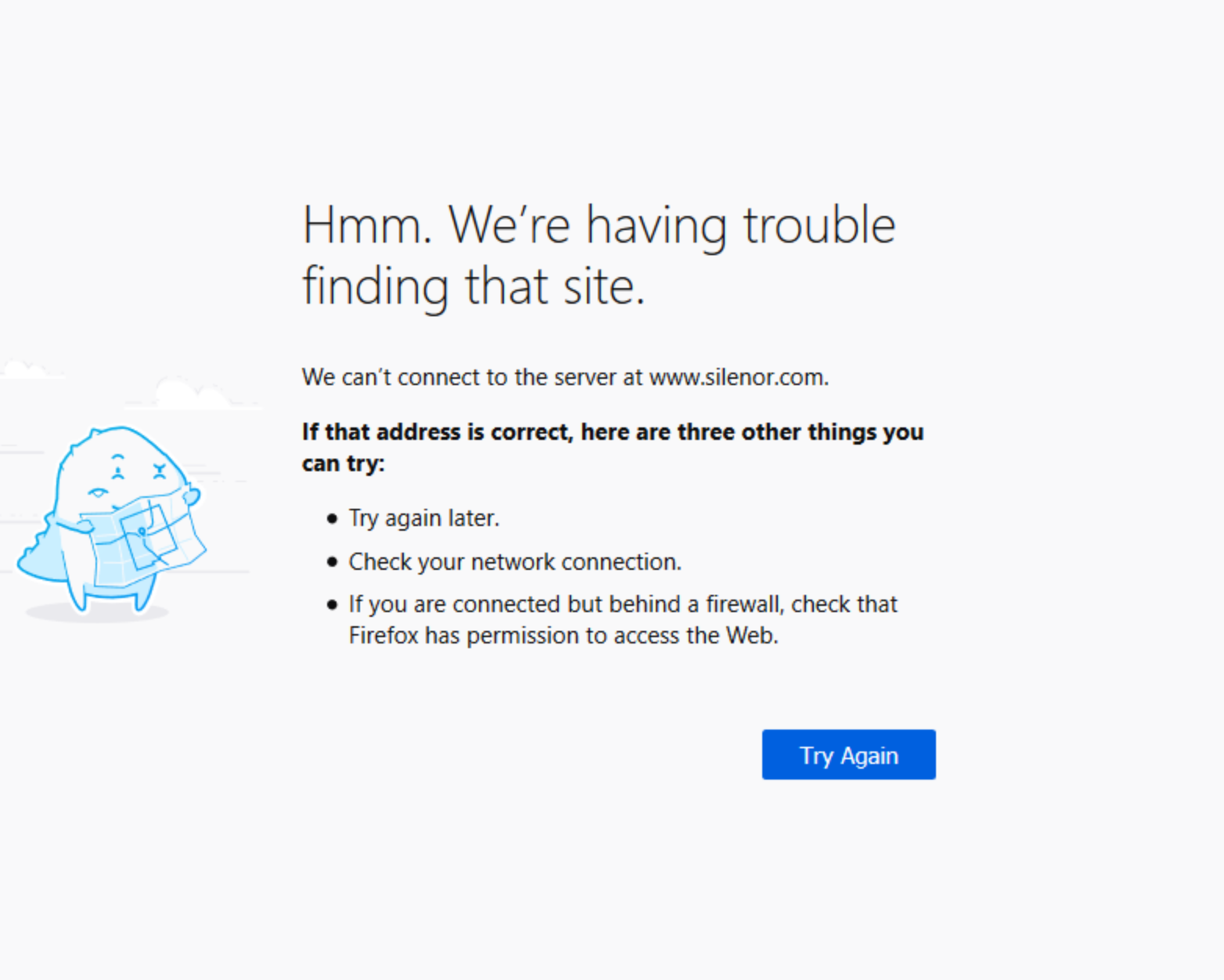
I've reported a simialr issue in the past and tried a few suggestions, such as switching my DNS from Spectrum to Google. All too often, I click a link and am presented with a Firefox (65.0) screen as in the screenshot. If I click the Try Again button, I'm always sent to the site that I requested without further issue. Rergardless, it's annoying, es[ecially when I've completed a form and then lost the data when I try to send it. Does anyone have an other ideas or a fix? My router and Spectrum service are performing fine AFAIK. Thanks.
JimmyW wrote:
Sorry for my mixup. Just opened my settings. My firmware is V1.0.9.42_10.2.44. The router is an AC1900 R7000
OK, stay there an test. That is probably last f/w that was stable for most people.
Personally, I don't think it is the router? We'd have a flood of complaints if it did.
I'll tell you this, my wife was on my back 2 days ago. I've been moving USB Network Adapters between our PC's, her's is Pro and mine is Home. We've got 2 different USB AC speed NIC's. I can't always boot with one and it has no problem on her PC. However on her PC it sometimes is slow coming out of sleep, and sometimes she must manually connect.. all well and good.2 days ago she could NOT login to a web site. Similar to your problem. I ran troubleshooter's, looked at all possible TCP/IP settings. We both run Firefox, same level. She had a lot of 'purchasing/coupon ad-ons'. I ran her FF in Safe mode. Problem remained. Went to my PC and created an account. I had NO problems signing in? Went to her PC and I didn't either? Huh? So we created a NEW account for her, poof it worked? Discovered her OLD USERID was her first name. We use RoboForm and it filled that in and tried to login. FAILED with that. Noticed it NOW wanted the E-MAIL address. Used the old account e-mail address and it worked? That is until today... seems the web site is changing.
So don't blame everything on something new I guess is the moral here. Oh, web site owner's (a pop-up window gives and e-mail address to contact them) support, USELESS... they had NO clue... usual garbage, clear cache, reboot PC, try a different browser... none helped.
10 Replies
 IrvSpMaster
Have Spectrum as well and FF 65.0.
I do NOT have this problem using Spectrum's default DNS's, 209.18.47.62 and 209.18.47.61 (yours might vary depending on area).Since wife's PC is also on the network and using FF65.0 as well, you'd think her PC wouldn't do that, but it does on occasion. BIG difference, she uses MANY more ADD-ON's than I do, most are shopping ones as well. When she had that problem I used the HELP on FF to RESTART WITH ADD-ONS DISABLED (called Safe Mode and those will turn back on the next time you start FF) and that problem 'went away'. Never started to disable individual ones to figure out which one though. She 'lives' with it, and the SLOW LOADING of pages she sees as well. I'm sure it is all related as in Safe Mode pages open very fast.
- JimmyWLuminary
Thanks. I have about a dozen add-ons, but haven't tried the disable & test approach. The problem is intermittent, so I'd have to browse for an hour or so to see whether it presents without add-ons. Then, I'd have to do the same thing for each add-on. I do know that this issue appeared with the arrival of this R7000 router, and was not a problem with a previous, older-model Netgear router. With my currenrt R7000, I connect on the high band and had terribly slow speed on low band. Otherwise, my pages load very quickly. I also had tried Google's and CloudFare's DNS servers, but that didn't make a difference.