NETGEAR is aware of a growing number of phone and online scams. To learn how to stay safe click here.
Forum Discussion

HH1736
Dec 11, 2016Tutor
R7000 and USB settings
Hello,
I was not able to change the USB storage settings - it always goes back to Basic. I noticed this after the migration of the RCloud account to MyNetGear account. Also, I can't backup my iphone 6s to the external drive, connected to the router.
Any feedback will be appreciated.
Thanks!
The factory reset fixed the problem!
20 Replies
- ElaineMNETGEAR Employee Retired
Welcome to the community, @HH1736
What do you mean by unable to change the USB Storage settings?
Are you saying that you're unable to select other radio buttons such as ReadyCLOUD, ReadySHARE Printer, and ReadySHARE Vault?
The attached USB drive is still detected by the router, right?
What's the current firmware version installed on your NETGEAR router?
Did you try to power cycle?
 HH1736Tutor
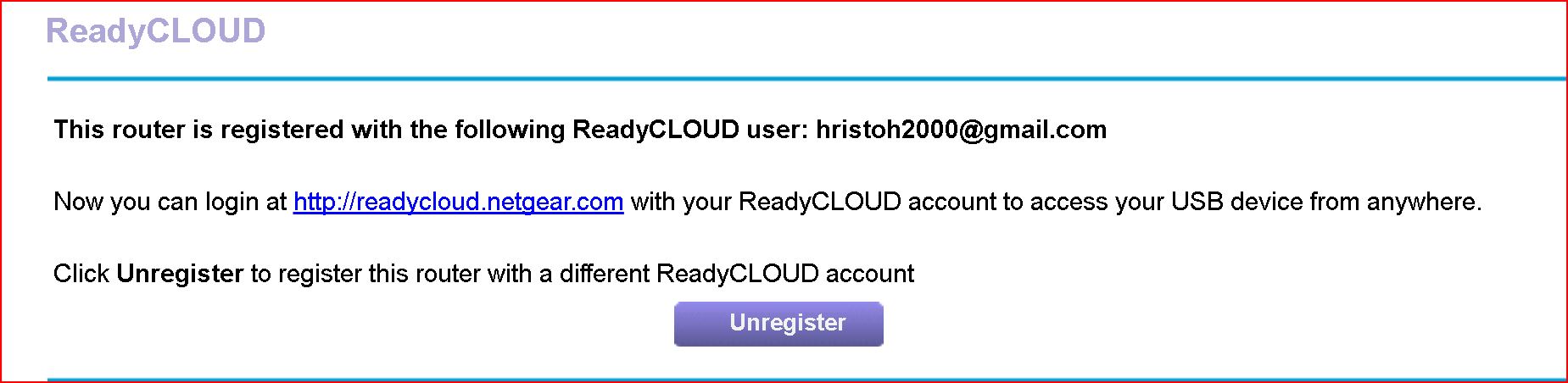
Yes, I'm able to select any of the radio butons. When I select ReadyCloud button this page pops out:
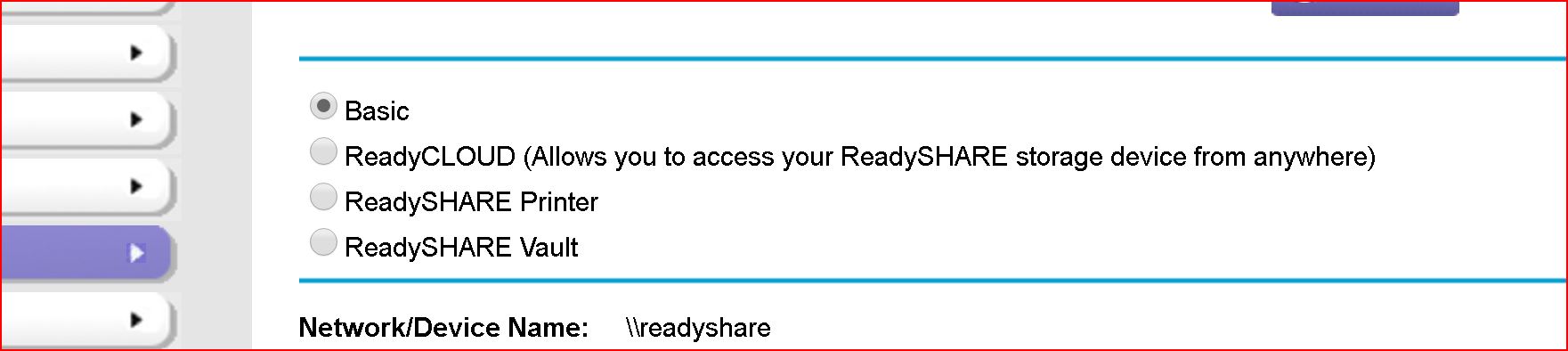
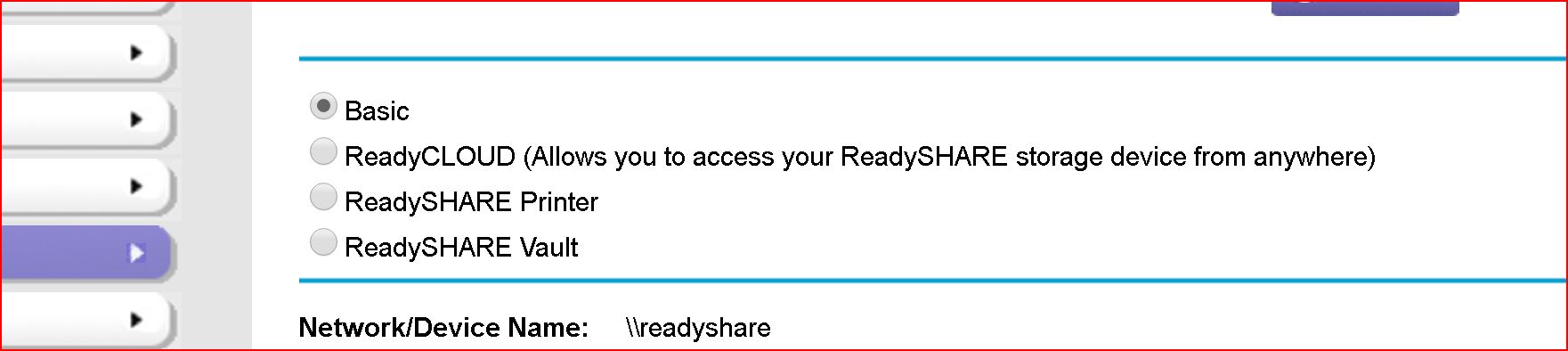
When I go back to check the setting I get this:
Why the setting defaults back to Basic? Is this normal?
Also, before the migration of the ReadyCloud account to MyNetgear account I was using ReadyCloud app to back up four iphones to the 5TB external drive, connected to the router. And then, using Kwilt app, the whole familly was able to see all the pictures on the drive 31,000+
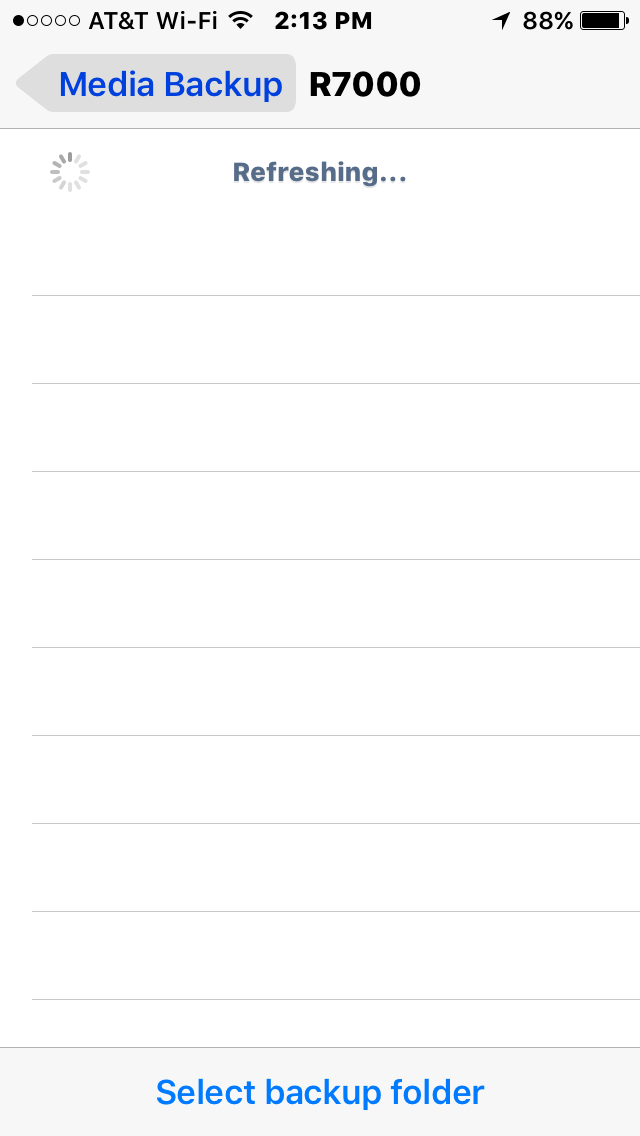
Unfortunately, this is not posible anymore. The ReadyCloud app detects the router(R7000), but doesn't see the drive.
- ElaineMNETGEAR Employee Retired
It is normal for the radio button to default back to Basic.
Did you try to unregister your account from the router settings and re-register?
Did you also try to factory reset the router?
My R7000 behaves the exact same way. I though it was just me.