NETGEAR is aware of a growing number of phone and online scams. To learn how to stay safe click here.
Forum Discussion

Smokesignal3
Jul 09, 2024Aspirant
Re: Current Firmware update for my R7000 AC1900
My WiFi is not working.
6 Replies
- michaelkenwardGuru - Experienced User
Smokesignal3 wrote:
My WiFi is not working.That's a shame, but I can't see how this is related to the problem that question from yahtzee.
Have you, or your cat, pressed the wifi on/off button?
Start you own conversation and tell us a lot more about what is going on at your end.
You can help people to help you by providing the information suggested in this forum's header:
Subject (Include model number and brief summary)
Model (Recommended - Helps the community give the best answers)
Body (Include additional detail including model version, firmware, OS and environment where relevant.)They are there for a good reason.
- Smokesignal3AspirantCan you help me fix it
- michaelkenwardGuru - Experienced User
- Smokesignal3Aspirant
- FURRYe38Guru - Experienced User
Press the WiFi button on top of the router for 5 seconds then release?
Has a factory reset and setup from scratch been performed?
Smokesignal3 wrote:
My WiFi is not working - michaelkenwardGuru - Experienced User
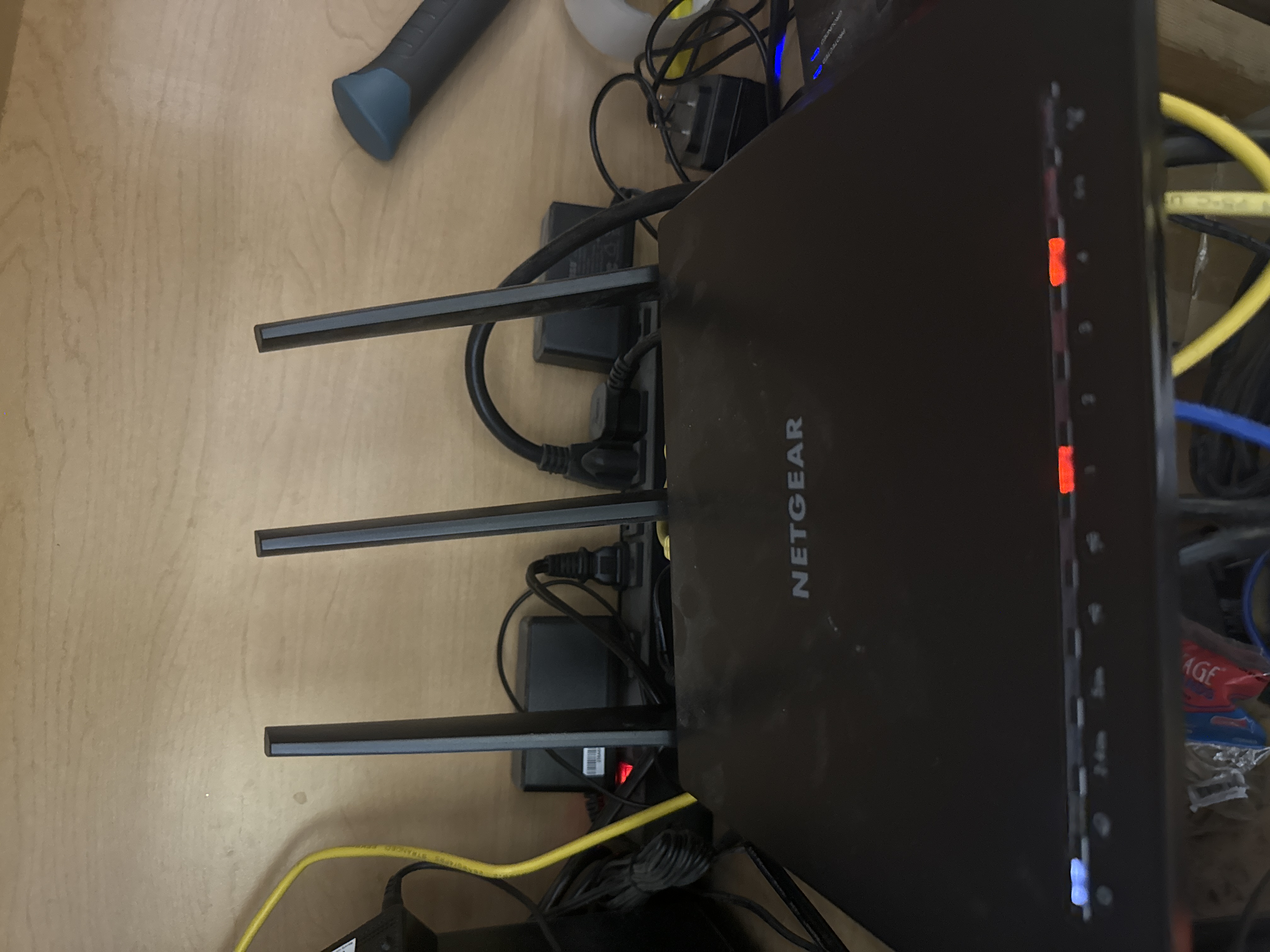
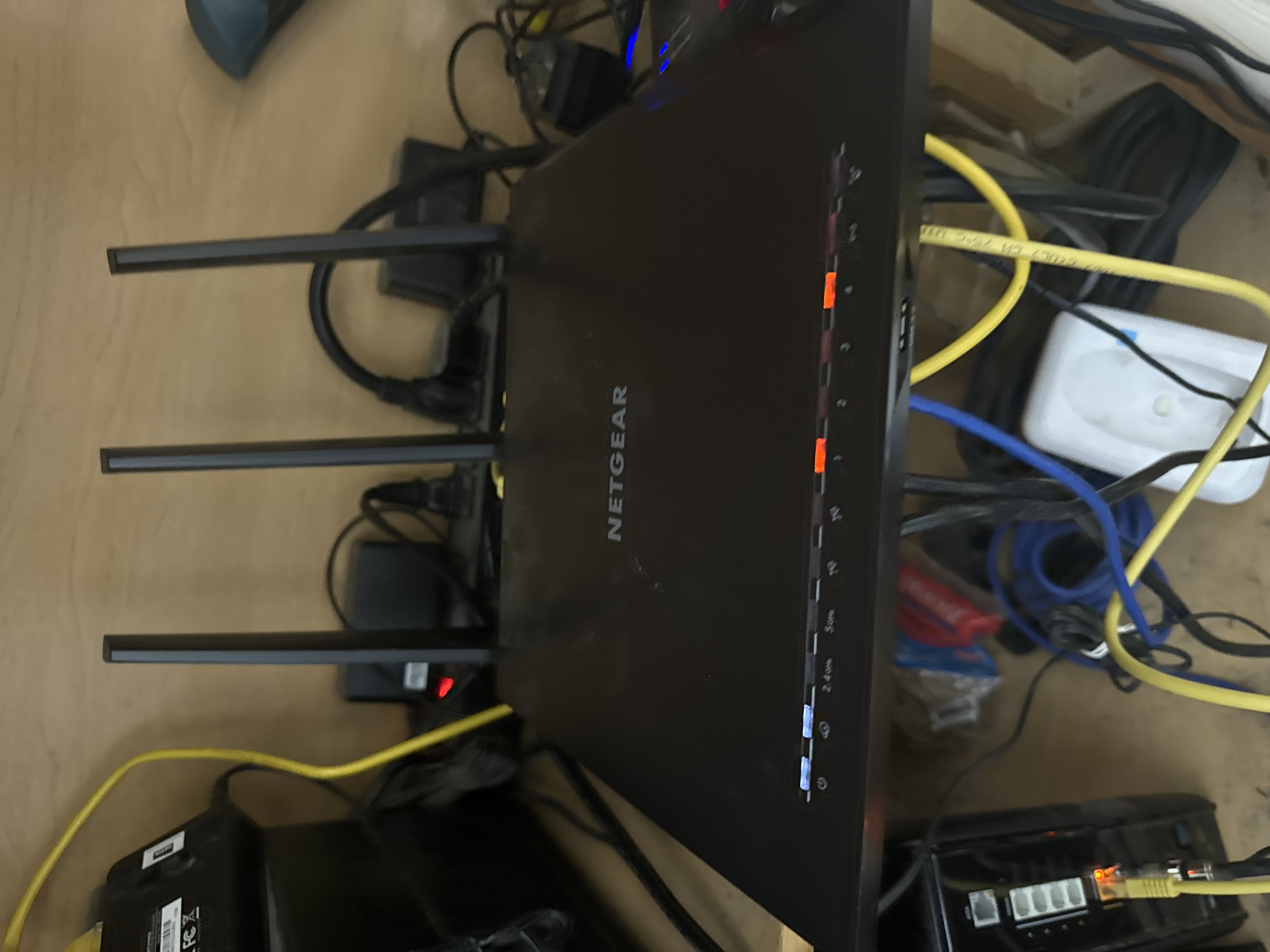
Your picture suggests that the wifi is turned off.
First try pressing the wifi LED to see if it will come back on. Look at the2.4 and 5 GHz LEDs.
Do not rush to reset the router until you have done some more investigation of what is happening on at your end. That is a brute force move. It is rarely needed to fix most issues. If the switch doesn't work, tell us more about your network.
Looks like you also have some slow (100 Mbps) devices connected to your LAN ports.
Your "modem" – the box on the left? – also has four LAN ports, suggesting that it is also a router. So maybe you are piling router on router. That can cause problems.