NETGEAR is aware of a growing number of phone and online scams. To learn how to stay safe click here.
Forum Discussion

Rougarou
Mar 15, 2021Aspirant
Used router, connected w/ no internet.
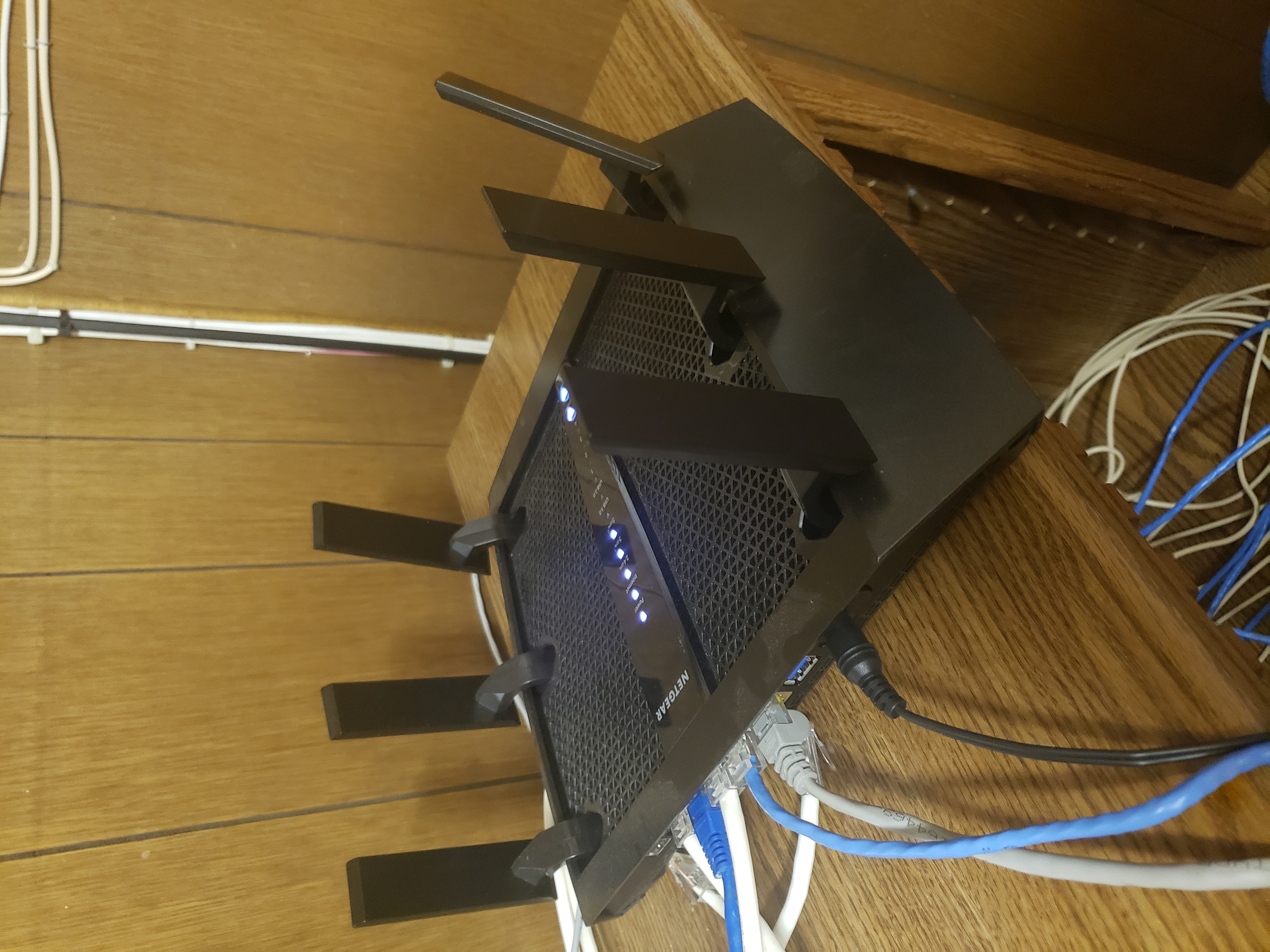
Recently I acquired a Nighthawk X6S AC4000 that was given as partial rent payment, & had been used and working by the previous owner.
I got a brand new internet service from the city.
I can see the WiFi network router & connect to it on the old network in phone settings. It connects with no internet access.
I downloaded the Nighthawk app and tried to follow along, the app couldn't find the network though.
The city gave me the # Static IP address/Gateway (etc) & I tried changing those numbers in settings & it wasn't cooperating to my limited knowledge on this subject.
In order for this to connect, do I need to reset the router?
Or is there some other way to get the router to cooperate with the new service?
Thank you
I got a brand new internet service from the city.
I can see the WiFi network router & connect to it on the old network in phone settings. It connects with no internet access.
I downloaded the Nighthawk app and tried to follow along, the app couldn't find the network though.
The city gave me the # Static IP address/Gateway (etc) & I tried changing those numbers in settings & it wasn't cooperating to my limited knowledge on this subject.
In order for this to connect, do I need to reset the router?
Or is there some other way to get the router to cooperate with the new service?
Thank you
3 Replies
> Recently I acquired a Nighthawk X6S AC4000 [...]
Not a model number. Look for "Model" on the product label.
> Model: R8000P|Nighthawk X6S AC4000 Tri Band WiFi Router
"R8000P" is a model number. Is it the model number of your router?
> I got a brand new internet service from the city.
How much do you expect anyone here to know about that service, or
about the equipment which might come with it, or how you connected any
of this stuff to anything?> [...] The city gave me the # Static IP address/Gateway (etc) & I tried
> changing those numbers in settings & it wasn't cooperating to my limited
> knowledge on this subject.What, exactly, did you "try changing", to what, exactly, where,
exactly, how, exactly? "wasn't cooperating"?
None of that is a useful problem description. It does not say what
you did. It does not say what happened when you did it. As usual,
showing actual actions (commands) with their actual results (error
messages, LED indicators, ...) can be more helpful than vague
descriptions or interpretations.> In order for this to connect, do I need to reset the router?
It's generally a good idea when dealing with a used device.
> Or is there some other way to get the router to cooperate with the new
> service?Other that _what_? Who, other than you, could possibly know what you
did?Visit http://netgear.com/support , put in your (actual) model number,
and look for Documentation. Get the User Manual (at least). Read?- RougarouAspirantYou got the model number didn't you? I dont know if you always sound so condescending, please leave the replying to someone with better customer service skills if you cannot reply respectfully.
My inquiry isn't so complex or vague that someone with a child's level of reasoning couldn't make out what I meant.
Used router.
I have active internet service.
Connected to router. No internet.
Tried to change IP address info in settings.
Did not fix issue.
Asking about a reset or other options.
How do I connect to the factory router network once I do the reset?
Again, let someone who understands make the reply if you do not. Thank you.
- michaelkenwardGuru - Experienced User
Rougarou wrote:
In order for this to connect, do I need to reset the router?
Or is there some other way to get the router to cooperate with the new service?Always the first thing to do when you acquire a used device. The original owner will have changed the settings and used it on an different Internet service.
Then set up the R8000P by following the instructions for a new device.
Visit the support pages:
Support | NETGEAR
Feed in your model number and check the documentation for your hardware.
Look for the model number on the label on the device.
Begin with the Quick Start/Installation Guide.
You may have done this already. I can't tell from your message.