NETGEAR is aware of a growing number of phone and online scams. To learn how to stay safe click here.
Forum Discussion

perlundin66
Aug 16, 2016Tutor
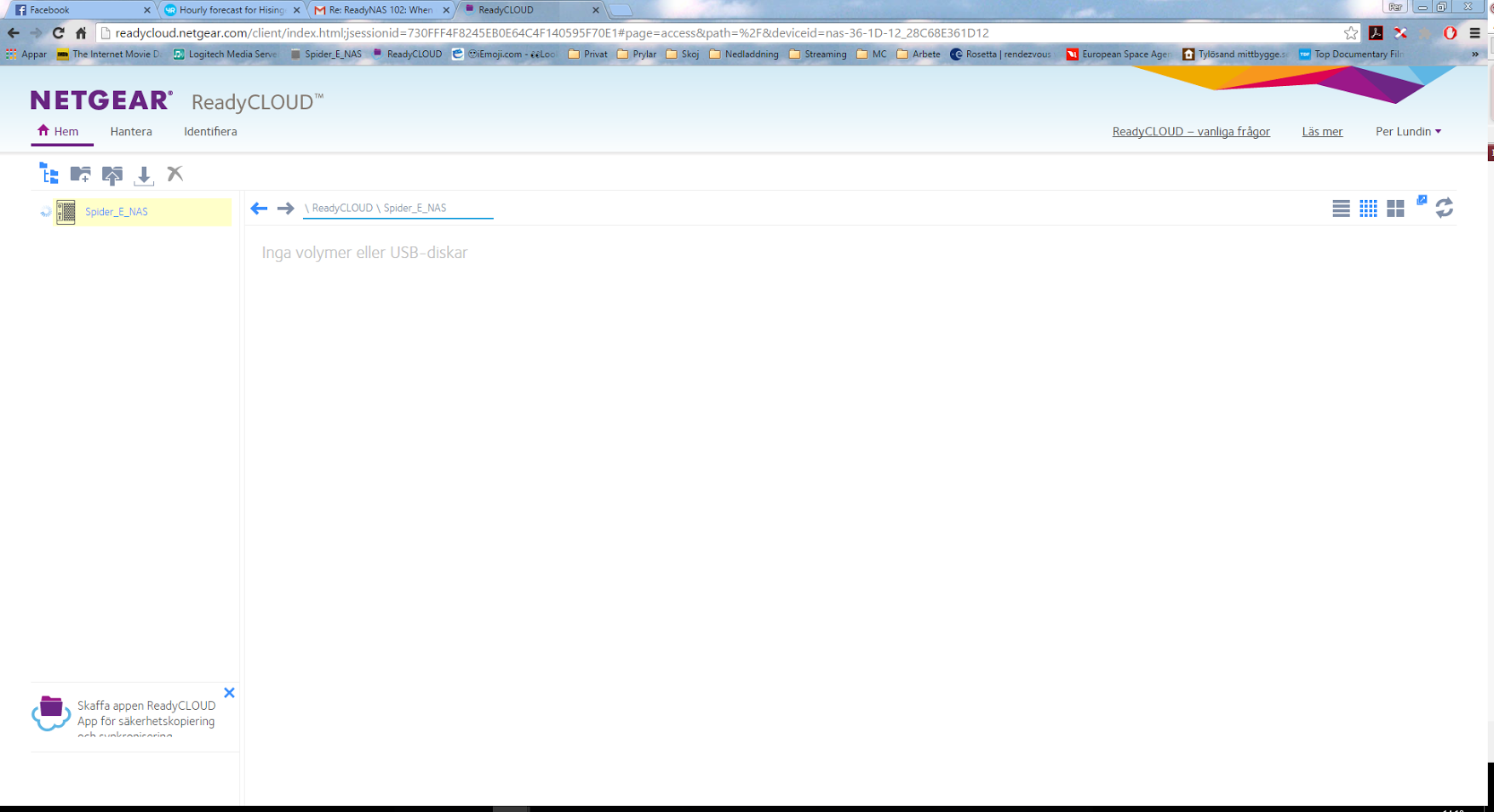
ReadyNAS 102: When using ReadyCLOUD on my desktop I get the message "No volumes or USB disks"
Hi. When using ReadyCLOUD on my desktop I get the message "No volumes or USB disks" trying access my information on my ReadyNas. OS 6.5-0. Status: In good shape. I have tried to get a solution via t...
- Sep 15, 2016
Solution found! I had to delete all links in ReadyCLOUD to my NAS. Then, at home on my LAN, I had to reconnect the NAS again. And then....the disks are back! Hopefully this can help others with the same problem. :-)

JennC
Aug 16, 2016NETGEAR Employee Retired
Hello perlundin66,
What's version of the desktop client? Can post a screenshot?
Welcome to the community!
Regards,
- perlundin66Aug 17, 2016Tutor
Hi JennC. Thanks for the quick response.
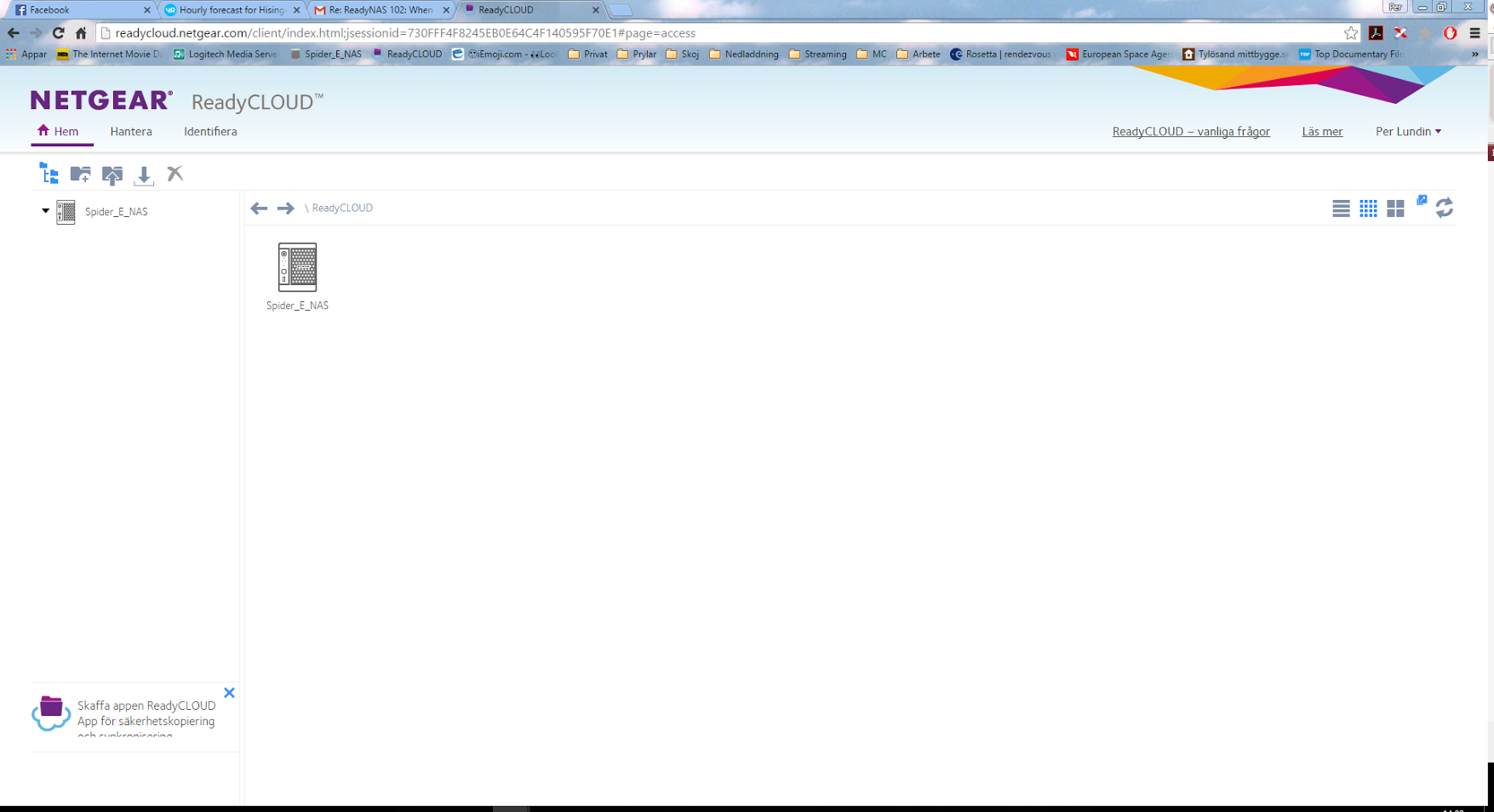
It looks like this: StephenBAug 17, 2016Guru - Experienced User
perlundin66 wrote:
Hi perlundin66 These links are invalid (they appear to be links to gmail???)
Please just click on the image link, and browse to the image on your PC. Then upload it.
- perlundin66Aug 17, 2016Tutor
Hi StephenB. I'll try it...
Looks like this:
Hopfully this will work better :-)
BR. Per Lundin
Related Content
NETGEAR Academy

Boost your skills with the Netgear Academy - Get trained, certified and stay ahead with the latest Netgear technology!
Join Us!
