NETGEAR is aware of a growing number of phone and online scams. To learn how to stay safe click here.
Forum Discussion

Madmax1963
Mar 02, 2016Aspirant
How do I setup security in my shares
I recently received my ReadyNas 102 and have just finished configuring it via Raidar since I wanted to use both of my drives as independent volumes and I must confess it was easier than I thought it ...
- Mar 03, 2016
It could be that your web browser has cached an old version of the web admin interface.
Emptying your web browser's cache, closing your web browser and reopening the web admin page may help.

Madmax1963
Mar 02, 2016Aspirant
PS-Forgot to add that all my computers are running windows 10, windows 7 and some dualboot to Linux. I also upodated the Readynas OS to 6.4.2 .

BrianL2
Mar 02, 2016NETGEAR Employee Retired
Hi Madmax1963,
Here are some helpful NETGEAR articles that you can look at.
Setting up File Access Permission
Setting up Network Access Permission
Setting up Share storage quota
Kind regards,
BrianL
NETGEAR Community Team
- Madmax1963Mar 03, 2016Aspirant
Thank you Brian, will check the links to see if I find what I need.
- Madmax1963Mar 03, 2016Aspirant
Brian, I have been checking all the information about Disk Quotas on the ReadyNas but in my case when I go to a share folder, click on settings, then go into properties, there is no quota option. Actually it doesn't mention anything about quotas.
I'm running OS version 6.4.2 on my ReadyNas and it seems that this version does not contain the Quota option.
Can you please confirm?
Thanks
 StephenBMar 03, 2016Guru - Experienced User
They certainly show up my system.
- Madmax1963Mar 03, 2016Aspirant
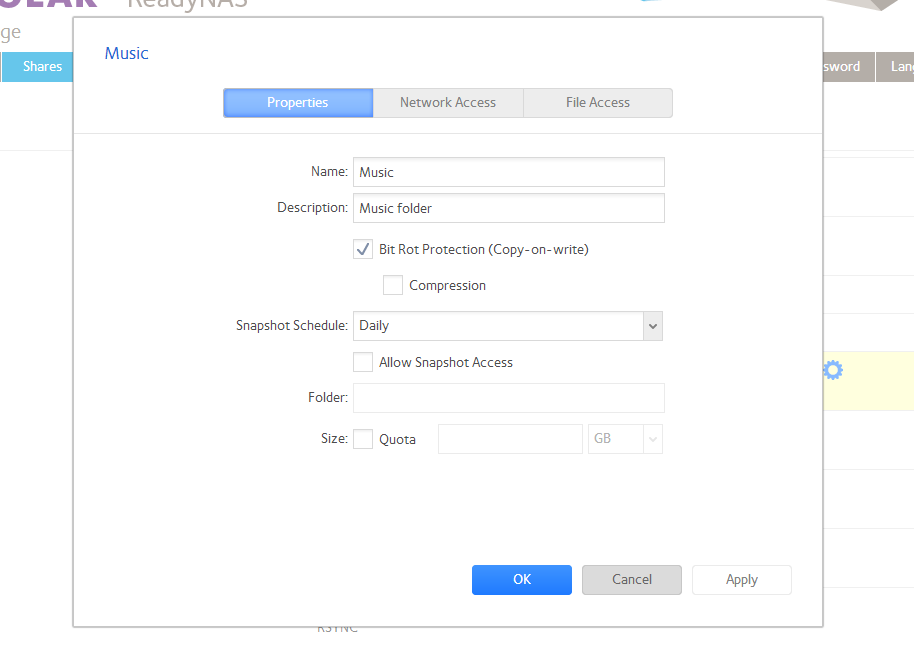
Thank you for the input, I had to reboot my machine a few minutes ago since I'm still having problems trying to figure out how to set folder permissions, I accessed the admin page of the NAS via chrome but instead of typing the IP, as I normally would, I typed the name of the NAS and suddenly I had a different administration layout. When I checked the Shares option everything was different and now I have the add quotas.
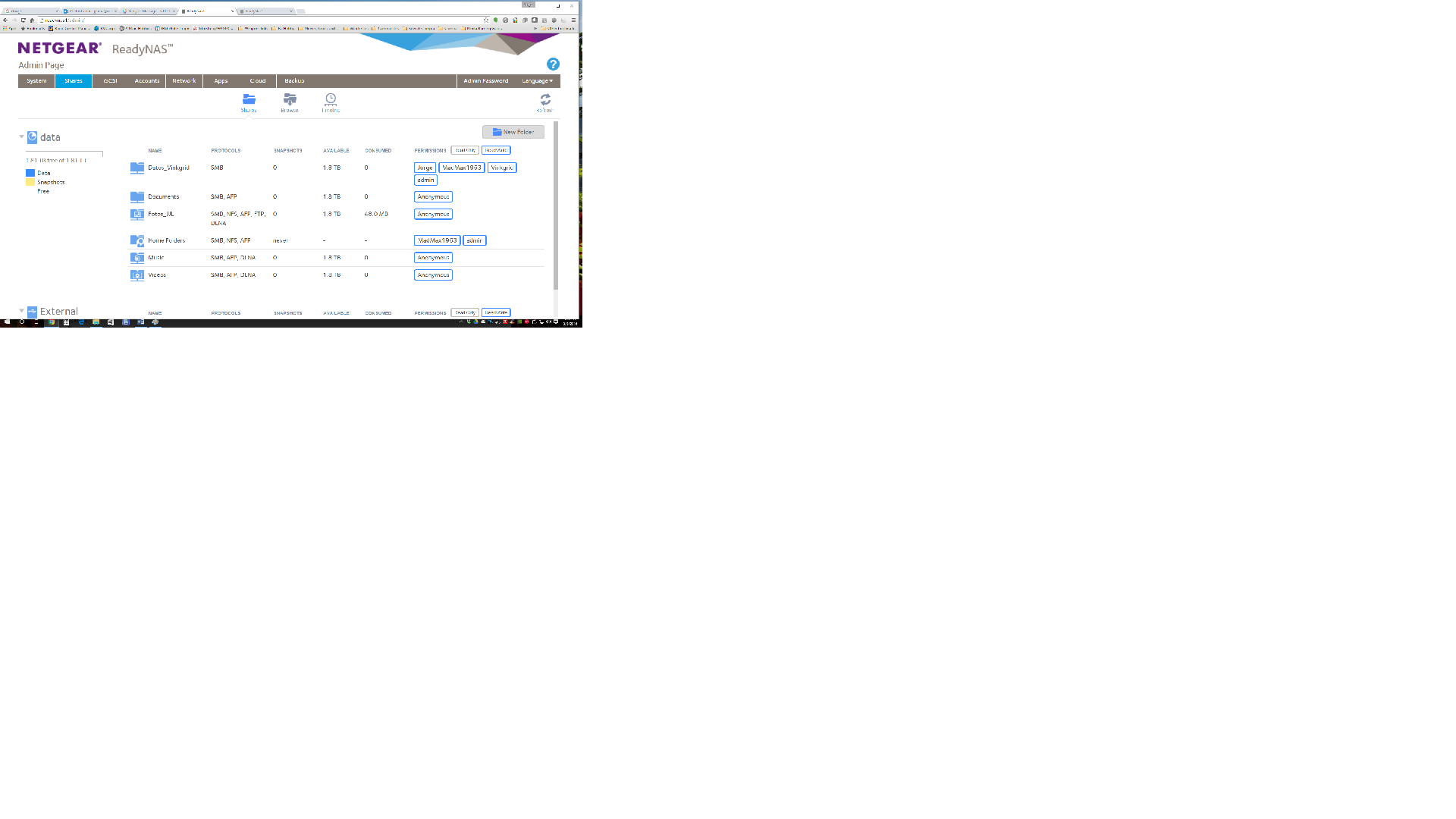
When I access the Admin console by typing the IP address I get the old layout and when I check the shares there is no option for quota. So it seems that I have 2 different console interface.
This is the share administration page that I get when I access the NAS by typing the name of the unit in chrome, here I have the option to add quotas:
Related Content
- May 22, 2016Retired_Member
NETGEAR Academy

Boost your skills with the Netgear Academy - Get trained, certified and stay ahead with the latest Netgear technology!
Join Us!
