NETGEAR is aware of a growing number of phone and online scams. To learn how to stay safe click here.
Forum Discussion

josborne5247
May 09, 2023Follower
Ancient READYNAS want to download all files
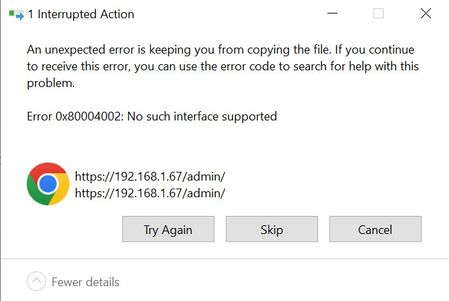
Hi friends, I have been carrying our READYNAS Duo around for a decade now but haven't used it in the past 5-6 years. I was able to force my new Windows 10 machine to access the share through an old...

StephenB
May 09, 2023Guru - Experienced User
josborne5247 wrote:
Is there any way to simply transfer the tons of files I have or mount it on a win10 machine? I see links in the browser to do about everything but download- upload, delete, etc....
Go into "turn windows features on or off", and enable the SMB 1 /CIFS client there.
Then access the NAS using file explorer. Enter \\192.168.1.67 into the file explorer address bar, and you should see the list of shares. Make sure you use the correct slash ( \\ not //).
Related Content
NETGEAR Academy

Boost your skills with the Netgear Academy - Get trained, certified and stay ahead with the latest Netgear technology!
Join Us!
