NETGEAR is aware of a growing number of phone and online scams. To learn how to stay safe click here.
Forum Discussion

nickjames
Feb 18, 2017Luminary
Documentation for Replicate, specifically backup and restoring data
Hello, I've been using Replicate for about 3 years now and luckily (knock on wood), I'v never had to restore my backup NAS to my primary NAS. That being said, I can't find any documentation on ho...
 Feb 26, 2017
Thanks againg for your input, StephenB and TeknoJnky.
I got everything backed up this last week and so far as good.
StephenB, I know when I called into Netgear originally to setup Replicate, they suggested NOT to use snapshots on the destination (backupnas) device. Should I also not be creating snapshots on the destination device, when using Rsync?
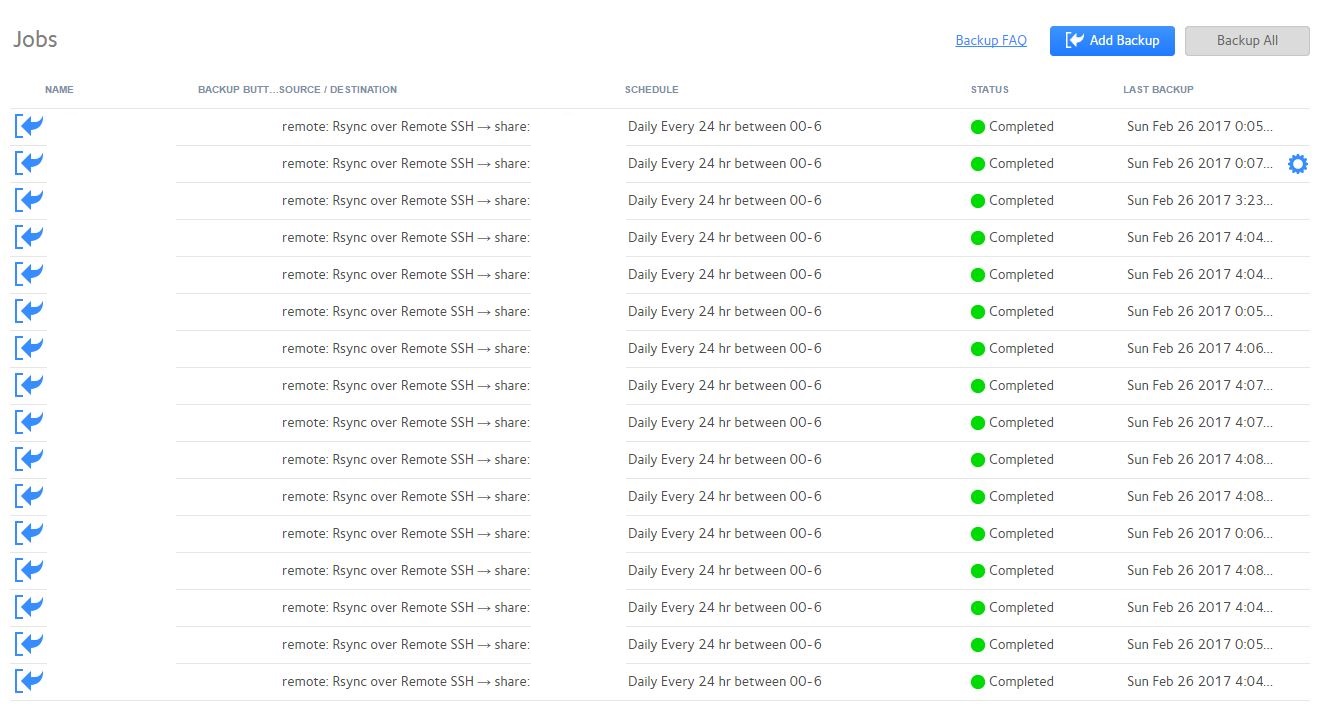
By the way, I'm going with the "pull" method as I like the idea of putting the NAS on a power schedule. That being said, do I just figure how long the backup jobs should take, schedule them within the hours that the NAS is powered on, and that is it? Will it power off automatically if schedule backups are pending or in the middle of finishing one?
Here is a picture of my current schedule, which by the way, can you just have them all run at the same time and it will run each one, one-by-one until completion?
Thanks again for your suggestions!
nickjames
Feb 20, 2017Luminary
StephenB wrote:
nickjames wrote:
Is there something that works better than Replicate? Or easier to understand?
What ReadyNAS models, and what firmware are they running? Is the backup NAS on the same network as the primary NAS?
RN516s
6.6.0 and 6.6.1
They are BOTH on the same LAN (broadcast domain)

StephenB
Feb 20, 2017Guru - Experienced User
nickjames wrote:
RN516s
6.6.0 and 6.6.1
They are BOTH on the same LAN (broadcast domain)
ReadyDR is one possibility. It backs up snapshots only, so it is quite efficient - especially for iSCSI luns.
The main disadvantage is that you can't immediately cut over to the backup NAS - you need to restore the backup instead. If that's an issue, then rsync backups are better (and are what I use myself). You can combine that with custom snapshots on the destination share(s) to give you some retention.
I like to use a separate rsync backup for each share (and since I don't use the home folders, I don't bother to back those up). Set up email notification on failure.
Related Content
NETGEAR Academy

Boost your skills with the Netgear Academy - Get trained, certified and stay ahead with the latest Netgear technology!
Join Us!
