NETGEAR is aware of a growing number of phone and online scams. To learn how to stay safe click here.
Forum Discussion

rickwookie
Sep 17, 2016Aspirant
ReadyNAS NV (Sparc) OS Partition Full
Hi I've been doing a lot of googling and think I'm nearly at the point I can get access back to my NV Frontview. Basically, NFS started to fail, then CIFS went down, then I got all sorts of o...

rickwookie
Sep 17, 2016Aspirant
That's what I thought, but unfortunately I don't have a scooby when it comes to LVM2 commands such as vgscan and vgchange.
I'm pretty sure my data volume is fine.
Any chance you could let me know the commands I would need to mount it?
Thanks again.
rickwookie
Sep 17, 2016Aspirant
Ok, a bit more googling gets me:
start_raid.sh
mount /dev/hdc1 /sysroot
chroot /sysroot
mount proc
vgscan
vgchange -ay c
mount -a
Obviously I've done the first two lines to get me where I am now, but is the rest of that sequence of commands correct? I'd rather copy the syslog if I can.
- rickwookieSep 17, 2016Aspirant
ok I jumped in a did it anyway, all looks good, copied all 1.7 GB with:
cp /var/log/syslog /c/backup/
then did:
echo "" > /var/log/syslog
So last question, how to I cleanly unmount everything before rebooting (and do I need to initiate the reboot from the telnet prompt)?
Thanks.
- mdgm-ntgrSep 17, 2016NETGEAR Employee Retired
To reboot once you've unmounted everything and run
# vgchange -a n
to deactivate the LVM group you then just need do
# reboot -f
- rickwookieSep 17, 2016Aspirant
So what does the
# touch /.os_update
# sync
do?
Is this just to force a resync? Do I need to do this if so, because it will take days if previous experience is anything to go by?
- rickwookieSep 17, 2016Aspirant
Hang on mgdm, I've lost your other reply, did you edit/delete it? How to I unmout everything?
- rickwookieSep 17, 2016Aspirant
Never mind, figured it out (basically just umount everything previously mounted right?)
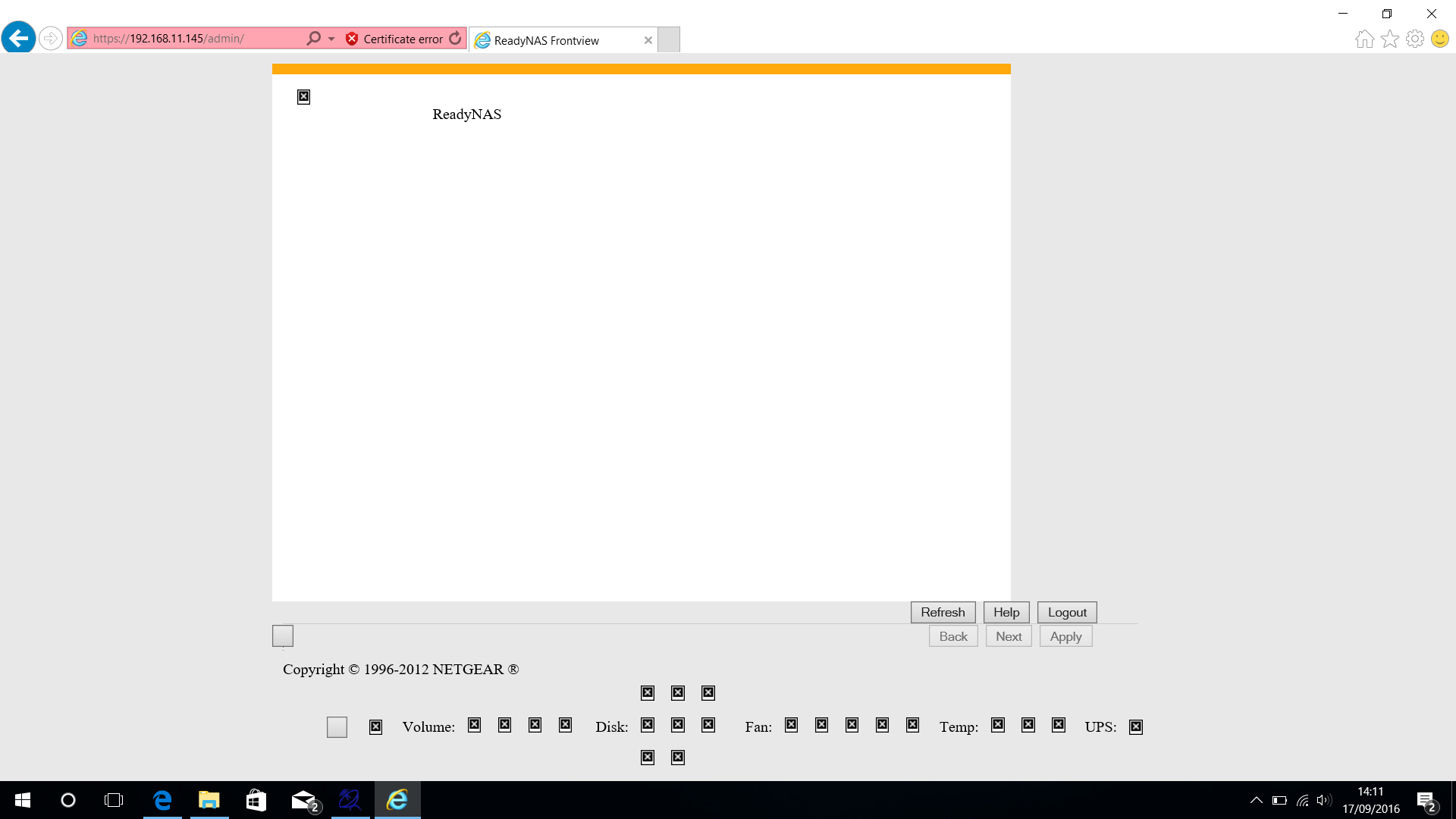
So after the reboot, I'm still getting this:
Is this to be expected? Is this because when I did the OS re-install the OS partition was already too full to complete the re-install and now I just need to do it again?

Related Content
NETGEAR Academy

Boost your skills with the Netgear Academy - Get trained, certified and stay ahead with the latest Netgear technology!
Join Us!
