NETGEAR is aware of a growing number of phone and online scams. To learn how to stay safe click here.
Forum Discussion

tanderson2002us
Oct 23, 2019Aspirant
C7000v2 and Xfinity Internet Issues- Have to factory reset weekly
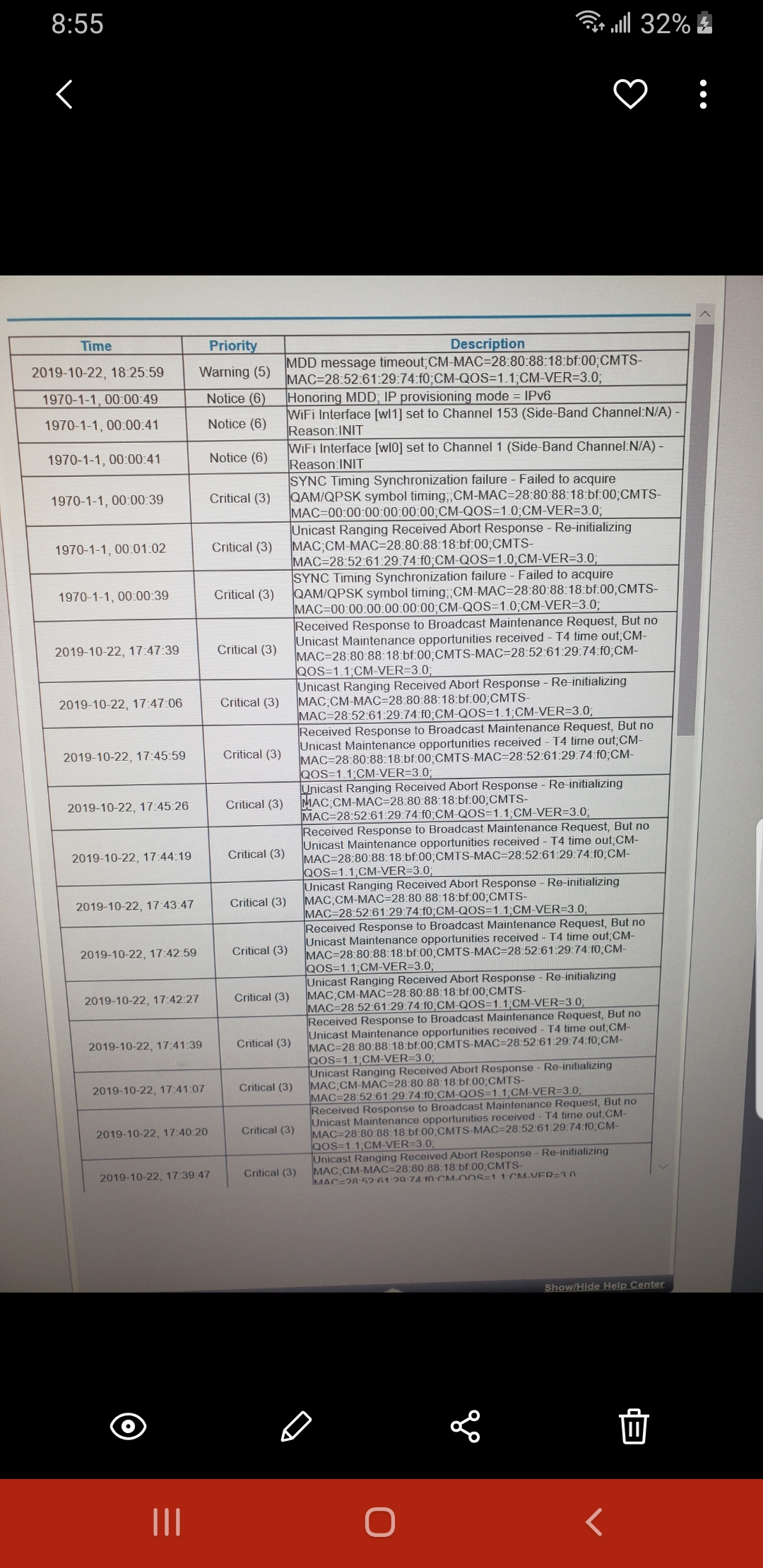
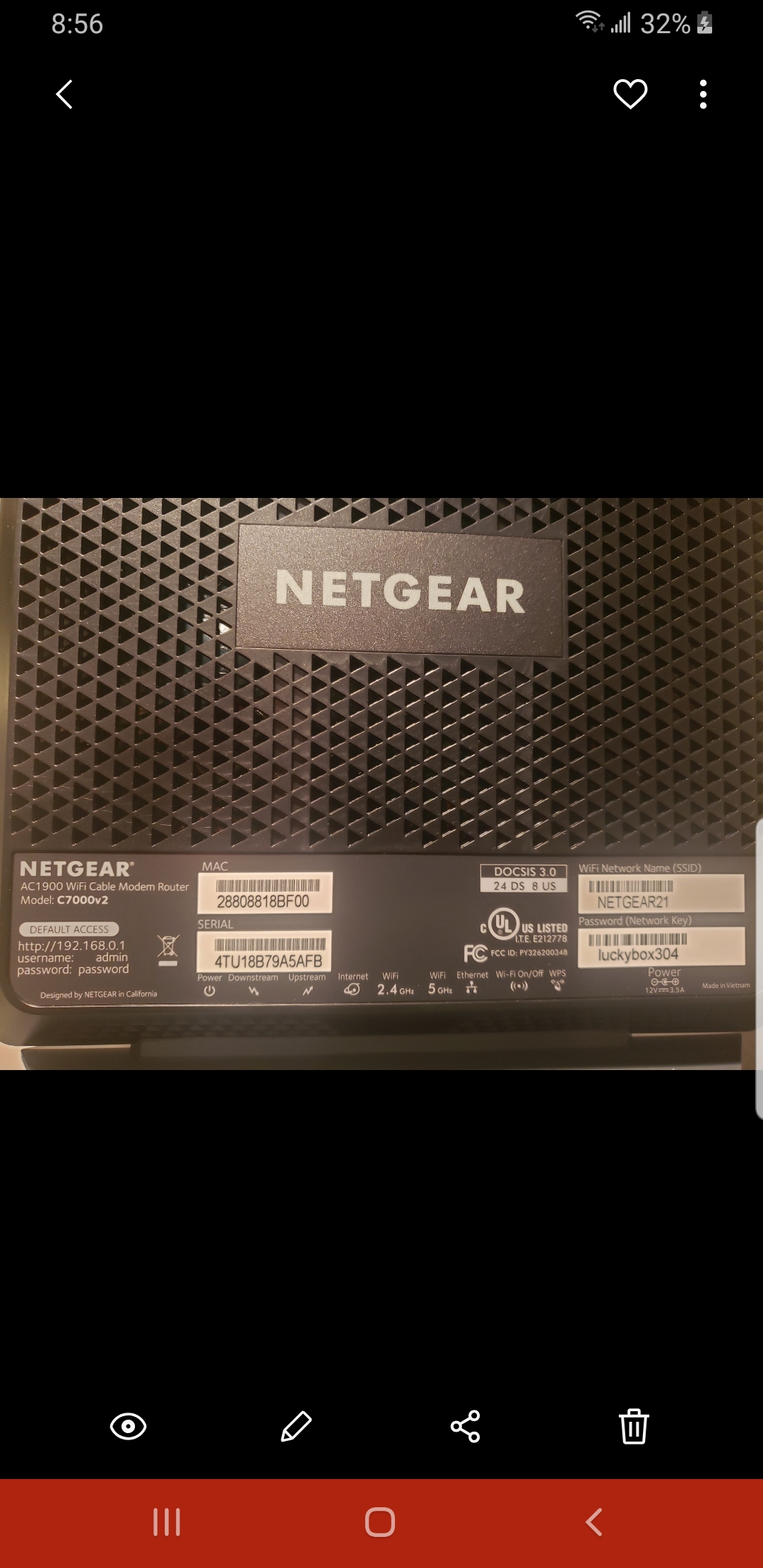
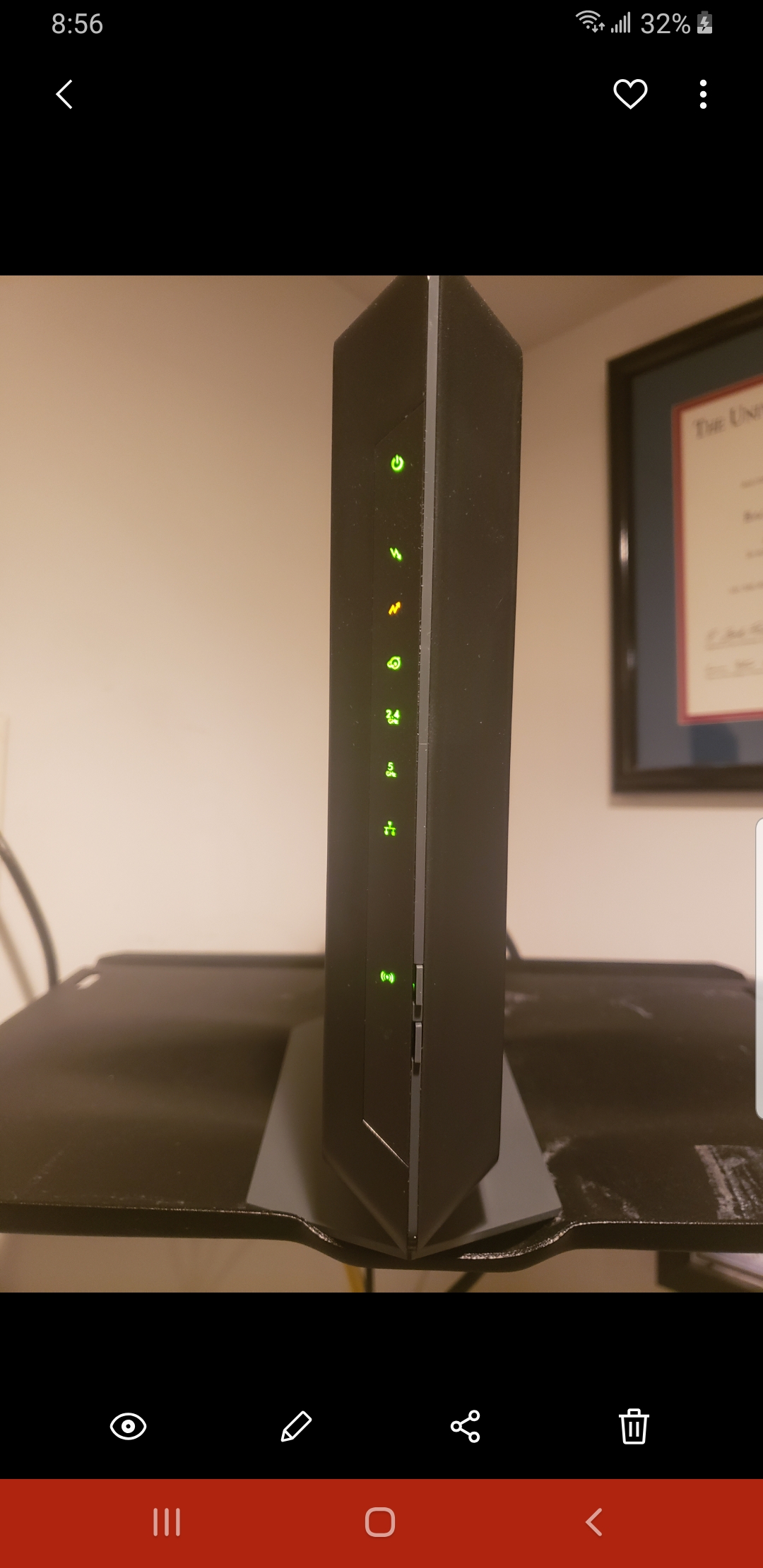
I have a C7000v2 I purchased a few months ago from Best Buy as the box advertised that its compatible with Xfinity internet. Being tired of renting a cable modem I made the purchase. It worked great a month or so then started dropping the internet. About 6 months prior to this I did have Comcast out as they were emailing me my signal was weak (or something to that effect). The tech replaced the box in my garage and checked all my connections. Ive had great service for 11 years now with 500mb inetrnet speeds. Ive had no connectivity issues until I bought the Nighthawk. Now, I have to factory reset the cable modem weekly to keep a consistent connection with the internet. I came home last night and took pictures of the error log before and after reset. My internet is working ok today but the upstreal light is now amber. Given time the internet will start to drop out again, as evidenced by the TVs and phones etc freezing up when streaming videos etc etc. What can I do to prevent this? I never had this problem with the rented cable/modem from Xfinity. Thank you.
This was an xfinity issue. Havent factory reset in a month.
Thanks for your replies!
Tom
10 Replies
- tanderson2002usAspirant
- tanderson2002usAspirant
- tanderson2002usAspirant
- tanderson2002usAspirant
- tanderson2002usAspirant
- tanderson2002usAspirant
- tanderson2002usAspirant
Looks like I forgot spell check sorry about that !
- michaelkenwardGuru - Experienced User
YOu have posted in the section for Nighthawk Routers with WiFi 6 (AX).
You might get better and quicker replies, and find other answers, over in the appropriate section for your device:
Cable Modems & Routers
No need to repost there, unless you want to – that will just clutter up the place with duplicated messages – but you might find advice related to your hardware.
I have asked the Netgear moderator to move your message.
- FURRYe38Guru - Experienced User
Be sure there are no cable coax line splitters in between the modem and ISP service box.
Have the ISP check the signal and line quality UP to the modem.
Be sure your using good quality RG6 coax cabling up to the modem.
What channels are you using? Auto? Try setting manual channel 1, 6 or 11 on 2.4Ghz and any unused channel on 5Ghz.
Any Wifi Neighbors near by? If so, how many?
tanderson2002us wrote:I have a C7000v2 I purchased a few months ago from Best Buy as the box advertised that its compatible with Xfinity internet. Being tired of renting a cable modem I made the purchase. It worked great a month or so then started dropping the internet. About 6 months prior to this I did have Comcast out as they were emailing me my signal was weak (or something to that effect). The tech replaced the box in my garage and checked all my connections. Ive had great service for 11 years now with 500mb inetrnet speeds. Ive had no connectivity issues until I bought the Nighthawk. Now, I have to factory reset the cable modem weekly to keep a consistent connection with the internet. I came home last night and took pictures of the error log before and after reset. My internet is working ok today but the upstreal light is now amber. Given time the internet will start to drop out again, as evidenced by the TVs and phones etc freezing up when streaming videos etc etc. What can I do to prevent this? I never had this problem with the rented cable/modem from Xfinity. Thank you.
- tanderson2002usAspirant
This was an xfinity issue. Havent factory reset in a month.
Thanks for your replies!
Tom