NETGEAR is aware of a growing number of phone and online scams. To learn how to stay safe click here.
Forum Discussion

dubvr6
Nov 15, 2015Aspirant
ReadyNas Frontview page -blank buttons- help
Hi
Model: ReadyNas RND4000
Firmware: 4.1.12
3 x 2TB disks
I have been unable to access my nas directly or via the network for about a week. After reading the threads in the forum, I decided to reinstall the OS following the reset button method. The OS installed with no issue and the LCD screen shows 2.1/3.6TB hence no data loss.
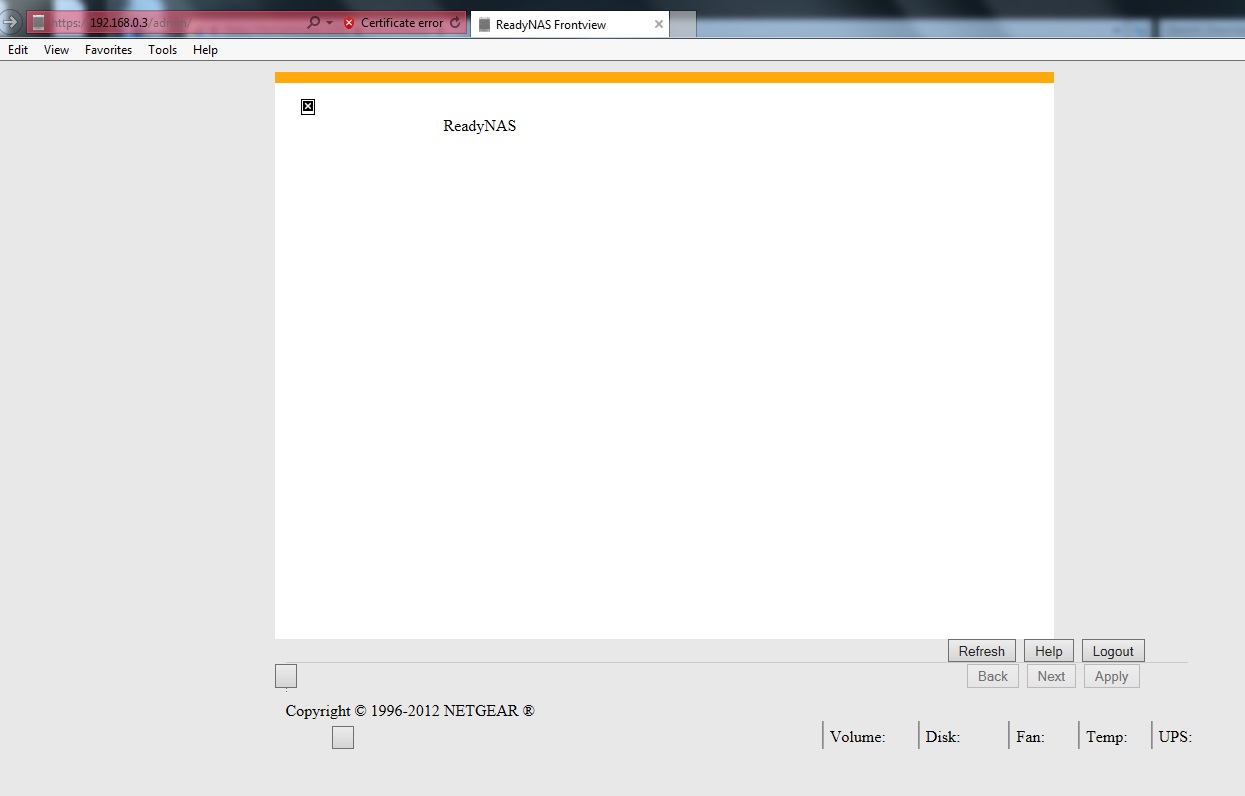
Now i can get on to the admin page using the default admin/password, but get a blank page (screenshot below)
I have downgraded the web browsers and still get the same issue and tried different devices mac, iphone, windows laptop and pc.
Please can someone advice.
3 Replies
- mdgm-ntgrNETGEAR Employee Retired
Can you access your data?
Is your data backed up?

Related Content
NETGEAR Academy

Boost your skills with the Netgear Academy - Get trained, certified and stay ahead with the latest Netgear technology!
Join Us!
