NETGEAR is aware of a growing number of phone and online scams. To learn how to stay safe click here.
rax29
4 Topics
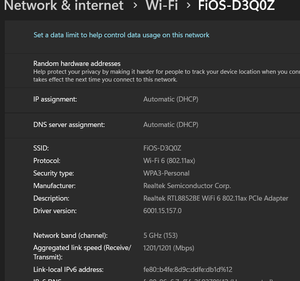
AX3000 Manual DNS setting not taking effect
Good morning everyone. I am using a AX3000 as my main internal router with a AX2400 as a repeater for my downstairs basement. This setup has worked perfectly fine but something I found out the other day is that I cannot get the manual DNS option to work under the internet settings. The reason I need this setting to work is I am doing testing on my network and some of it is local android testing which I need to do inside of my network. Upon logging into my basement's wifi signal I do get the correct ip address but my specified DNS server never gets sent down to the phone or any other device. I know I can force this manually but most of the phones we are trying to use are not unlocked/rooted so we can't force the dns on the phone (at least to my knowledge). The setting is defiantly saved in the AX3000's Primary DNS setting but all it does is show the routers ip address on the devices instead. I have tried forgetting the network, restarting phone, re-add the network and even tried using a brand new device on the network all of them get the routers ip address for the DNS server. The reason I am reaching out is to see if anyone has any recommendations to help us get to the point where we can properly get that going? Thank you in advance