NETGEAR is aware of a growing number of phone and online scams. To learn how to stay safe click here.
Forum Discussion

bkcarter
Sep 16, 2019Aspirant
RBR20 & PS4 issues
Let me preface this with I am somewhat tech illiterate so I’d LOVE for someone to please explain to me like a small child how to resolve this issue.
I recently purchased the Orbi RBR20 with 2 satellites. My internet is through ATT -which also has a router connected tot he modem, mentioning bc not sure if this could cause a problem. We recently converted an outdoor garage (approximately 15 yards from our house) into a man cave for my husband in which we connected the PlayStation 4. However, the ATT router would not put off a strong enough signal to connect to the PSN hence the purchase of the Orbi.
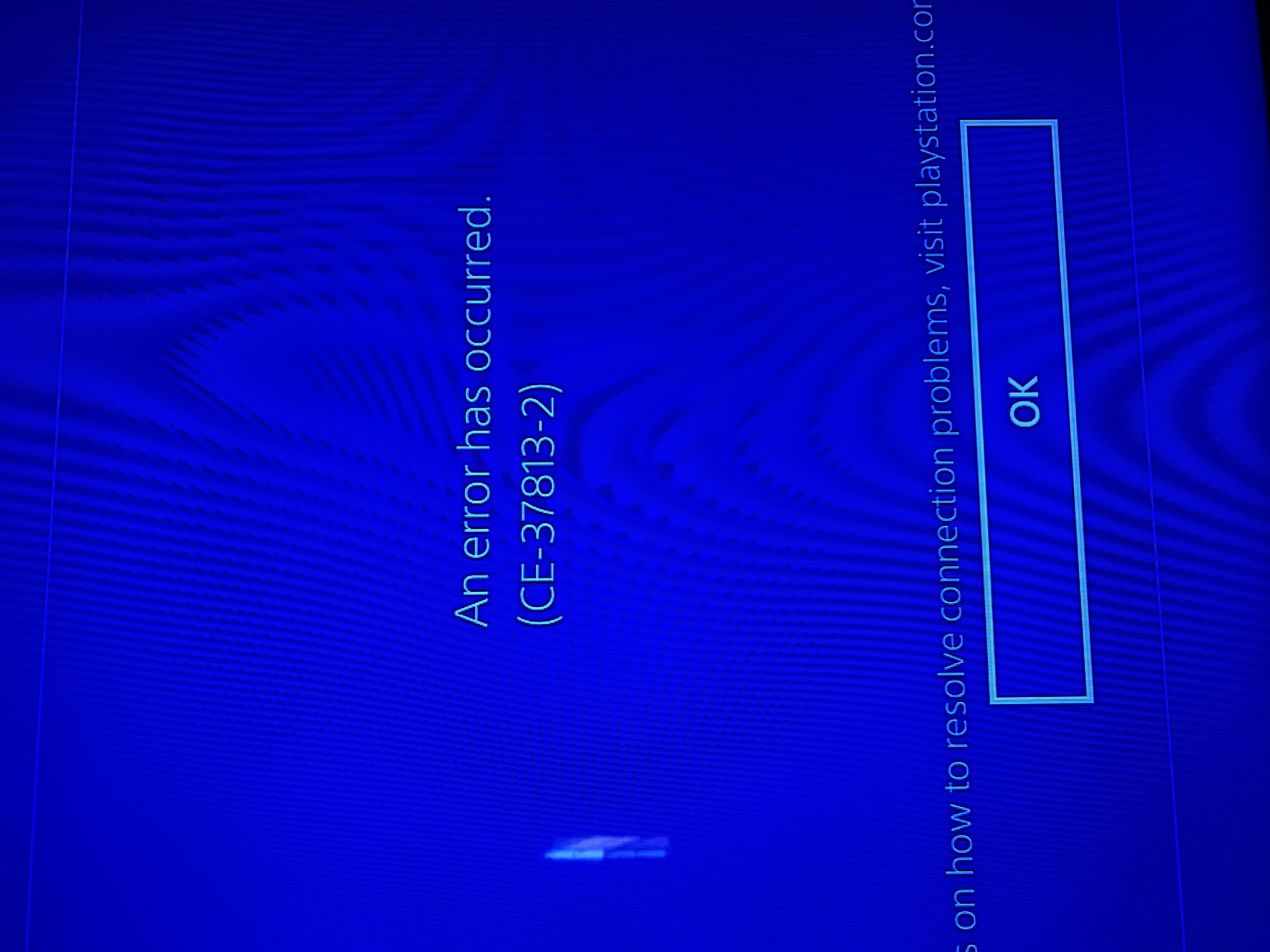
That being said, I set up the Orbi today & the app show everything running properly. I have the main router connected to the ATT modem in the living room, one satellite in our dining room (closest point inside to the man cave) & another satellite in the man cave. When we try to establish an internet connection through the PS4 we are getting error CE-37813-2. I googled a couple of solutions for this error & rebuilt the database, also tried inputting WiFi info manually & get nowhere.
I read firmware may have something to do with it but not sure how to turn that off or change the level of that on the Orbi. *side note* the ATT WiFi still shows up & will connect but not for long as it shows low signal strength. TIA for any help you can give me.
I recently purchased the Orbi RBR20 with 2 satellites. My internet is through ATT -which also has a router connected tot he modem, mentioning bc not sure if this could cause a problem. We recently converted an outdoor garage (approximately 15 yards from our house) into a man cave for my husband in which we connected the PlayStation 4. However, the ATT router would not put off a strong enough signal to connect to the PSN hence the purchase of the Orbi.
That being said, I set up the Orbi today & the app show everything running properly. I have the main router connected to the ATT modem in the living room, one satellite in our dining room (closest point inside to the man cave) & another satellite in the man cave. When we try to establish an internet connection through the PS4 we are getting error CE-37813-2. I googled a couple of solutions for this error & rebuilt the database, also tried inputting WiFi info manually & get nowhere.
I read firmware may have something to do with it but not sure how to turn that off or change the level of that on the Orbi. *side note* the ATT WiFi still shows up & will connect but not for long as it shows low signal strength. TIA for any help you can give me.
10 Replies
- FURRYe38Guru - Experienced User
What Firmware is currently loaded?
What is the Mfr and model# of the ISP modem the NG router is connected too?I would contact the ISP and ask them if this router can be removed if it's a separate device from the ATT modem. Some modems have built in routers as well.
This would be a double NAT condition which isn't recommended. https://kb.netgear.com/30186/What-is-Double-NAT
Couple of options,
1. Configure the modem for transparent bridge mode. Then use the Orbi router in router mode. You'll need to contact the ISP for help and information in regards to the modem being bridged correctly.
2. If you can't bridge the modem, disable ALL wifi radios on the modem, configure the modems DMZ/ExposedHost or IP Pass-Through for the IP address the Orbi router gets from the modem. Then you can use the Orbi router in Router mode.
3. Or disable all wifi radios on the modem and connect the Orbi router to the modem, configure AP mode on the Orbi router. https://kb.netgear.com/31218/How-do-I-configure-my-Orbi-router-to-act-as-an-access-point and https://www.youtube.com/watch?v=H7LOcJ8GdDo&app=desktop
bkcarter wrote:
Let me preface this with I am somewhat tech illiterate so I’d LOVE for someone to please explain to me like a small child how to resolve this issue.
I recently purchased the Orbi RBR20 with 2 satellites. My internet is through ATT -which also has a router connected tot he modem, mentioning bc not sure if this could cause a problem. We recently converted an outdoor garage (approximately 15 yards from our house) into a man cave for my husband in which we connected the PlayStation 4. However, the ATT router would not put off a strong enough signal to connect to the PSN hence the purchase of the Orbi.
That being said, I set up the Orbi today & the app show everything running properly. I have the main router connected to the ATT modem in the living room, one satellite in our dining room (closest point inside to the man cave) & another satellite in the man cave. When we try to establish an internet connection through the PS4 we are getting error CE-37813-2. I googled a couple of solutions for this error & rebuilt the database, also tried inputting WiFi info manually & get nowhere.
I read firmware may have something to do with it but not sure how to turn that off or change the level of that on the Orbi. *side note* the ATT WiFi still shows up & will connect but not for long as it shows low signal strength. TIA for any help you can give me.