NETGEAR is aware of a growing number of phone and online scams. To learn how to stay safe click here.
Forum Discussion

train_wreck
Mar 18, 2016Luminary
FVS336Gv3 - trying to upload CRL, getting error page
The title says it; I have an existing self-signed PKI and I am trying to upload the CRL pem file. This is the exact same CRL file that is being used on other Cisco, Ubiquiti and Mikrotik routers, WIndows, Mac, Linux, iOS/Android, and other operating systems with no problem whatsoever.
When I click "Upload" on the "Certificates" config web page, I am presented with the following error page:
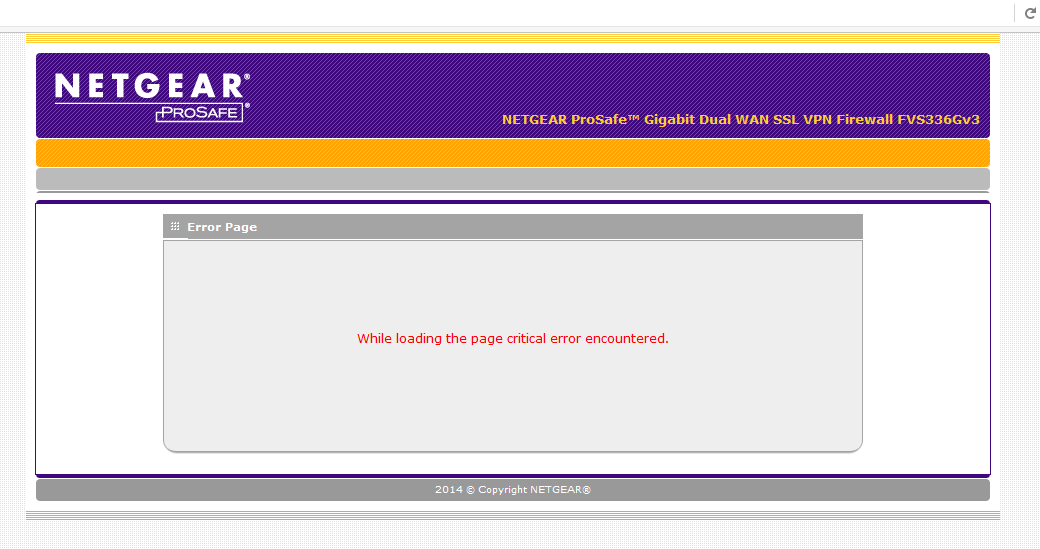
Any ideas? I am running the latest firmware as of this post.
6 Replies
 train_wreckLuminary
OK so it's been a week and no replies here.....
One theory: our CA provides SHA256 hashed CRLs. I notice that some of the VPN settings reference hash algorithms, and only allow MD5 and SHA1. Does the router support CRLs generated with SHA 2 family algorithms? (SHA256, SHA384, SHA512, etc.)
- DaneANETGEAR Employee Retired
Hi train_wreck,
Not sure if this will help. However, let me share this old forum link: https://community.netgear.com/t5/VPN-Firewalls/Can-t-Upload-Invalid-Self-Certificate/td-p/975149
Regards,
DaneA
NETGEAR Community Team
- train_wreckLuminary
Yep, that pretty much sums it up. Our certs and CRL use 2048-bit RSA. We won't be able to integrate it.
Curious, is this limitation mentioned in the documentation anywhere?
 bghavamiInitiate
Even SRX5308 does not support SHA-2. I have seen references to it in Netgear UTM products, which being sunset pretty soon. Just go to
and add a Kudos to this similar idea. may be when there are sufficient number kudos, Netgear will consider adding it to their firewall series firmware.

Related Content
NETGEAR Academy

Boost your skills with the Netgear Academy - Get trained, certified and stay ahead with the latest Netgear technology!
Join Us!
