NETGEAR is aware of a growing number of phone and online scams. To learn how to stay safe click here.
Forum Discussion

train_wreck
Mar 18, 2016Luminary
FVS336Gv3 - trying to upload CRL, getting error page
The title says it; I have an existing self-signed PKI and I am trying to upload the CRL pem file. This is the exact same CRL file that is being used on other Cisco, Ubiquiti and Mikrotik routers, WIndows, Mac, Linux, iOS/Android, and other operating systems with no problem whatsoever.
When I click "Upload" on the "Certificates" config web page, I am presented with the following error page:
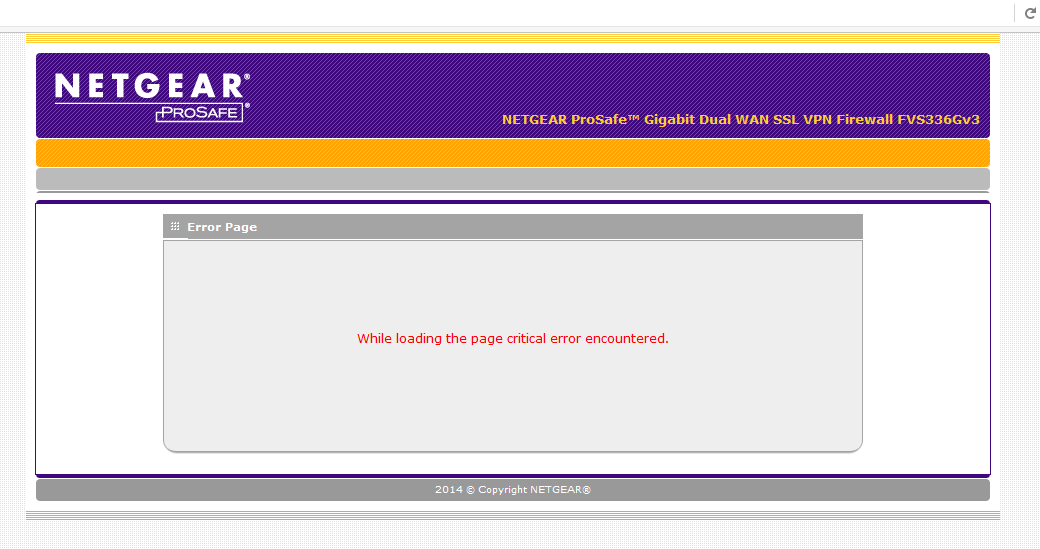
Any ideas? I am running the latest firmware as of this post.
6 Replies
 train_wreckLuminary
OK so it's been a week and no replies here.....
One theory: our CA provides SHA256 hashed CRLs. I notice that some of the VPN settings reference hash algorithms, and only allow MD5 and SHA1. Does the router support CRLs generated with SHA 2 family algorithms? (SHA256, SHA384, SHA512, etc.)
 bghavamiInitiate
Even SRX5308 does not support SHA-2. I have seen references to it in Netgear UTM products, which being sunset pretty soon. Just go to
and add a Kudos to this similar idea. may be when there are sufficient number kudos, Netgear will consider adding it to their firewall series firmware.
- DaneANETGEAR Employee Retired
Hi train_wreck,
Not sure if this will help. However, let me share this old forum link: https://community.netgear.com/t5/VPN-Firewalls/Can-t-Upload-Invalid-Self-Certificate/td-p/975149
Regards,
DaneA
NETGEAR Community Team
- train_wreckLuminary
Yep, that pretty much sums it up. Our certs and CRL use 2048-bit RSA. We won't be able to integrate it.
Curious, is this limitation mentioned in the documentation anywhere?

Related Content
NETGEAR Academy

Boost your skills with the Netgear Academy - Get trained, certified and stay ahead with the latest Netgear technology!
Join Us!
