NETGEAR is aware of a growing number of phone and online scams. To learn how to stay safe click here.
Forum Discussion

Xano0174
Jun 06, 2022Aspirant
CAX80 Nighthawk Losing Internet
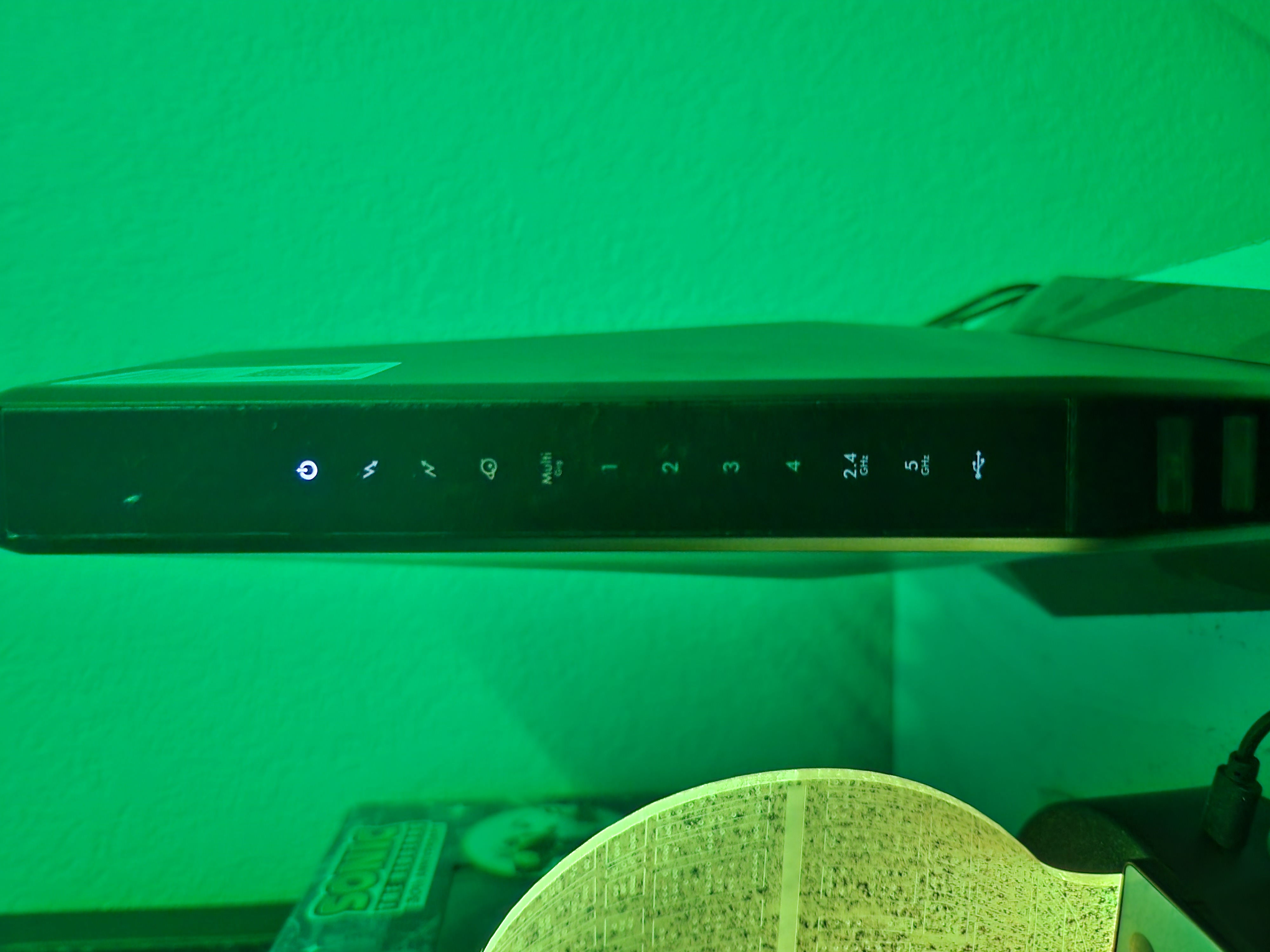
Have had a CAX80 Nighthawk for around 2 years now. Have had no issues with it. Have xfinity as an ISP. Randomly in the middle of the night everything disconnects. My immediate reaction is to check ...

FURRYe38
Jun 06, 2022Guru - Experienced User
Disconnect the coax line from the modem. Press the reset button for 10 seconds, see if the modem cycles thru the LEDS then should all go OFF accept for the power. Then plug back in the coax line to the modem.
Can you access the modems web page any with a wired PC connected to port #4 and a web browser at 192.168.100.1?
Xano0174
Jun 06, 2022Aspirant
I have attempted to reset the modem. When I disconnext the coax and hold the reset button, nothing happens. No lights flash or cycle and the power light remains solid.
I am unable to access 192.168.100.1 through port number 4 connected to a PC.
I am unable to access 192.168.100.1 through port number 4 connected to a PC.