NETGEAR is aware of a growing number of phone and online scams. To learn how to stay safe click here.
Forum Discussion

Xano0174
Jun 06, 2022Aspirant
CAX80 Nighthawk Losing Internet
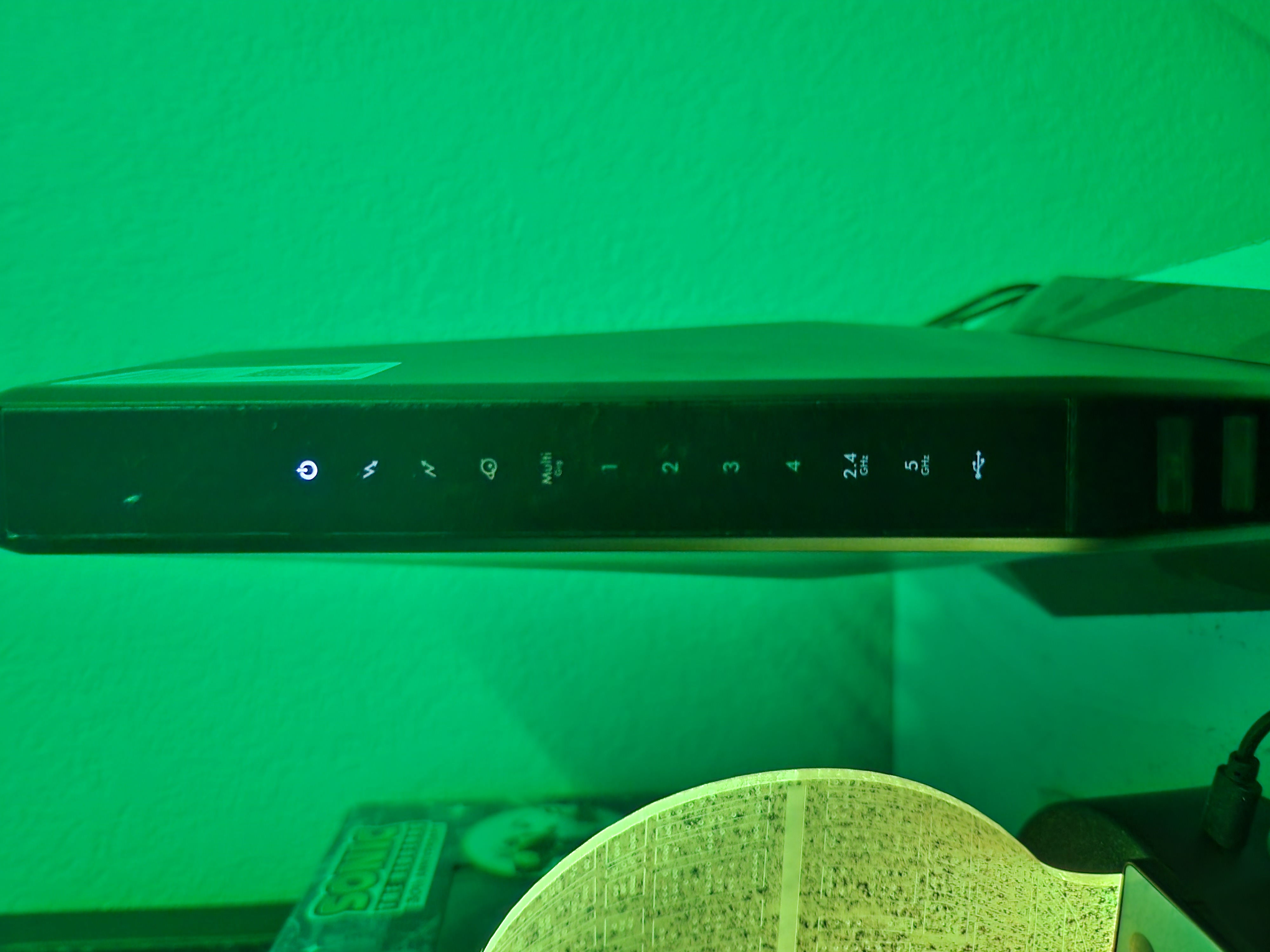
Have had a CAX80 Nighthawk for around 2 years now. Have had no issues with it. Have xfinity as an ISP. Randomly in the middle of the night everything disconnects. My immediate reaction is to check ...
Xano0174
Jun 06, 2022Aspirant
I have attempted to reset the modem. When I disconnext the coax and hold the reset button, nothing happens. No lights flash or cycle and the power light remains solid.
I am unable to access 192.168.100.1 through port number 4 connected to a PC.
I am unable to access 192.168.100.1 through port number 4 connected to a PC.

DarrenM
Jun 06, 2022Sr. NETGEAR Moderator
Have you tried to access the modem with 192.168.0.1? also, are you able to access the router with 192.168.1.1?
- Xano0174Jun 06, 2022AspirantI am unable to connect to either of those. It just sits and never loads the page.
- FURRYe38Jun 09, 2022Guru - Experienced User
Any progress on this?
Does the wired PC get a IP address from the modem when connected to one of the LAN ports in back?
Xano0174 wrote:
I am unable to connect to either of those. It just sits and never loads the page.- Xano0174Jun 10, 2022AspirantNo solution. What unable to access the IP address.
I ended up buying a new modem same model and it works fine. So it looks like the original one just straight up died.
- DarrenMJun 09, 2022Sr. NETGEAR Moderator
Our Support team would like to work with you on the issues you are seeing with your modem if you would like to work with us please PM the info below and our L2 support will contact you.
Name:
Email:
Phone:
Country:
Preferred Contact: Schedule: (Include Dates, Times, and Time Zone available to work with us)
S/N number:DarrenM
- aerowsphereJun 10, 2022Aspirant
Replace the coaxial cable that goes from your router/modem to the wall. The cables need to be replaced every 2-3 years. If it's starting to fail, that's probably why. Either that or the router itself is failing but replacing the cable is less expensive.
I'd recommend this one - these guys make the best quality coaxial cables: Amazon.com: 25ft Quad Shield Solid Copper 3GHZ RG-6 Coaxial Cable 75 Ohm (DIRECTV Satellite TV or Broadband Internet) Anti Corrosion Brass Connector RG6 Fittings Assembled in USA by PHAT SATELLITE INTL : Electronics
-----------------
Another thing is - if it's powering on and then nothing else, you can do an NVRAM reset/factory reset on the device.
- get a paper clip - press it into the reset hole on your router and keep it held in
- After 30 sec. disconnect the power from it while still keeping the paper clip pressed in > wait another 30 sec
- After the next 30 sec, plug the power back in > keep the paper clip in the reset hole pressed in > another another 30 sec
- After the 3rd round of 30 sec (total of 90 sec now), release the paper clip and let it power cycle
This is called an NVRAM reset - it does the factory reset as well but also clears out anything in NVRAM that might be freezing up the device.
If you've done that and replaced the coaxial cable, and there's still nothing, then you have a bricked router/modem. The only thing to do there is to contact Netgear if the device is under warranty or buy a new router/modem combo.