NETGEAR is aware of a growing number of phone and online scams. To learn how to stay safe click here.
Forum Discussion

Marcel969
Oct 26, 2015Aspirant
A6210 USB 3.0 Adapter
Hi, I've got a multiboot system with W7-Pro and since recently W10-Pro. Somewhere back ik june I bought the Netgear A6210 WIFI Adapter. I installed the 1.0.0.32 driver in both OSses. In w7 it wo...

JamesGL
Oct 28, 2015NETGEAR Employee Retired
Hi Marcel969,
Welcome to Community!
Check if the wireless network is saved under known networks. If not, then that is the reason why it will not automatically connect.
1. Click the Network icon on the lower right corner of your screen.
2. Click Network settings.
3. Click Manage Wi-Fi settings.
4. Check under Manage known networks.
Regards,
JamesGL
Community Team
Marcel969
Oct 29, 2015Aspirant
Hi James,
I got a mail with your reply and reacted on that before I saw this reply in my topic.
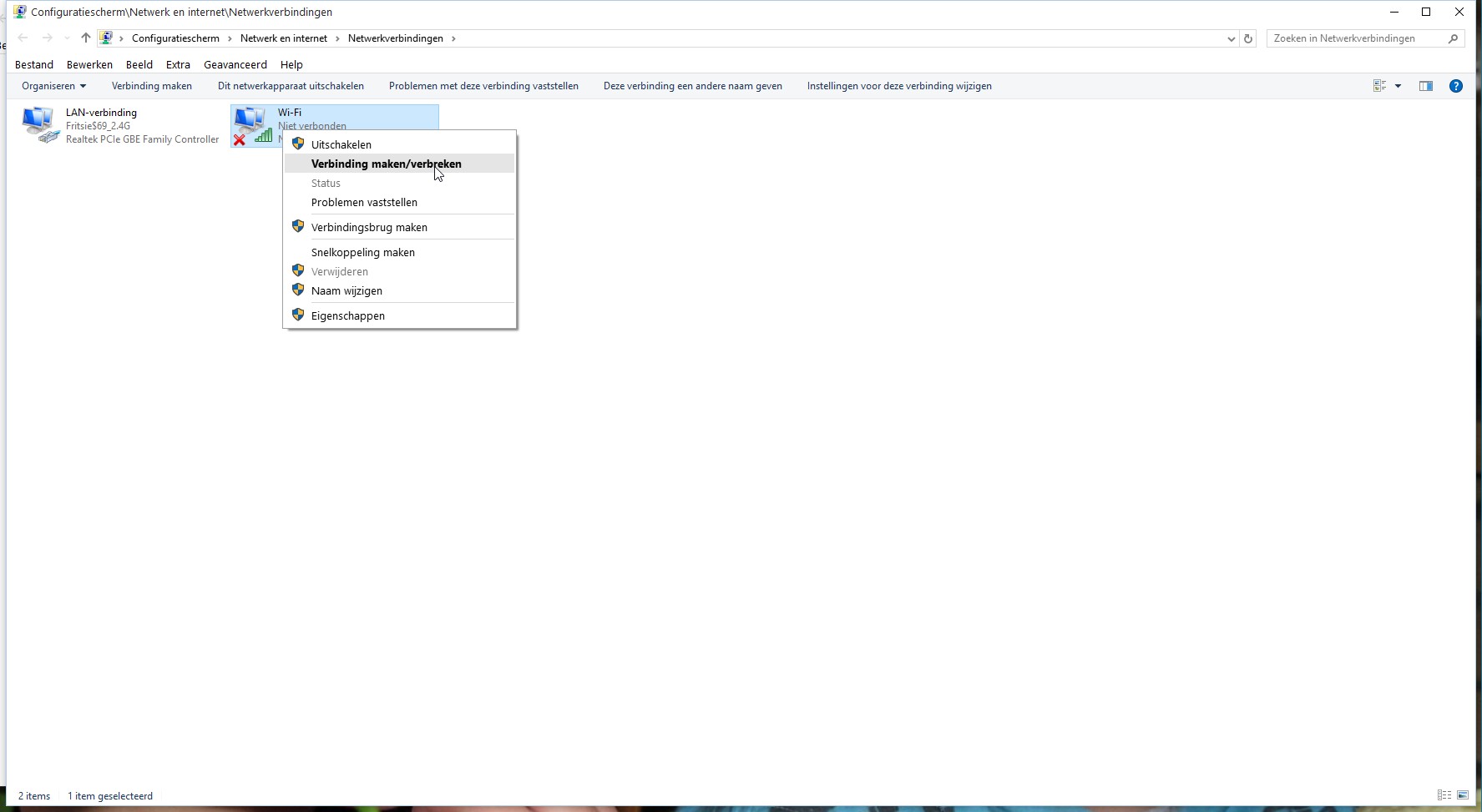
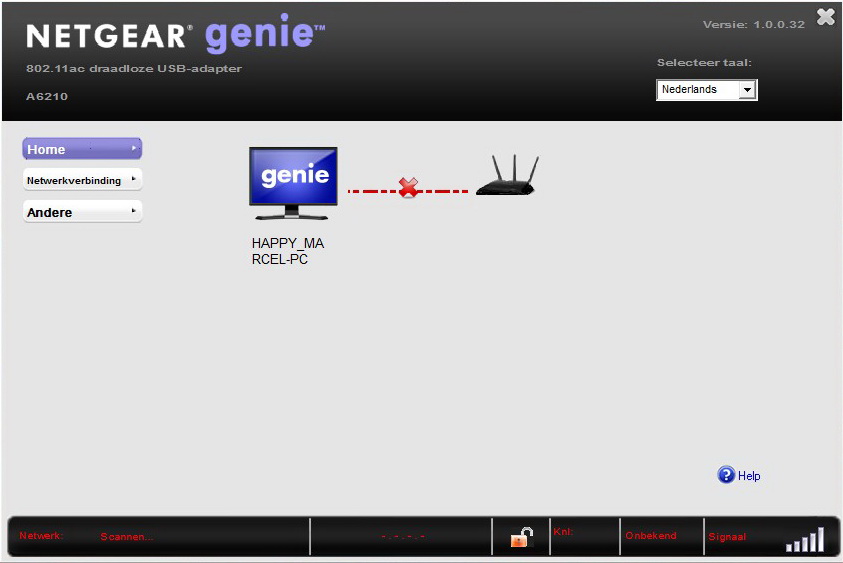
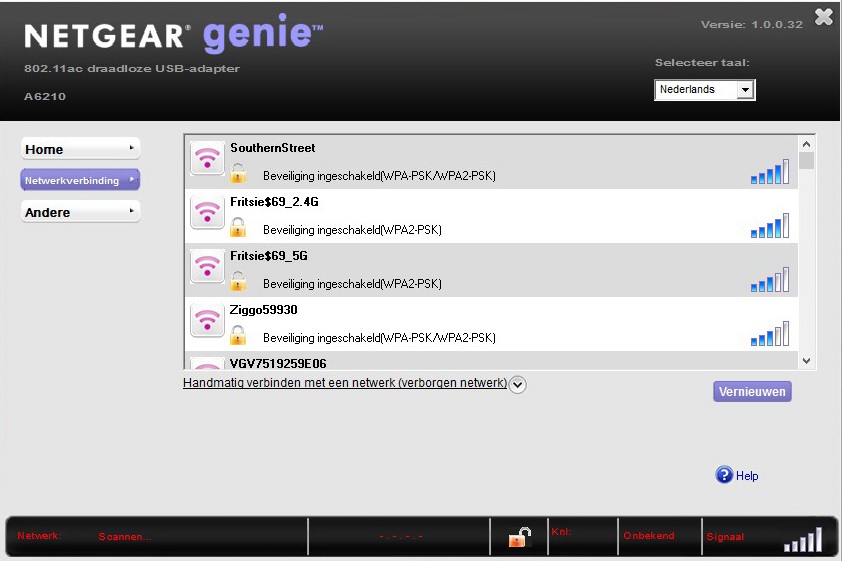
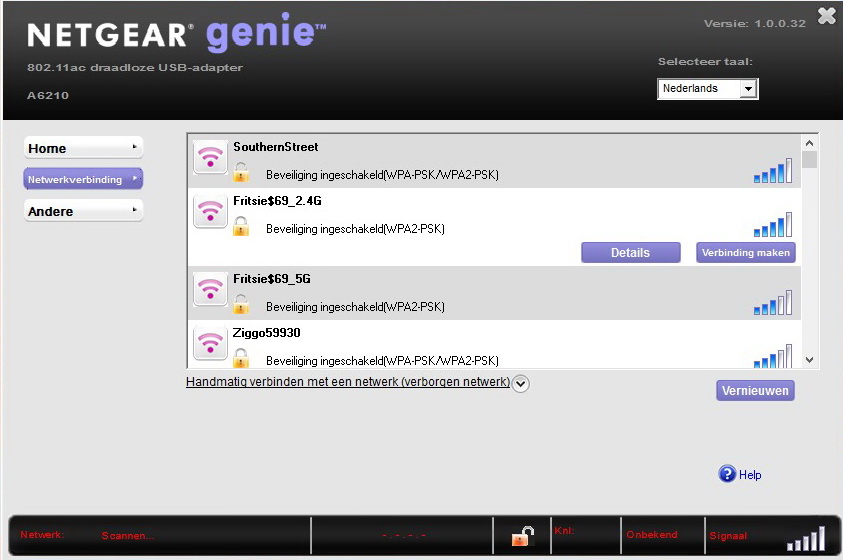
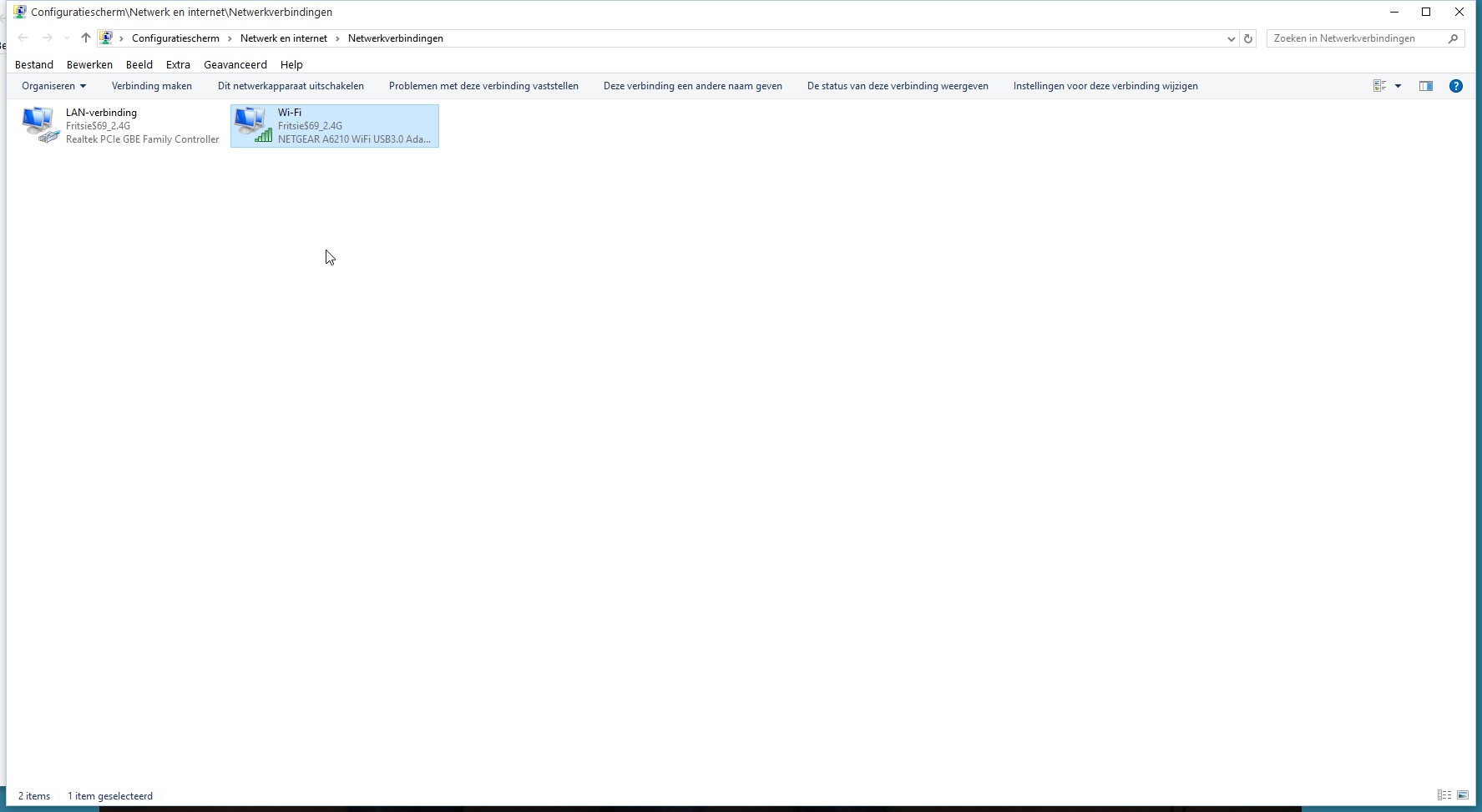
I hope you received my mail because I added a couple of screendumps which should make it clear what I'm talking about.
And if I'm right I can't add these screendumps to this topic.
The text of my mail:
>>>>>>
I've added a couple of screen-captures to show you what I see and get:
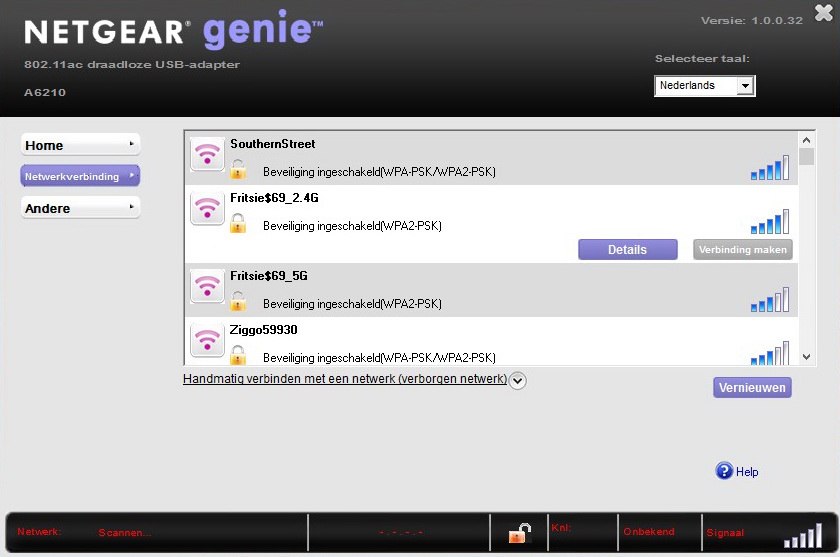
Picture 20151029_03: Situation after booting; Netgear keeps on scanning
Picture 20151029_04: After pressing the red icon in the systemtray
Picture 20151029_05: After clicking Networkconnection
Picture 20151029_06: After clicking the proper network
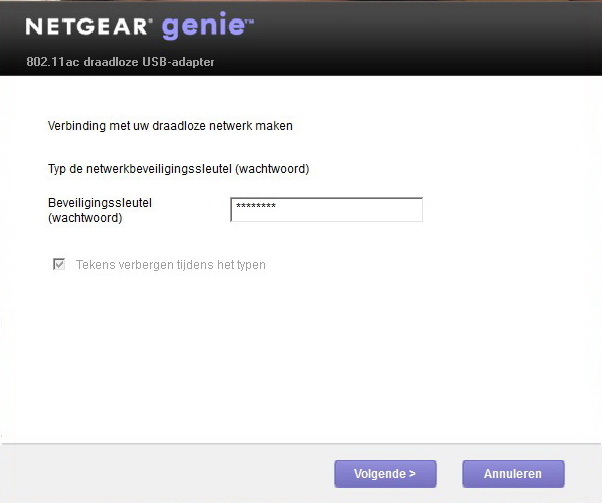
Picture 20151029_07: Press "make connection"
Picture 20151029_08: Having pressed "make connection"
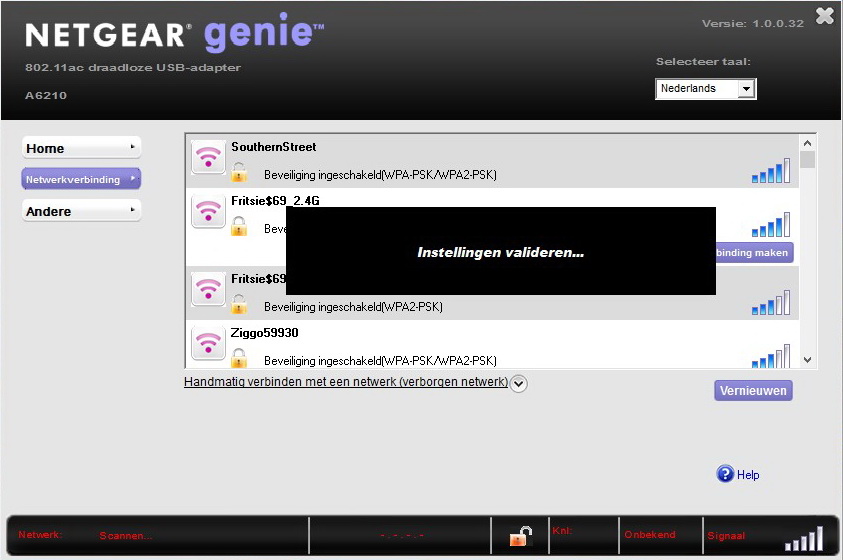
Picture 20151029_09: Validation
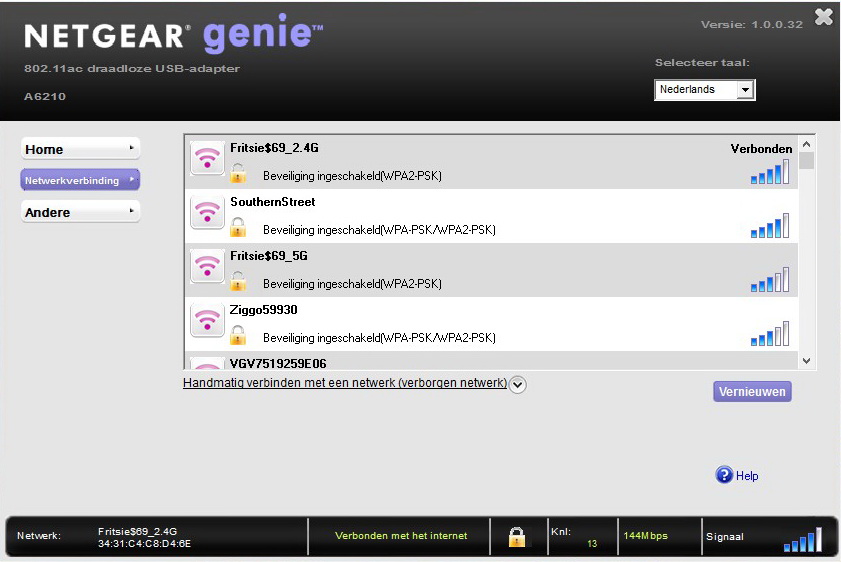
Picture 20151029_10: Connected
This all is in Windows 10-Pro.
In Windows 7 Pro the connection is made automatically.
I have no idea what I'm doing wrong, hope you can help me out.
Best regards
<<<<<<<<<
Marcel
- Marcel969Oct 29, 2015Aspirant
Hi James,
In the meantime I got a postmaster-mail about my mail to you being undeliverable.
Is there any other way to get my screendumps to you?
Marcel