NETGEAR is aware of a growing number of phone and online scams. To learn how to stay safe click here.
Forum Discussion

newworld
Mar 09, 2022Aspirant
Newbie needs help to change IP address on Nighthawk
My router was installed (not by me) almost a year ago. Because I keep get bumped off Zoom on one particular device (a new Dell laptop), one suggestion I got from a friend who had a similar problem is to change the (extension of?) the IP address. I have no idea where to start! Is anyone out there with the patience to give me step-by-step instructions? Thank you!
newworld wrote:
...one suggestion I got from a friend who had a similar problem is to change the (extension of?) the IP address.
Is this friend a network expert? That sounds like a strange suggestion..
Because I keep get bumped off Zoom on one particular device (a new Dell laptop),I'd forget about messing around with UP addresses and go back to basics. Work out why that happened.
What does "bumped off" mean? What happened?
You can run test sessions on Zoom to diagnose what is going on. Fix that ands you may be able to leave your router alone.

9 Replies
- FURRYe38Guru - Experienced User
What Firmware version is currently loaded?
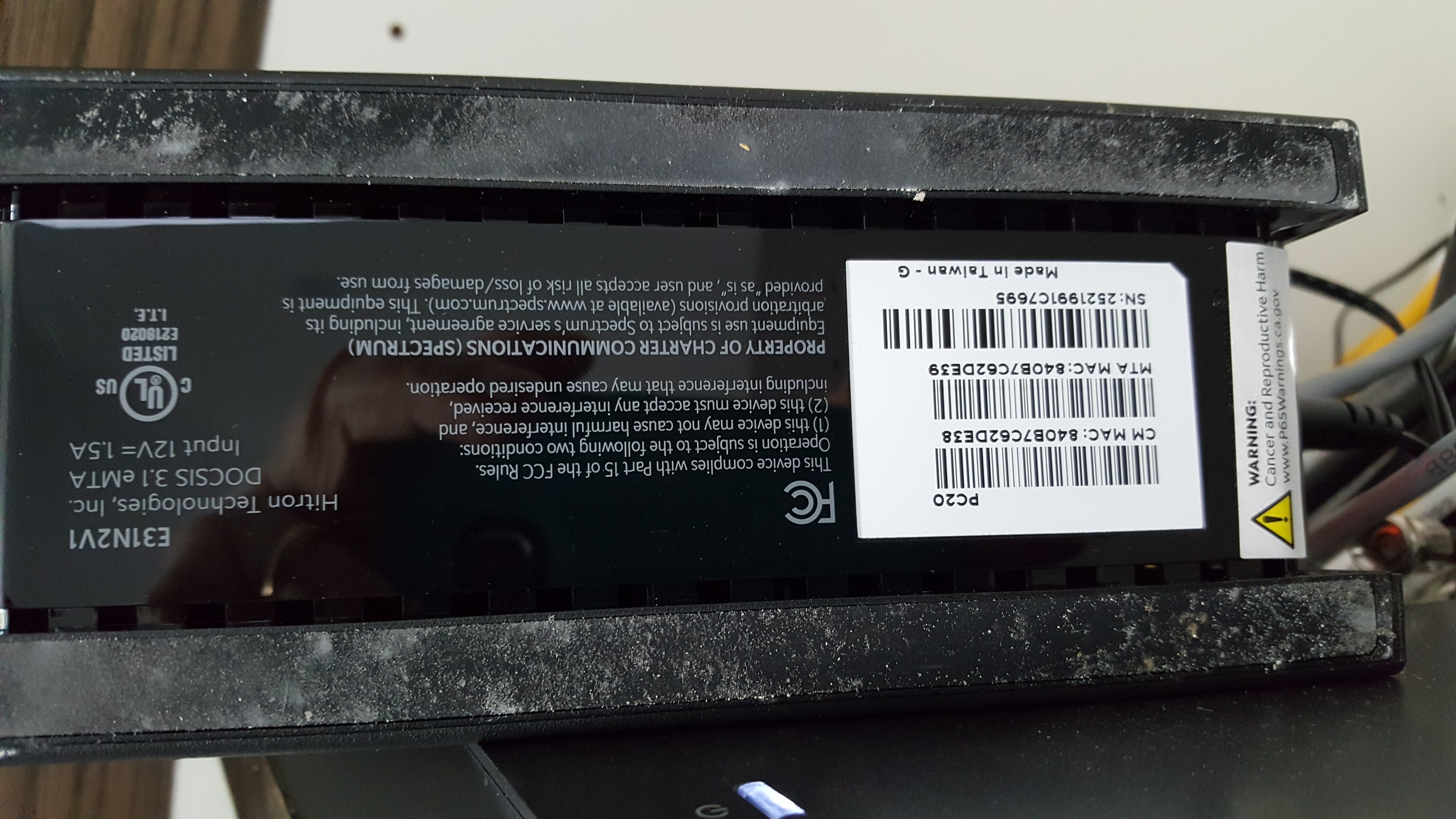
What is the Mfr and model# of the Internet Service Providers modem/ONT the NG router is connected too?Are you wired or wireless when on Zoom?
https://kb.netgear.com/25722/How-do-I-reserve-an-IP-address-on-my-NETGEAR-router
- newworldAspirant
- FURRYe38Guru - Experienced User
Be sure to edit out any MAC address and product serial numbers before posting in public forums.
- plemansGuru - Experienced User
what firmware is on the R7000?
What speeds Upload and download do you pay for?
Are you connecting your laptop to the 2.4ghz signal or the 5ghz?
2.4ghz is slower and more sensitive to interference.
- newworldAspirant
I get speeds of 94.7 mbps download, 11.6 upload (just tested). Pretty sure the 2.4 signal. Not sure where to look for ID firmware or what it looks like.
I used the laptop on Zoom yesterday, and I got knocked off as soon as I Screen Shared. I do appreciate your hanging in there with me, since I am pretty clueless.
- plemansGuru - Experienced User
You still didn't answer the questions.
1. firmware on the router?
2. speeds you actually pay for? upload/download
3. band you're testing on? (pretty sure isn't an answer) You'd look on the device you're testing on
try hardwiring whatever you're using zoom on and see if it works hardwired
- michaelkenwardGuru - Experienced User
newworld wrote:
...one suggestion I got from a friend who had a similar problem is to change the (extension of?) the IP address.
Is this friend a network expert? That sounds like a strange suggestion..
Because I keep get bumped off Zoom on one particular device (a new Dell laptop),I'd forget about messing around with UP addresses and go back to basics. Work out why that happened.
What does "bumped off" mean? What happened?
You can run test sessions on Zoom to diagnose what is going on. Fix that ands you may be able to leave your router alone.