NETGEAR is aware of a growing number of phone and online scams. To learn how to stay safe click here.
Forum Discussion

Retired_Member
Oct 18, 2016Readyshare not working in AP mode
Hello,
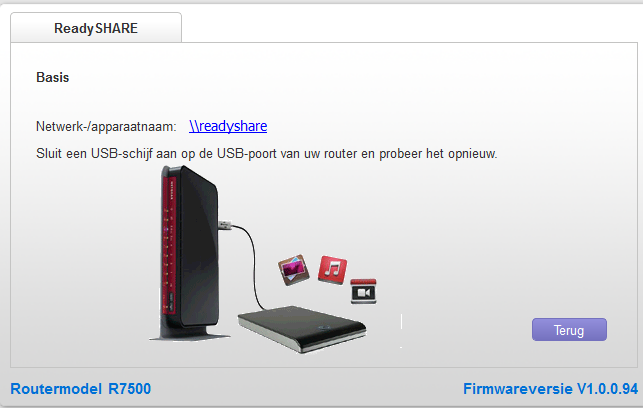
because i am using my r7500 as a ''second'' router i put it in AP mode.
after i did readyshare stopt working !! is it not possible to use readyshare in AP mode ??
that whould be a major let down !!
- Retired_MemberNov 10, 2016
apparently after you put it in AP mode you need to ''restart'' the router before you can acces Readyshare.
after i powerd off my router and turned it back on everything worked just fine :smileyembarrassed:
feel so stupid right now....... such a simple ''fix''
thanks for all the help and quick responses tho !! :heart:
10 Replies
- ElaineMNETGEAR Employee Retired
Hi Retired_Member
Welcome to the community!
How do you access ReadySHARE? Is it through wired or wireless computer?
Are you using R7500v1?
I have the setup right now and I can still access the ReadySHARE through a computer that's connected behind the R7500v1 using \\readyshare\USB_Storage- Retired_Member
Hello,
sorry for the delay, but i had givvin up.
i will try it now again, i am accesing readyshare wired and wireless ( both not working )
when i get the router back out of AP everything works again.
i have the R7500 V1
- Retired_Member
Netgear genie doesnt see my HDD anymore aswell