NETGEAR is aware of a growing number of phone and online scams. To learn how to stay safe click here.
Forum Discussion

KayZak
Nov 21, 2016Aspirant
Cannot Connect to ReadyNAS Replicate
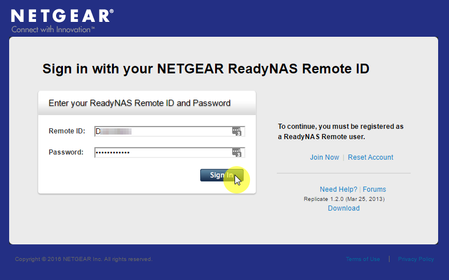
I have 2 ReadyNASes that were previously connected to a ReadyNAS replicate account. I factory restored one of the ReadyNASes then took the other off the ReadyNAS replicate account because I was havin...
Retired_Member
Jan 24, 2017Hello Kayzak
ReadyNAS Replicate relies on remote service to work,can you please set DNS to 8.8.8.8 and see if it can fix the issue?
if you cannot fix the issue,please send system log, I will help you to check the leafp2p log.
- OZ_DHBFeb 06, 2017Aspirant
Hi everyone,
Thanks for all the tips and ideas.
1) I did try the 8.8.8.8 DNS setting, but still couldn't get a connection.
2) I did get the 'vanilla' backup working (in the admin account, under the "Backup" menu by just creating 'Jobs' (not even ReadyDR)
3) I ended up creating a new Netgear Remote account and reconfiguring everything to connect to the new account
4) This wasn't without some perplexing things that worked as expected and others that didn't, but using the traditional "reboot and try again" method got through all the perplexing situations.
So now I have a new Remote account which the two boxes are successfully connected to and a successful "Replicate" schedule that has been working for 24hrs without any dramas.
I'm back to where I wanted to be and the family has a solid NAS with a reliable backup.
Success!
Again - thanks to everyone for the different ideas.
Related Content
NETGEAR Academy

Boost your skills with the Netgear Academy - Get trained, certified and stay ahead with the latest Netgear technology!
Join Us!
