NETGEAR is aware of a growing number of phone and online scams. To learn how to stay safe click here.
Forum Discussion

HansK
Aug 19, 2015Apprentice
Cannot load Admin page
While I can still acces my files and folders via my IMac and using the readycloud app on my ipad, I cannot acces the admin page. I do get a message that the admin page is ofline. Also, when trying to...

mdgm-ntgr
Aug 20, 2015NETGEAR Employee Retired
I meant anti-virus on the NAS.
If you reboot the NAS can you access the admin page to disable it?
HansK
Aug 21, 2015Apprentice
mdgm,
The NAS was unresponsive, no display and only one blue LED burning. No reaction pressing the powerbutton so I could only reset by killing the power. This is the situation I had when upgraded to firmware version 6.2.5 I solved this by downgrading to 6.2.2 after which the NAS was stable. I probably clicked on yes in the the frmware upgrade popup you get when logging in to the admin page because the firmware was again upgraded to version 6.2.5 I downgraded again and will try not to hit the upgrade button again until there is a new firmware version later than 6.2.5
- HansKAug 21, 2015ApprenticeCannot close anti virus app on NAS. Can't close any app on NAS and can't remove any app although I'm logged in as administrator.
- HansKAug 27, 2015Apprentice
I'm still not able to close the anti virus app on the NAS. I do however have acces to the admin page since I downgraded the firmware version to 6.2.2. Should I make a new post to Address the issue with nit being able to close the apps on the NAS?
- HansKAug 28, 2015Apprentice
Hi,
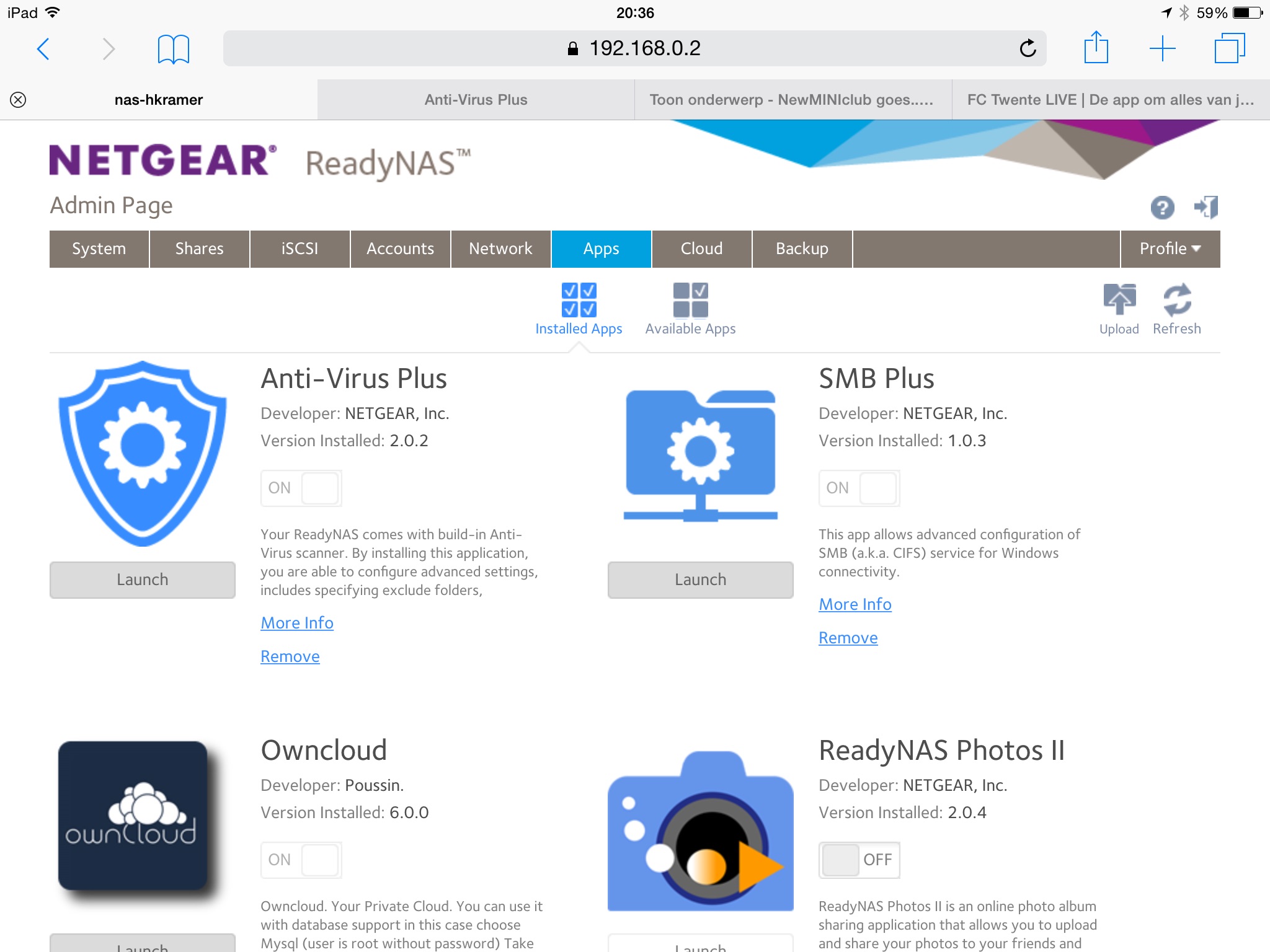
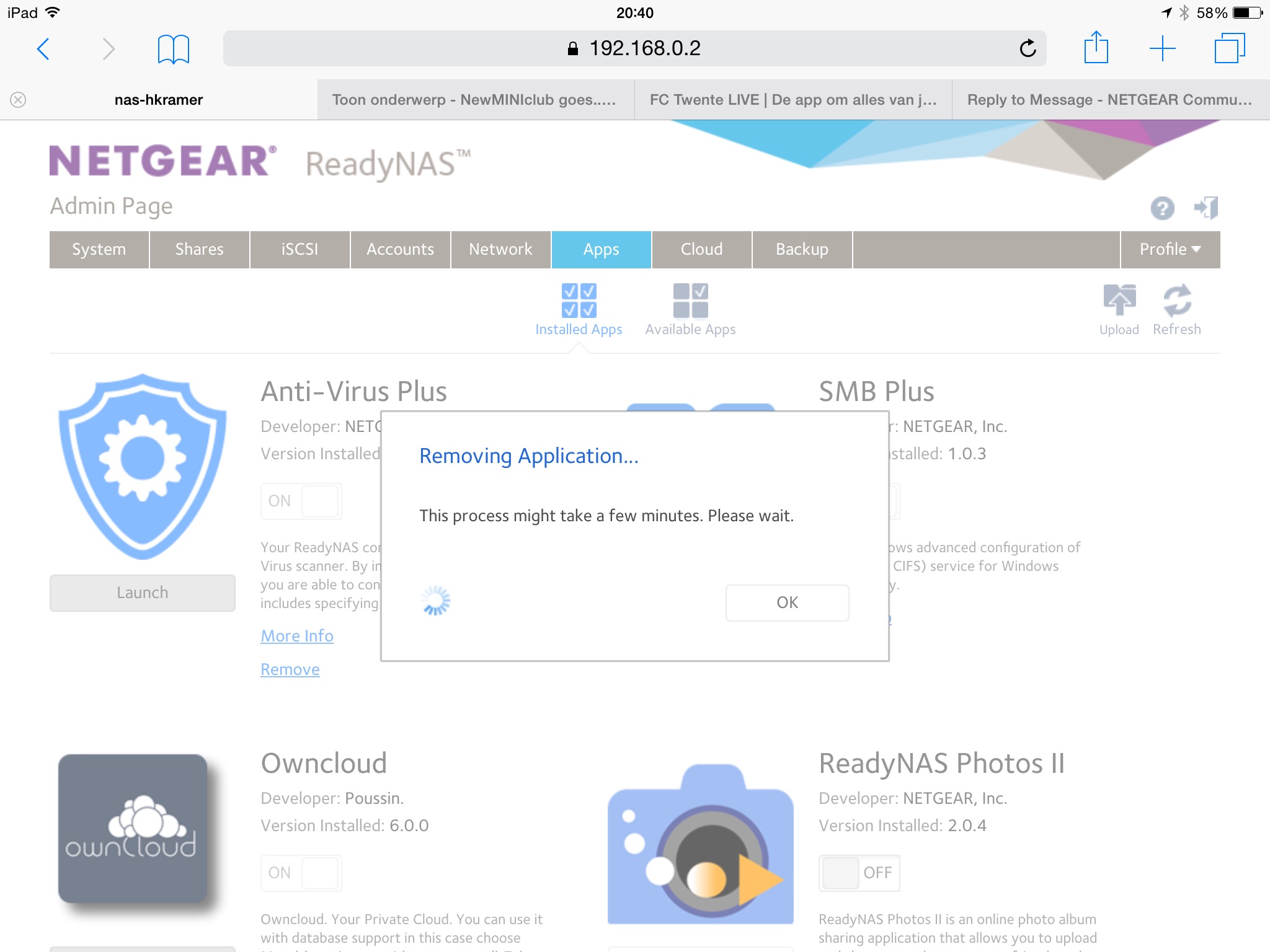
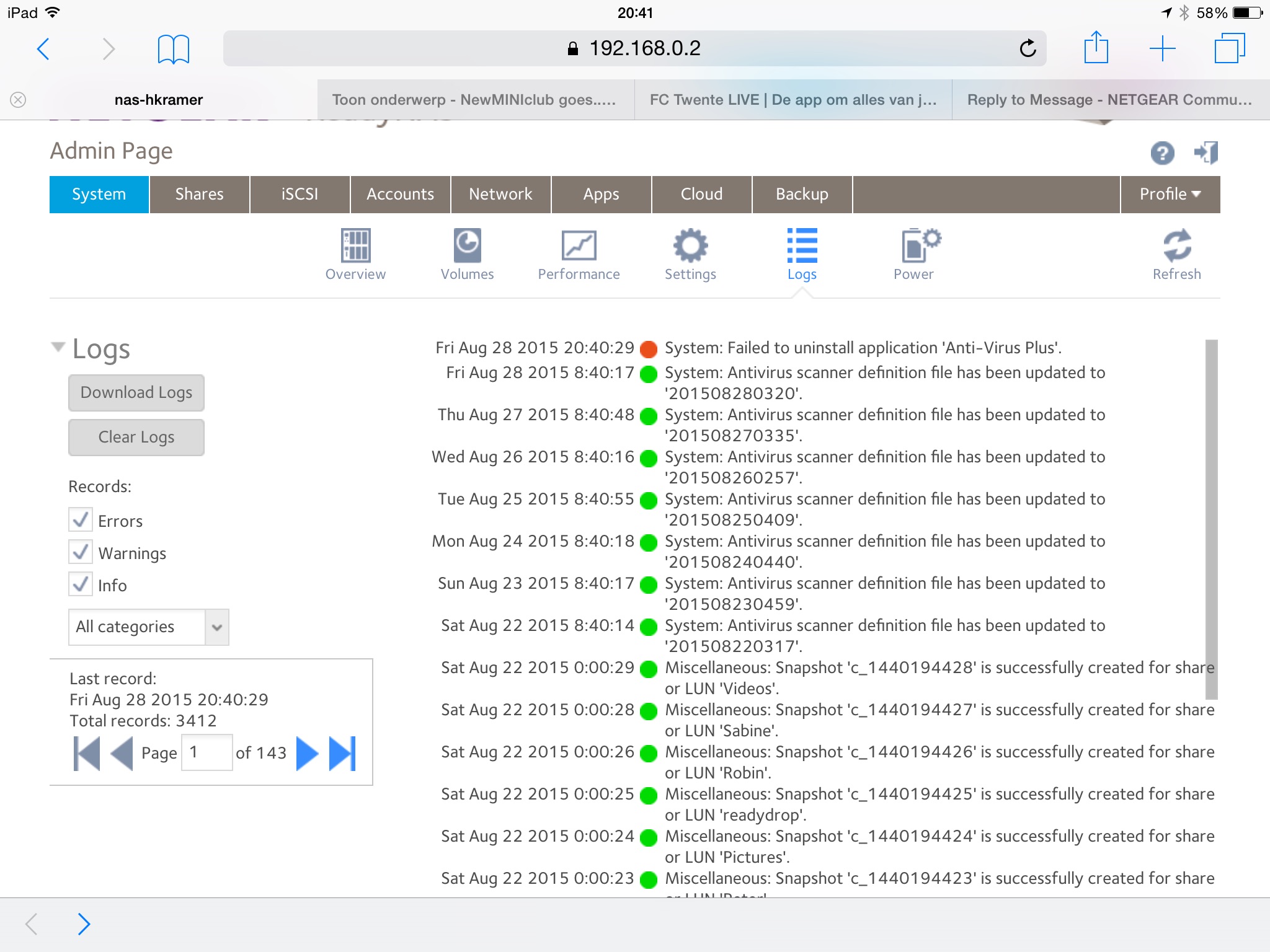
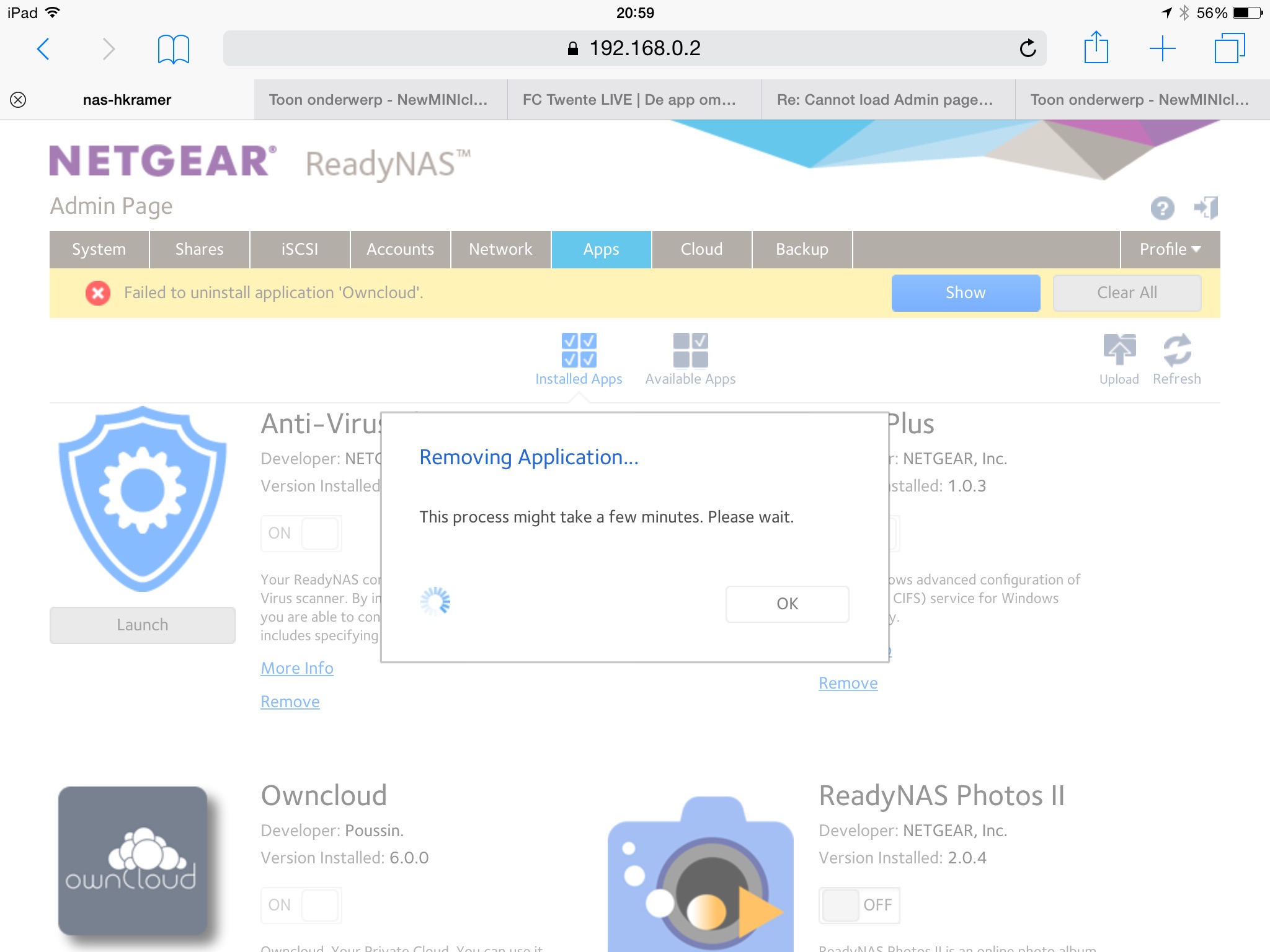
I can launch the app but can't deactivate. When I try to remove I get an error message. i've enclosed some screen shots.
- HansKAug 28, 2015Apprentice
Hi JennC,
same result here. Althoug, while trying to deinstall SMBplus it took a lot longer before an error message appeared.

Related Content
NETGEAR Academy

Boost your skills with the Netgear Academy - Get trained, certified and stay ahead with the latest Netgear technology!
Join Us!
