NETGEAR is aware of a growing number of phone and online scams. To learn how to stay safe click here.
Forum Discussion

fazzauk
Oct 29, 2017Aspirant
Out of the box set up
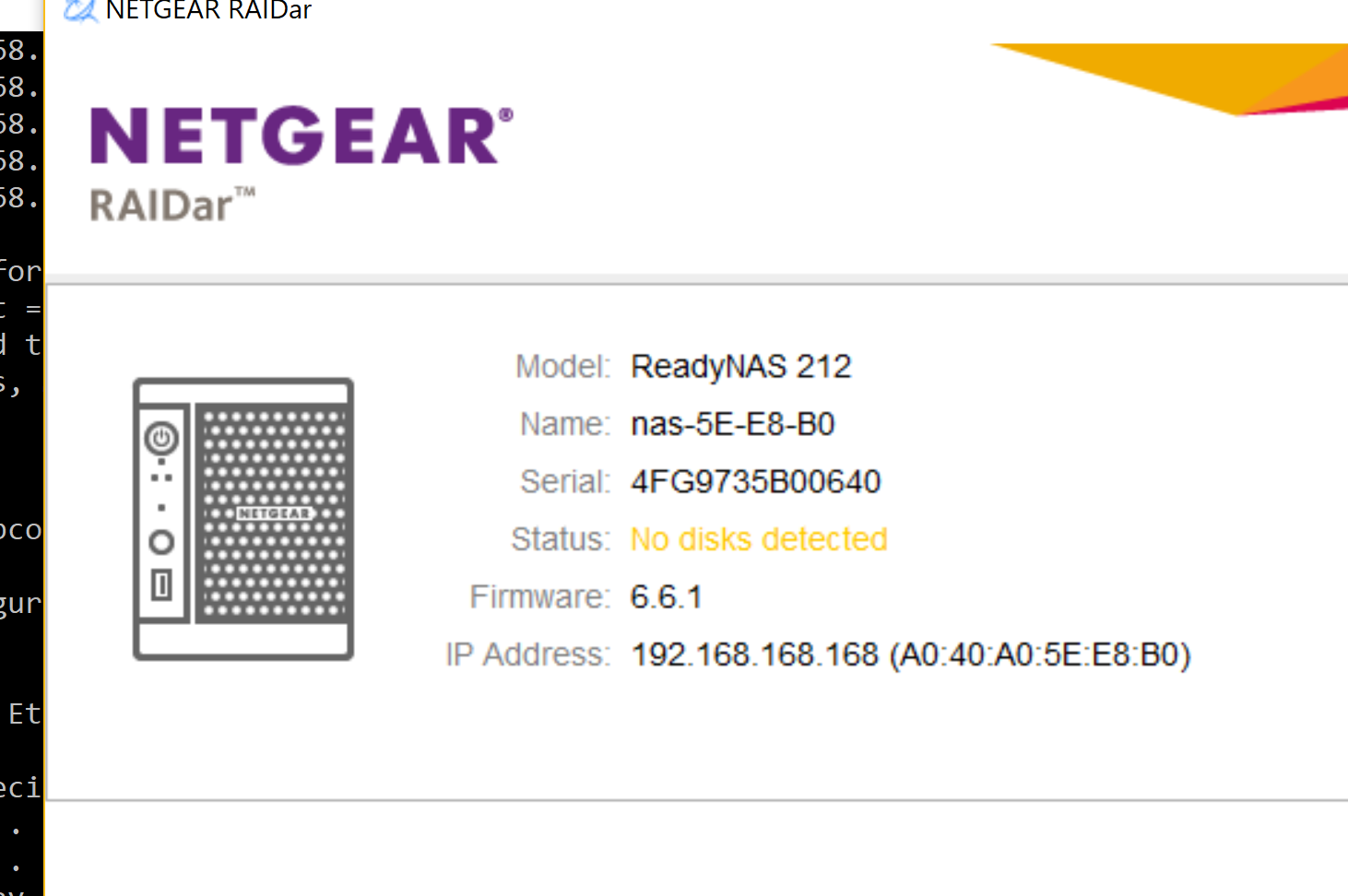
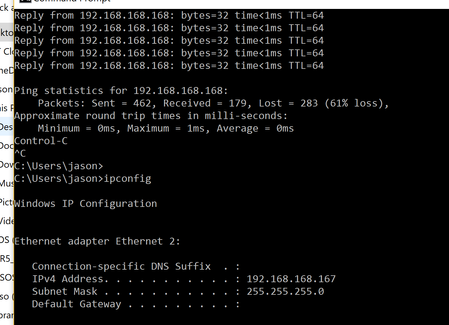
I have a new readynas 212000 out of the box ip is 192.168.168.168 and my laptop ip set to 192.168.168.167. I can ping the device and i can run the RAIDar.exe which can see the device also.(screen sho...

StephenB
Oct 31, 2017Guru - Experienced User
The operating system is installed on the disks. So installing disks is the next step. If they aren't blank (e.g. are formatted) you will need to reboot and use the boot option menu for "factory default". See the hardware manual, pages 50-52: http://www.downloads.netgear.com/files/GDC/READYNAS-100/ReadyNAS_%20OS6_Desktop_HM_EN.pdf
If you have disks installed, then something is wrong, and you should contact support via my.netgear.com. You have installation phone support for 90 days (assuming you purchased a new unit).
Related Content
NETGEAR Academy

Boost your skills with the Netgear Academy - Get trained, certified and stay ahead with the latest Netgear technology!
Join Us!