NETGEAR is aware of a growing number of phone and online scams. To learn how to stay safe click here.
Forum Discussion

ukbobrecover01
Sep 03, 2026Aspirant
Ran Into Problems A Using My RNDuoV2
Dear Forum Members First, had to use a new registration and email to actually make this post, for some reason I could not use my old info to gain access to this forum. Anyway, my problem is t...

Sandshark
Sep 20, 2026Sensei
Just enabling CIFS does not always work. CIFS requires a "master browser", but none of the devices on my network assume that role.

StephenB
Sep 20, 2026Guru - Experienced User
Sandshark wrote:Just enabling CIFS does not always work. CIFS requires a "master browser", but none of the devices on my network assume that role.
Yeah, but here two identical NAS models are working normally. And the original problem was that Plex failed on this NAS but not the others.
schumaku: Sandshark correctly points out that many users have reported issues when trying to access their NAS using the hostname. We don't have a sure-fire fix for that here, other than the workaround of using the windows hosts file. Though it's not clear to me whether ukbobrecover01 has run into that issue here (or not).
ukbobrecover01 wrote:that the RNDuoV2's name is more than just a name, i.e. it permeates the properties of every network drive/folder
Of course if you use the hostname to access the NAS, you need to use the new hostname when you access the NAS folders.
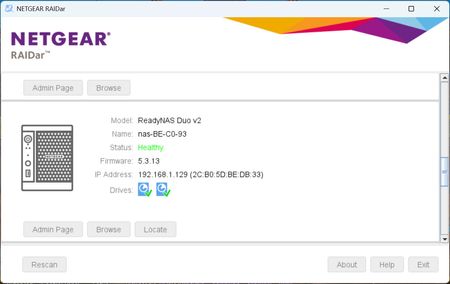
Personally I just use the IP address (which is reserved), so not top of mind for me.
ukbobrecover01 wrote:I believe the error messages I am getting, when trying to access my original Plex database via the icon, strongly suggest a security problem rather than a crash.
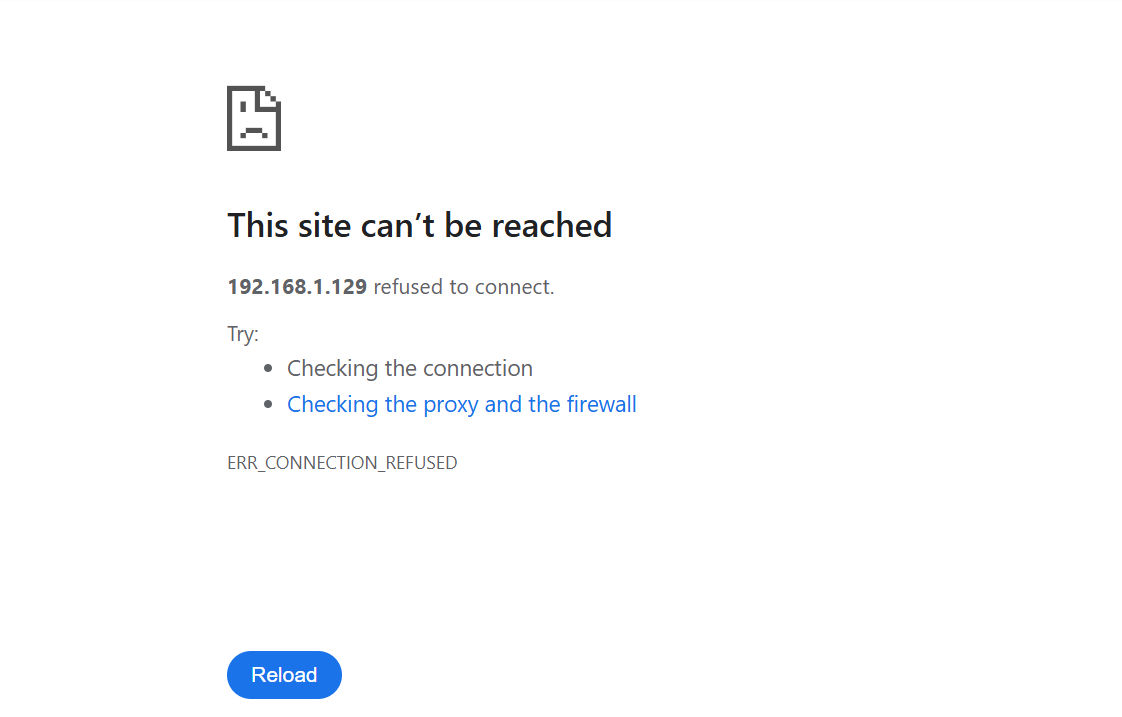
I disagree. I think the most likely cause is that plex has crashed on that NAS. Something might have gone wrong and corrupted the config files, or the NAS might have a full OS partition (which can trigger a lot of strange symptoms).
While this could be diagosed and probably fixed with ssh, you could try a factory reset. Though it might be tricky to reinstall plex, as Netgear has taken down their repositories (which might be needed for the install).
- SandsharkSep 21, 2026Sensei
StephenB wrote:
Yeah, but here two identical NAS models are working normally. And the original problem was that Plex failed on this NAS but not the others.
When the problem with accessing by name (which may or may not be the root cause here) first hit me, it only affected one of my 4 NAS, which were 3 Pro6 and one Ultra6 and only one on PC. If I recall correctly, it was one of the two primary (always on) Pro6 units, not the others. But eventually, it started affecting them all. So that it only affects one does not necessarily point to something else.
FYI, for me, it occurred not long after I replaced my last Win7 computer, which was my security system unit -- always on and was designated the master browser. That was quite long time ago, and I'm still looking for a true solution.
Related Content
NETGEAR Academy

Boost your skills with the Netgear Academy - Get trained, certified and stay ahead with the latest Netgear technology!
Join Us!