NETGEAR is aware of a growing number of phone and online scams. To learn how to stay safe click here.
Forum Discussion

ukbobrecover01
Sep 03, 2026Aspirant
Ran Into Problems A Using My RNDuoV2
Dear Forum Members First, had to use a new registration and email to actually make this post, for some reason I could not use my old info to gain access to this forum. Anyway, my problem is t...
ukbobrecover01
Sep 24, 2026Aspirant
Hi to Sandshark & schumaku
Thanks for replying to my post, for which I am grateful. However, I must say this first of all, nowadays I am a firm believer, and practitioner, in the KISS principle, i.e. Keep It Simple Stupid. Therefore, I do not explore my HOST file, mess around with IP addresses, fixed or otherwise, nor do I look into the weeds of windows unless I have to.
Way, way back in the day, when I was a much younger man, I am 70 now, I would have explored those things you guys have mentioned.
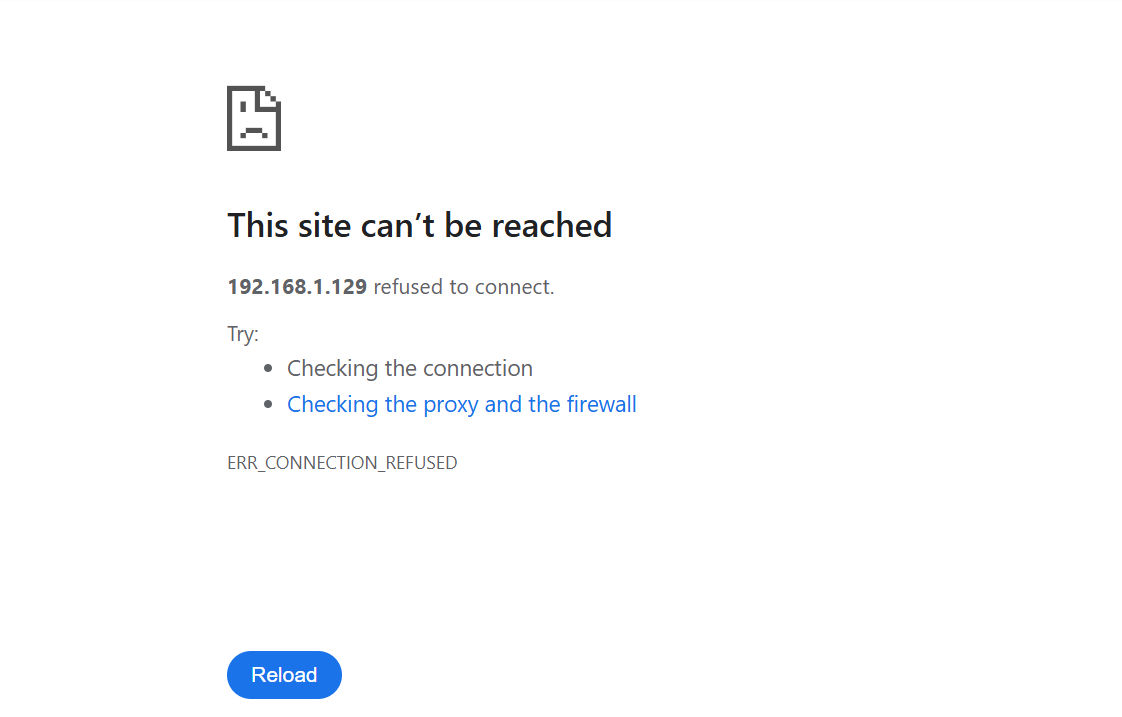
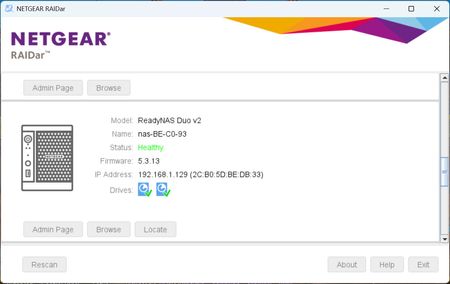
Anyway, saying all that, I stick to the IP addresses my router assigns to my six Netgear NAS devices (3 x RNDuoV2, 2 x RN102 and 1 x RN104). And so far that has worked out fine for me and, in most cases, i.e. five of my six devices, still works out fine until a windows 11 update rendered my first RNDuoV2's Plex icon (the one with the Name that differs from the Mac address) from accessing the Plex database on that device. However, I can still access that NAS's dashboard via it's bookmarked icon, and BTW, both icons (bookmarked and Plex) both contain the same IP address.
Another point, all my RNDuoV2's have all been set up with Plex in exactly same way so, apart from the Name-Mac Address thing, I can't see why my windows 11 PC cannot/will not access my Plex database on that particular device.
OK, moving on, as you can see below:-
My SMB facilities, in PC's "Windows Features" have been turned on, this was done some time ago thanks to advice supplied by this forum.
Likewise, the SMB facilities in all my NAS devices are also turned, which was done as part of my original setup procedures.
So at this point, I believe that a Windows 11 update has triggered some sort of security feature that prevents my Plex icon, on my No. 1 RNDuoV2, from accessing the Plex database on that device, while all my other NAS devices remain unaffected.
Now here's another wrinkle, I can still access my Plex database via File/Windows Explorer, in other words, I can still add data but I can't visually amend/update anything because to exercise that function I need to go in at the front end, which at the moment I can't.
Oh BTW, I did change my No. 1 RNDuoV2's name to the Mac address but that caused more unexpected problems and did not solve my original problem, so I changed it back.
Also, I recently found out that, on my PC at least, there are two types of windows icons, i.e. a simple IP address one, which allows access to my device's dashboard and, with a small amendment, my Plex database. While the other windows icon is for opening PC applications, this is more complex and has more amendable/tweakable features.
The above is important because I came across a possible solution that suggested changing the icon's compatibility settings. However, my troublesome Plex icon is the simple IP address based one, and as such, has no compatibility setting.
Anyway guys, thanks for your suggestions which is appreciated but, unfortunately, my RNDouV2 adventures continue.
Again, if you have any queries or something that I have explained is not clear then please do not hesitate to contact me and also any suggestions will be gratefully received.
UK Bob

schumaku
Oct 01, 2026Guru - Experienced User
Hello Bob,
Avoid including SMB 1.0/CIFS Automatic Removal.
If your Windows system finds SMB 1.0 - the transport protocol for accessing files - is not used for some 15 days the transport protocol -and- the name resolution capabilities will be removed. Read: In cas you don't regularely access the RNDuo v2 shared folders (which does different from the newer ReadyNAS OS 6 on your RN1nn which default to SMB 2.0 and can be configured up to SMB 3.1 - or do you have the experimental SMB 2.0 enabled?), Windows will remove all SMB 1.0/CIFS parts - name discovery and SMB 1.0.
-Kurt.
Related Content
NETGEAR Academy

Boost your skills with the Netgear Academy - Get trained, certified and stay ahead with the latest Netgear technology!
Join Us!