NETGEAR is aware of a growing number of phone and online scams. To learn how to stay safe click here.
Forum Discussion

Cosimo
Nov 17, 2017Star
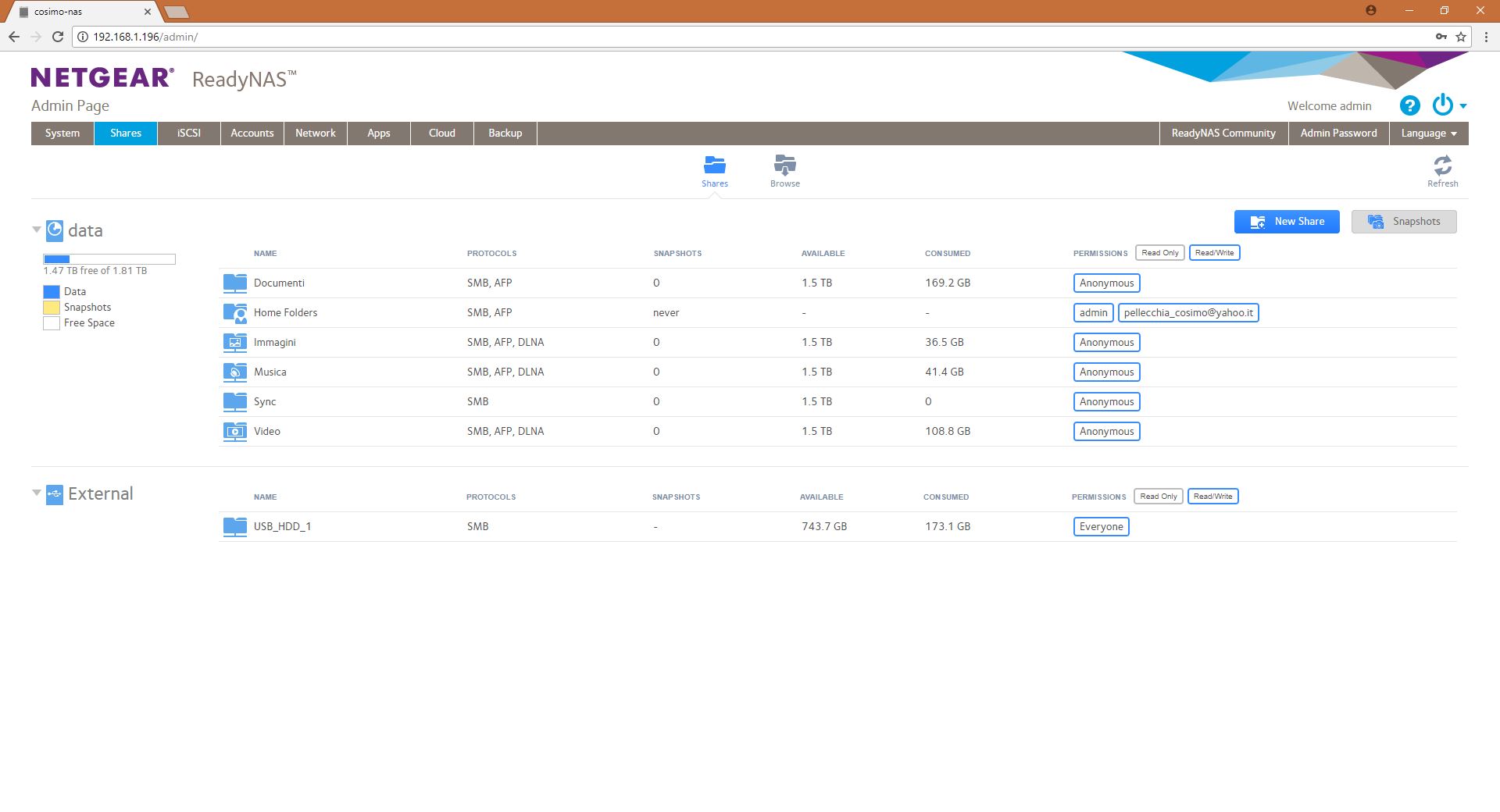
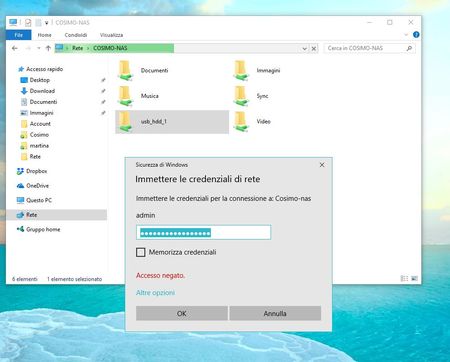
ReadyNAS 102 - I can't access to the folders with admin password
Dear all, Sorry if this is the wrong section. I can't access to the folder in my readyNAS if I sets permissions as "admin"; When I write the correct password for the admin profile, windows repl...
- Nov 25, 2017
Dear StephenB,
Thank you for the explanation and the help.
Regards, Cosimo.

StephenB
Nov 25, 2017Guru - Experienced User
Cosimo wrote:
2) at this point as you say I've added new credential directly into the windows credentials (using as adress of the device the file explorer address "\\COSIMO-NAS" and not the IP) and this time it works!
Windows treats connections using the hostname (COSIMO-NAS) and the IP address as going to two different machines. So if you access the NAS using either the hostname or the IP address you should set credentials for both.
Note that you can actually use different credentials for the hostname than you use for the IP address. For instance, you could use admin for the IP address, and a different NAS account for the hostname.
Cosimo
Nov 25, 2017Star
Dear StephenB,
Thank you for the explanation and the help.
Regards, Cosimo.
Related Content
NETGEAR Academy

Boost your skills with the Netgear Academy - Get trained, certified and stay ahead with the latest Netgear technology!
Join Us!