NETGEAR is aware of a growing number of phone and online scams. To learn how to stay safe click here.
Forum Discussion

DaveOKC
Mar 27, 2017Aspirant
RN21200 setup volumes
I setup my RN21200, with two 4TB drives, using ReadyCloud. I have a few questions: 1. From the instructions it appears that I need to set up one or more Volumes in order to set up shared fold...
DaveOKC
Mar 29, 2017Aspirant
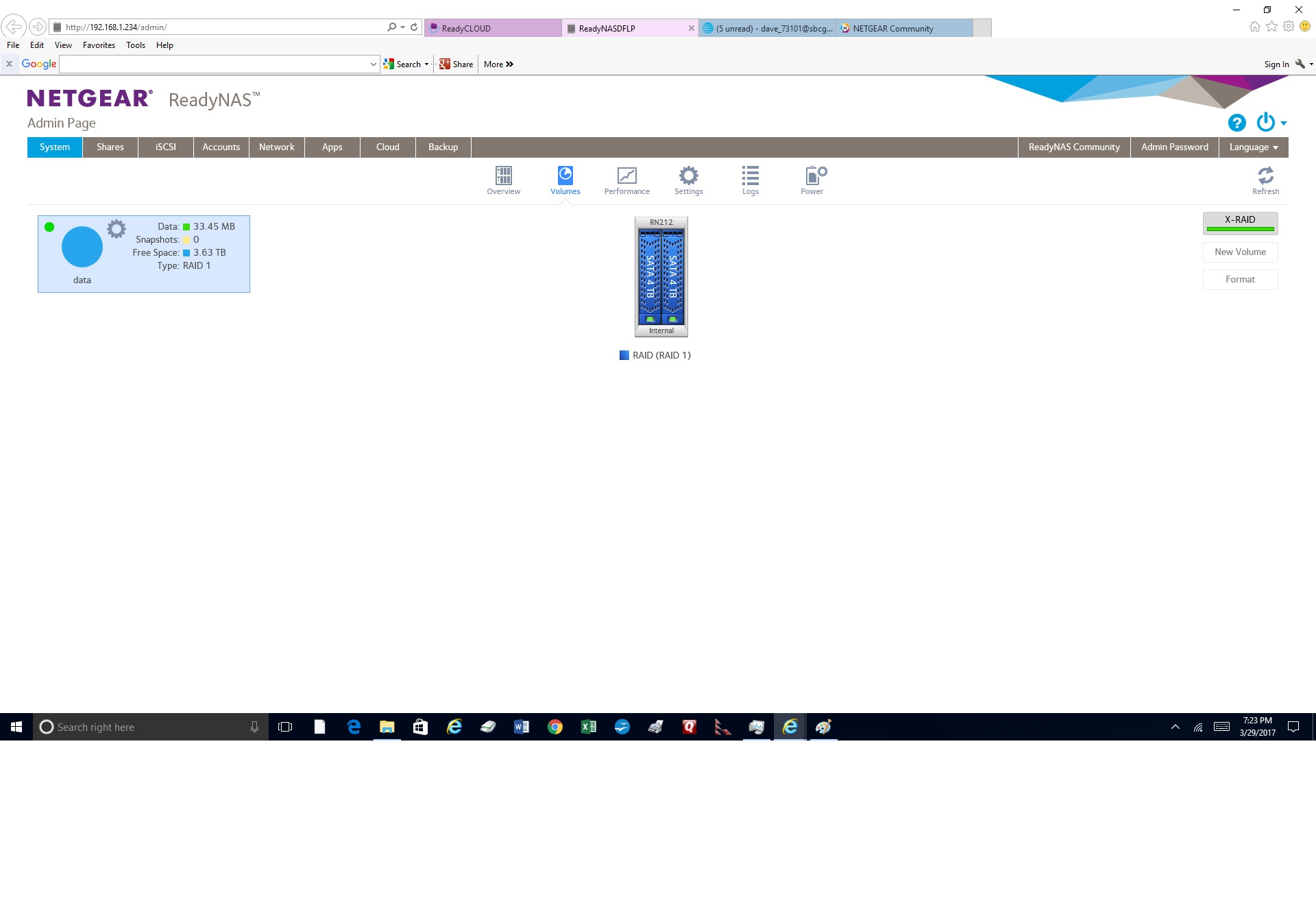
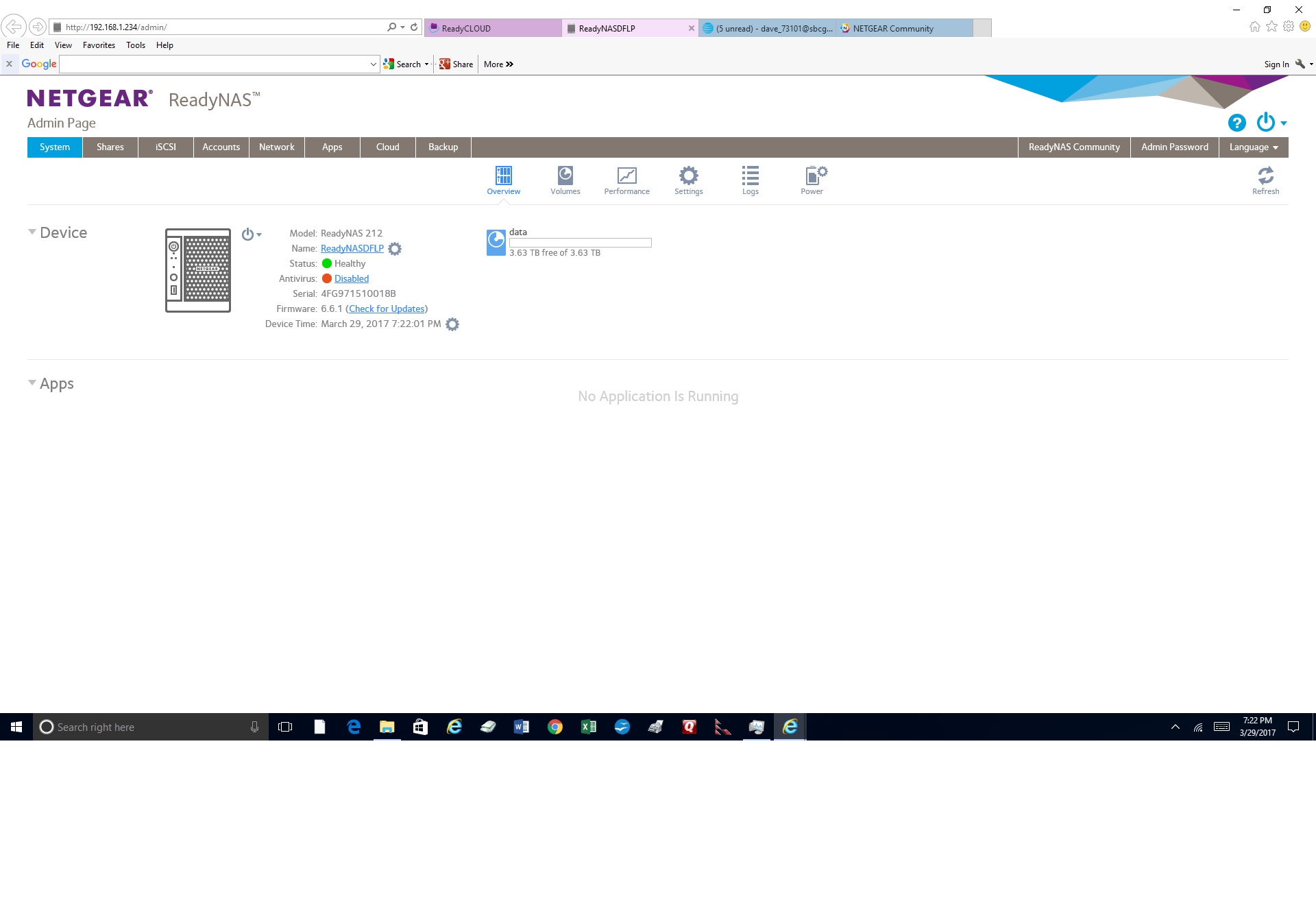
Sorry it took so long to get back with everybody but my admin login wouldn't work, even after resetting my password. I did a OS reinstall and that didn't work I finally did a factory default and was then able to get to my admin page. Here are screen shots of what I have now.
i would like to set this up so the second drive is a backup of the first so that if one drive fails I won't lose my data.
I would also like to encrypt both drives--so how do I create a volume so that I can do that?
Thanks, in advance, for your help on this.

JennC
Mar 30, 2017NETGEAR Employee Retired
Hello DaveOKC,
XRAID will automatically give mirror RAID, But since you would like volume encryption, you will have to switch to FlexRAID.
Click the 2 disks to select them and then click XRAID button, this will allow you to switch to FlexRAID and create a new volume. Select RAID 1, this is the mirror RAID.
Configure the following settings:
-
Name. Enter a name for the volume. The volume must not have the same name as a folder in the root folder system. The volume names home, apps, and job_ are reserved and cannot be used.
-
Encryption. Select this check box to enable encryption on the volume. A key will be generated. If you lose your key, the data on the volume will be irrecoverable.
-
USB to store key. If you enabled encryption, select a USB storage device from the drop-down list to store the generated key.
-
Send key by Email. If you enabled encryption, select this check box to have the generated key sent to a email address associated with the admin account.
Regards,
- jak0lantashMar 30, 2017Mentor
Also, and this is VERY important for you to understand, RAID is NOT a backup! It provides redundancy, which is a very different thing.
- DaveOKCApr 05, 2017Aspirant
I tried to follow your instructions.
I was unable to click the two disks to select them. The little green boxes at the bottom of each disk were already green. I couldn't change either of them--I assumed they were already "checked."
I was able to click the button to switch to flexraid.
However I was unable to click the "create a new volume" button. It was grey, and stayed grey.
Any other suggestions?
I noticed when I setup my NAS there were two options--one to use Readycloud, which I used, and another "advanced option--for setting it up on a home network. That option said you could set up Readycloud later.
Should I try that?
 StephenBApr 05, 2017Guru - Experienced User
You cannot encrypt existing volumes, so you need do destory the exisitng volume before you can create a new (encrypted) one. You will lose all your data when you do that.

Related Content
NETGEAR Academy

Boost your skills with the Netgear Academy - Get trained, certified and stay ahead with the latest Netgear technology!
Join Us!
