NETGEAR is aware of a growing number of phone and online scams. To learn how to stay safe click here.
Forum Discussion

Dig2Ash
Jun 25, 2026Follower
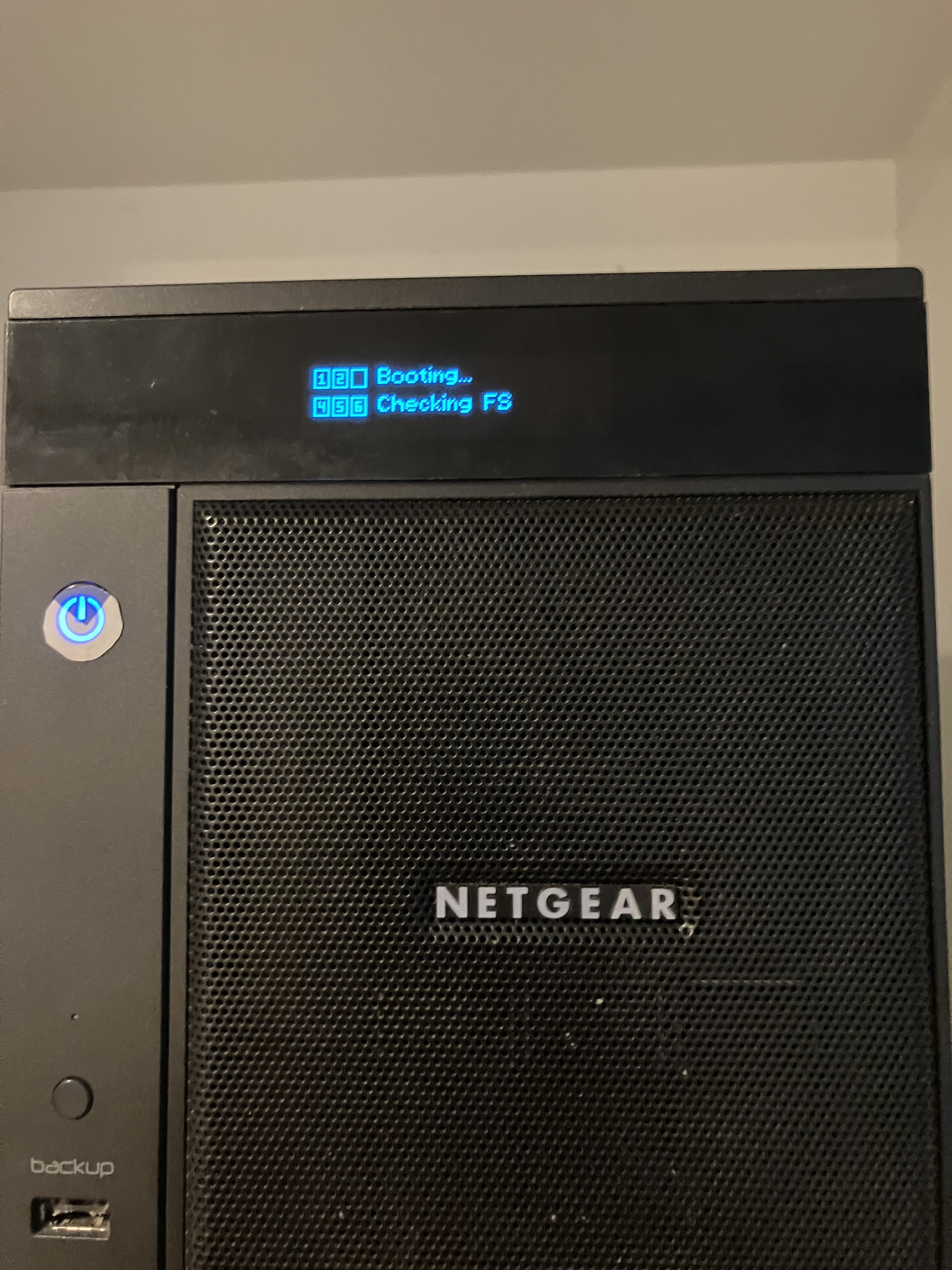
Netgear ReadyNAS Ultra 6 rebooting issue
I'm not an IT person: this will likely show in a way I'm talking about the issue. ;-) Our ReadyNAS started rebooting every day for the past few weeks. I thought cleaning the dust would help. As i...

Sandshark
Jun 25, 2026Sensei
Dig2Ash wrote:Our ReadyNAS started rebooting every day for the past few weeks
That is often a sign the power supply is failing, which is a common issue as these units get older. Did you download the logs, or at least check the system log, to to see if they told you any details as to why it re-booted?
Dig2Ash wrote:As it wasn't doing anything I switched it off from the cable not using the back ON/OFF.
What do you mean by that? You just pulled the plug? That was a REALLY bad idea if it was on at the time, as would be using the switch on the back. That could be what corrupted your file system. If it wasn't running, then that likely did nothing.
While an OS re-install may help, it sounds more like the problem is with the file system, not the OS. Booting via the rear button menu and choosing read-only may get you booted to the point you can retrieve the logs.
On an Ulktra6, as with any ReadyNAS with a display, what you are doing via the boot menu is confirmed by the display.
Related Content
NETGEAR Academy

Boost your skills with the Netgear Academy - Get trained, certified and stay ahead with the latest Netgear technology!
Join Us!