NETGEAR is aware of a growing number of phone and online scams. To learn how to stay safe click here.
Forum Discussion

Lucjan
Mar 26, 2017Aspirant
RN102 COPY SPEED
HELLO
MY nas is a bit slow
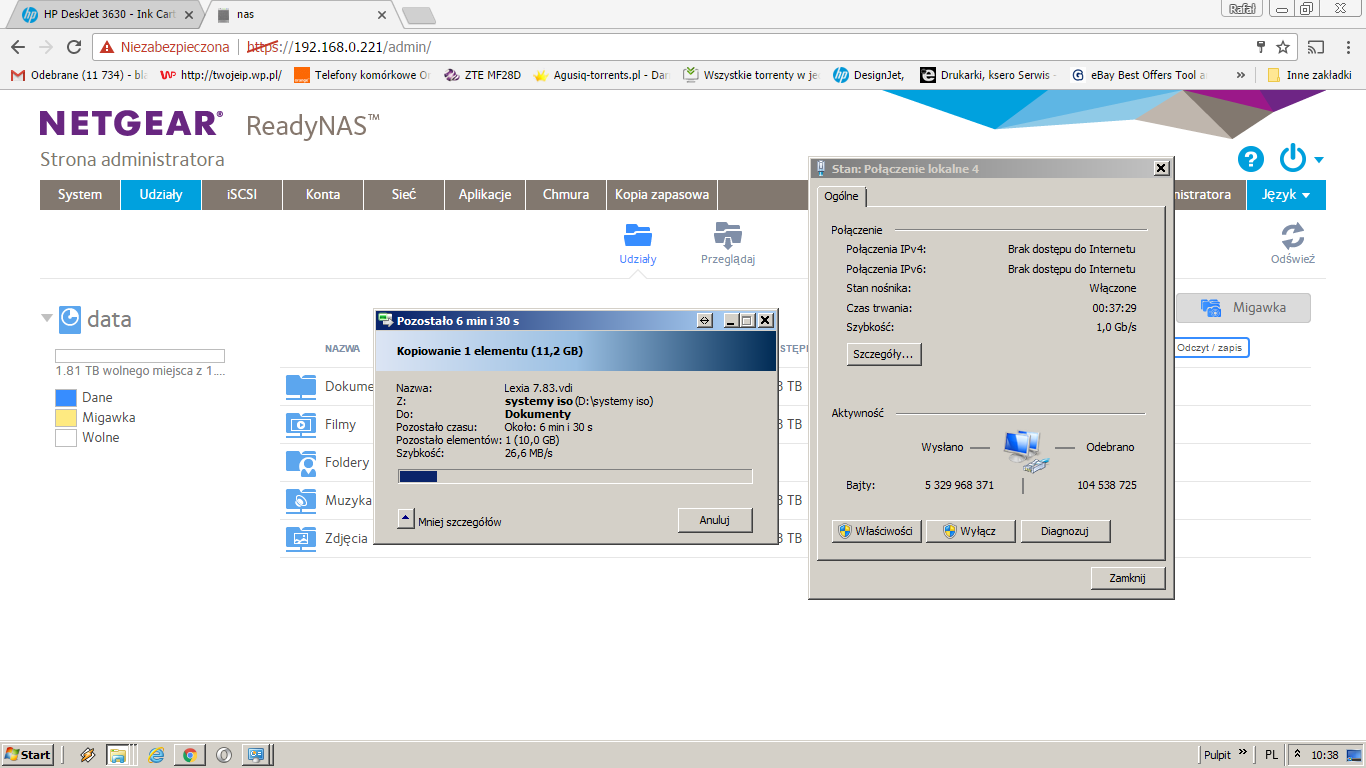
It can copy large file 10gb with only 25MB /s I expected faster transfer abaut 60-70 MB
My comp has ssd drive and Nas has new WD Purple 3.5 disk witch is fast lan is 1gbit
I have 6.6.1 soft .
Can this NAS run faster then 25MB/s
12 Replies
Replies have been turned off for this discussion
- jak0lantashMentor
Lucjan wrote:Can this NAS run faster then 25MB/s
Maybe...
But WD Purple is not a HDD meant for NAS.
An RN102 is cheap, so it's also slow (weak CPU).
Start by disabling AntiVirus, disabling snapshots, disabling Bit Rot Protection, disabling unused services, etc.
- LucjanAspirant
All this is disabled
Is it normal speed of rn102 25MB/s ?
- SandsharkSensei
I don't have a 102 or similar to test. But, while not NAS purposed, the WD Purple should not be a factor in your speeds. Reds would be better, but a purple is still better than a green here. Before there were NAS purposed drives, Netgear used surveillance rated drives in some of their consumer grade NASes that came with drives installed (I purchased an NV+ with them).
"Copy" doesn't say much about what you are doing. From the NAS perspective, are you reading or writing? If you are writing a backup, that seems about right. Quoting from Trusted Reviews' Netgear 102 review: "A real backbreaker for NAS is transferring lots of small files so running our 2GB test folder containing over 2,000 files hit the RD102 hard. Proportionately reads were still strong at 23.5MBps (188Mbps) but writes fell to just 10.7MBps (85.6Mbps)."
- Retired_Member
I have an RN104, which is very similar to RN102 and I get 50MB/s.
You might want to see whether any of the following hints might be useful for you:
Here is a bit of background of my environment:
- LucjanAspirant
hello
Thaks for your reply
I found that
on laptop on windows 7 copy speed over smb is about 30 MB/s
but Booting from windows 10 PE livecd on my laptop a doing the same thing we get 50MB/s or even 70MB/s
my latop is lenovo g550 and card is rtl8153
So conclusion is that my Windows 7 home is slower and I dont know why
Neatgear NAs is ok and woking good from beging .
Big difence by just using a nother windows version
- Retired_Member
You might want to try app "smb plus" on the nas and see whether there is a difference.


Related Content
NETGEAR Academy

Boost your skills with the Netgear Academy - Get trained, certified and stay ahead with the latest Netgear technology!
Join Us!
